Otoport OAE+ABR
User Manual for Otoport DP+TE model
139
Conguration
15.4.3 Battery
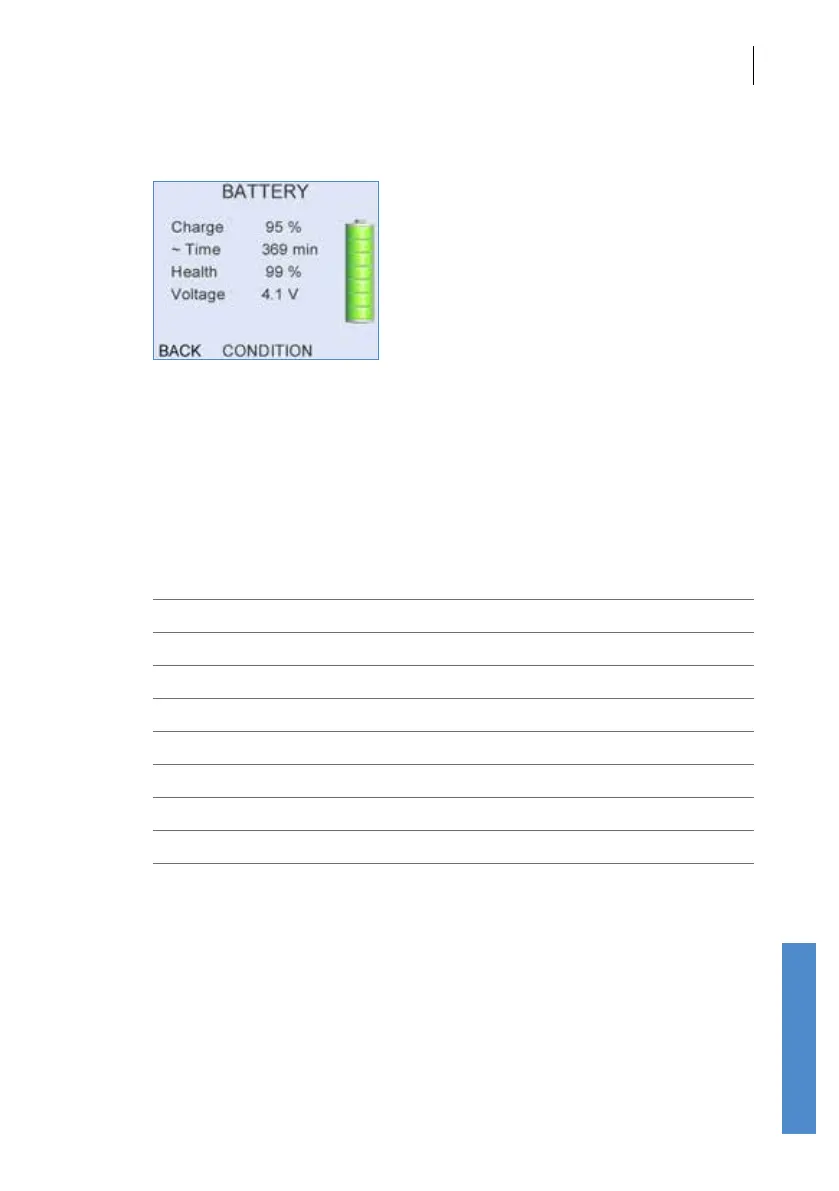
The Battery screen provides information on the current battery status.
The total battery power remaining is displayed as a percentage and as an
approximate operation time. The calculated time is only an approximate
indication as the power requirements will vary depending on the mode of
operation.
The battery graphic on the right of the screen conveys the total remaining
power. The battery segments are shaded according to the following criteria:
Segments Displayed Battery Power (%)
7 95 - 100
6 75 - 94
5 55 - 74
4 40 - 54
3 30 - 39
2 20 - 29
1 10 - 19
0 < 10
The battery Voltage and Health are provided as a diagnostic tools.
The battery graphic is also displayed on the Logo screen to inform the user
of the battery power every time the device is switched on.
Select Condition to discharge the Otoport battery. See chapter 21 Otoport
power for more information.



 To Next Page