CHAPTER FIFTEEN
Conguration
140
Conguration
15.4.4 Setup
Quick Save
The options available from the test result screen depend on the Quick
Save option.
If Quick Save is On, test results can be saved from the test result screen
with a single button push but patient details can only be entered after
testing by selecting Last on the main menu.
If Quick Save is O, options to enter patient details before testing and to
review the test result before the test is saved are available (see section 11.1
Quick save option).
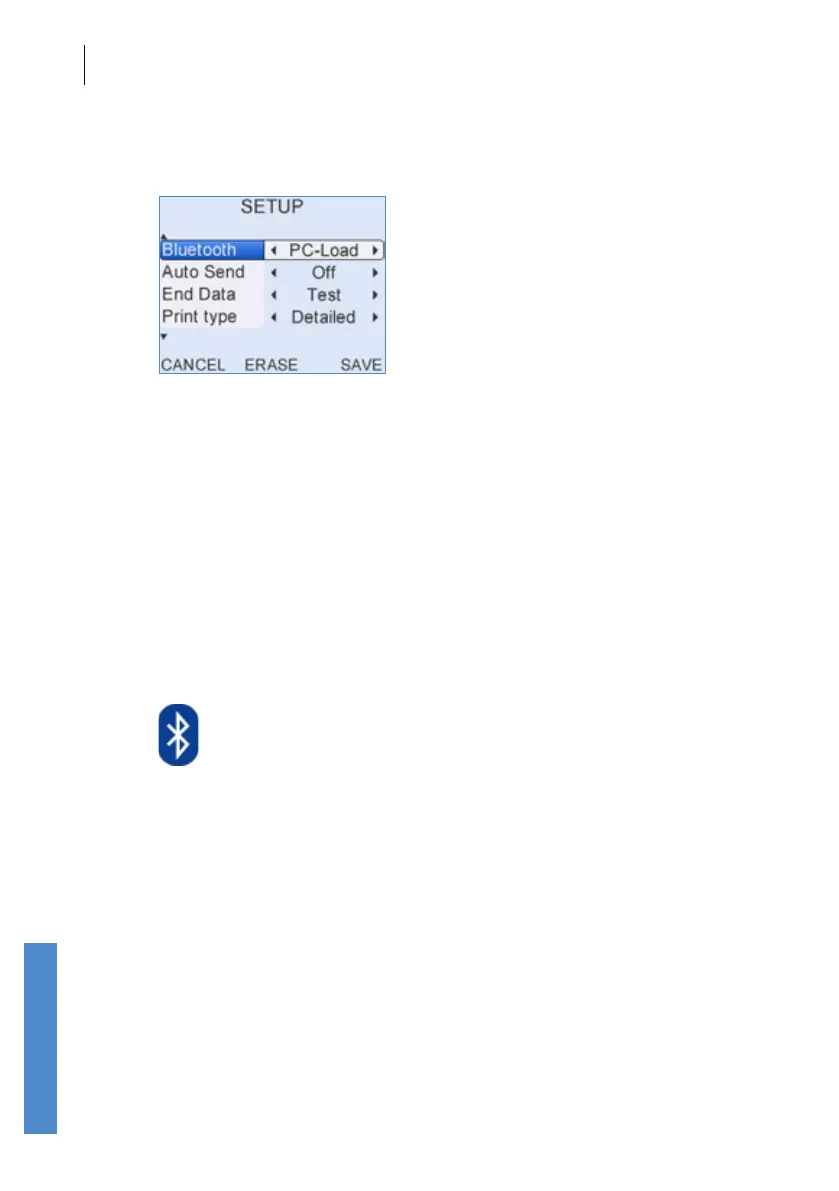
Bluetooth
Bluetooth sets how the Otoport’s wireless communication will be used.
If Bluetooth is set to PC-Load then the Otoport can use Bluetooth
communication to send test results to a PC. Details of how to set up
wireless download to PC are included in your Otolink manual.
If Bluetooth is set to Print then the Otoport can use Bluetooth
communication to send test results to the mini-printer (see chapter
11
Printing).
Wireless printing and download are only available on Bluetooth enabled
Otoports. You can tell if a Bluetooth module is tted, as a Bluetooth symbol
(shown above) is included on the product label on the back of the Otoport.
The function of the Auto Send and End Data options below are dependent
on this setting.



 To Next Page