162
Quality checks
CHAPTER SEVENTEEN
Quality checks
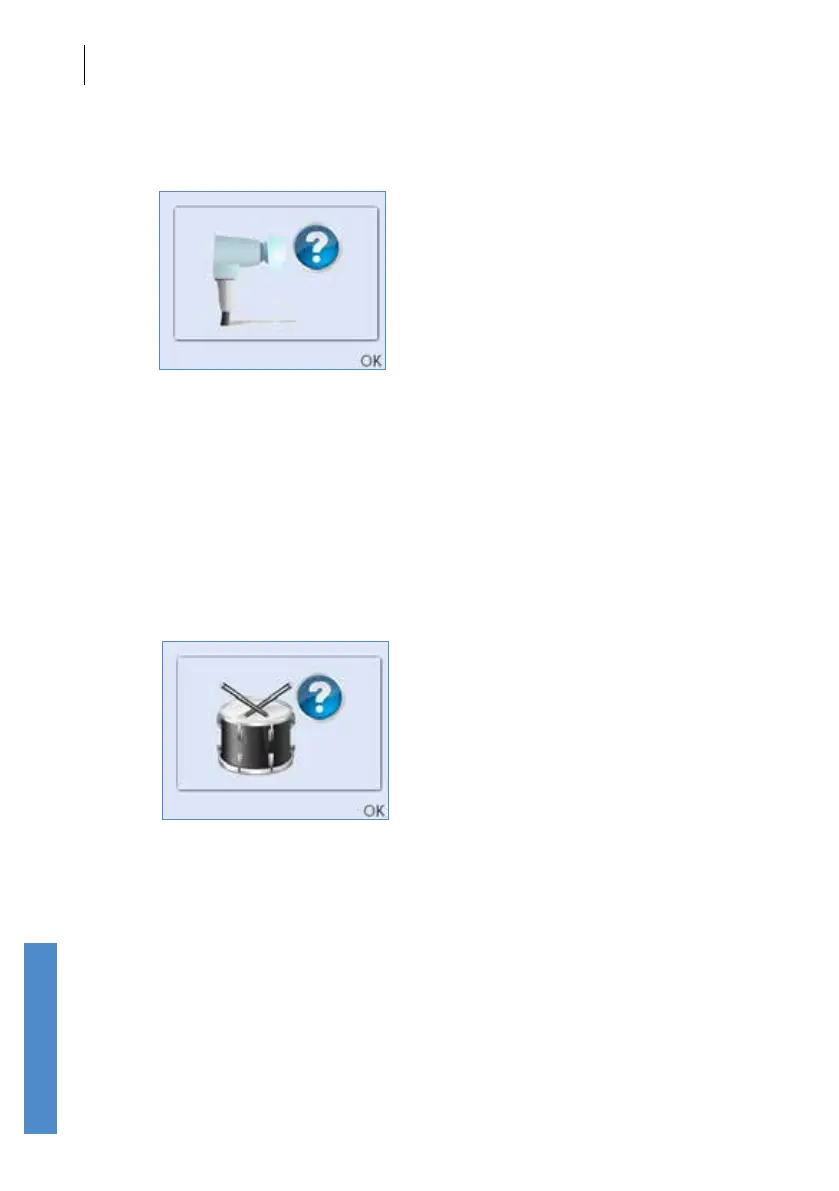
Query
The levels recorded at all frequencies are with the absolute range but one
or more frequencies is more than ± 3 dB of the probe specic values. If
a Query is shown inspect the probe coupler tubes for debris, replace
the coupler if necessary and repeat the Probe Test by selecting Retest,
ensuring the ear piece is rmly inserted in the test cavity. A Query result
indicates that there have been changes in the probe but that these changes
are not large enough to invalidate testing. It may be possible for the probe
calibration to be adjusted if the probe is returned to Otodynamics.
Noisy
There was signicant noise during the calibration test. This noise may
have inuenced the levels recorded so a Retest should be performed.
Select Back to exit the probe test and return to the Probe Menu screen.



 To Next Page