CHAPTER TWENTY-ONE
Power
180
Power
21.4 Battery charge
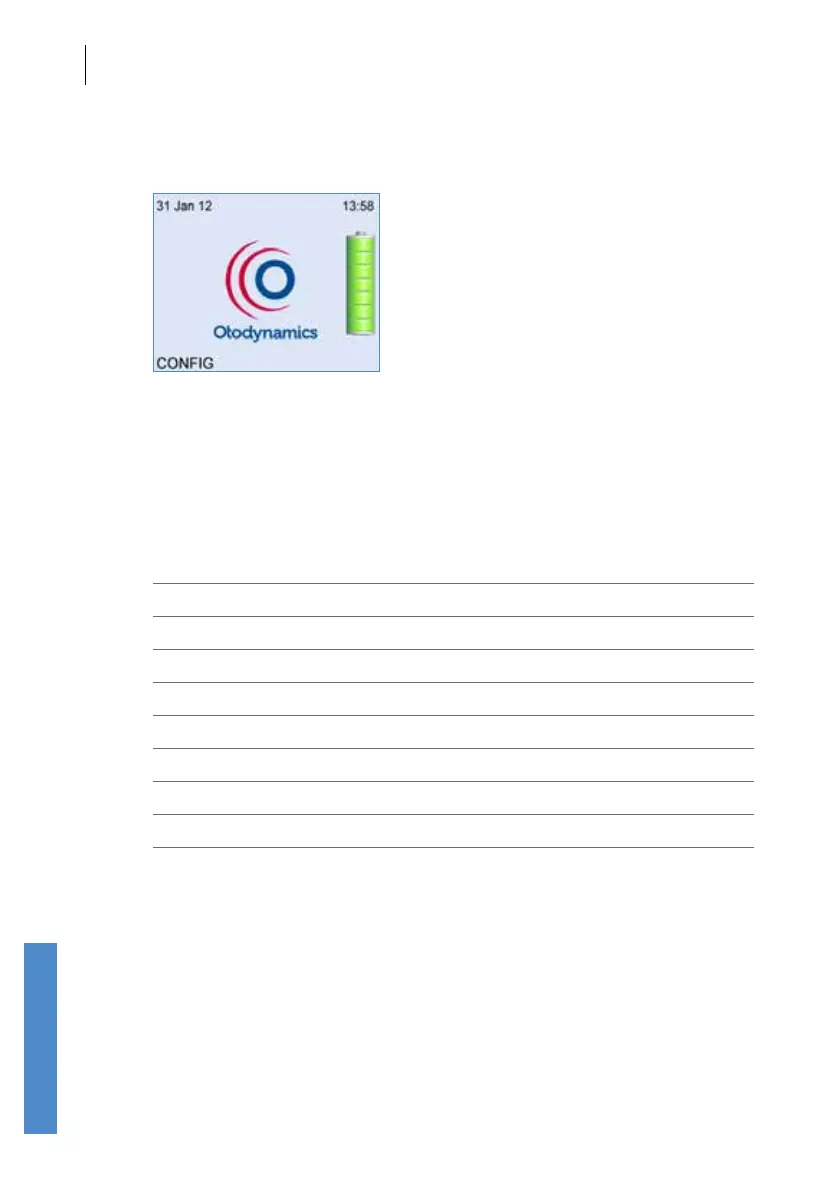
When the Otoport is switched on, the opening screen shows a battery
indicator which displays the remaining level of battery charge.
The indicator has 5 segments which convey the total battery charge
remaining. The battery segments are shaded according to the following
criteria.
Segments Displayed Battery Power (%)
7 95 - 100
6 75 - 94
5 55 - 74
4 40 - 54
3 30 - 39
2 20 - 29
1 10 - 19
0 < 10



 To Next Page