Otoport OAE+ABR
User Manual for Otoport DP+TE model
185
Power
21.6 Conditioning the Otoport battery
In order maintain the Otoport batteries and keep them at optimal
performance you should condition the battery once per year, or if the unit
batteries appear to run down more quickly than expected. This process
involves completely discharging the battery, using a function provided in the
Otoport System area and then fully charging the device (see section 15.4
System).
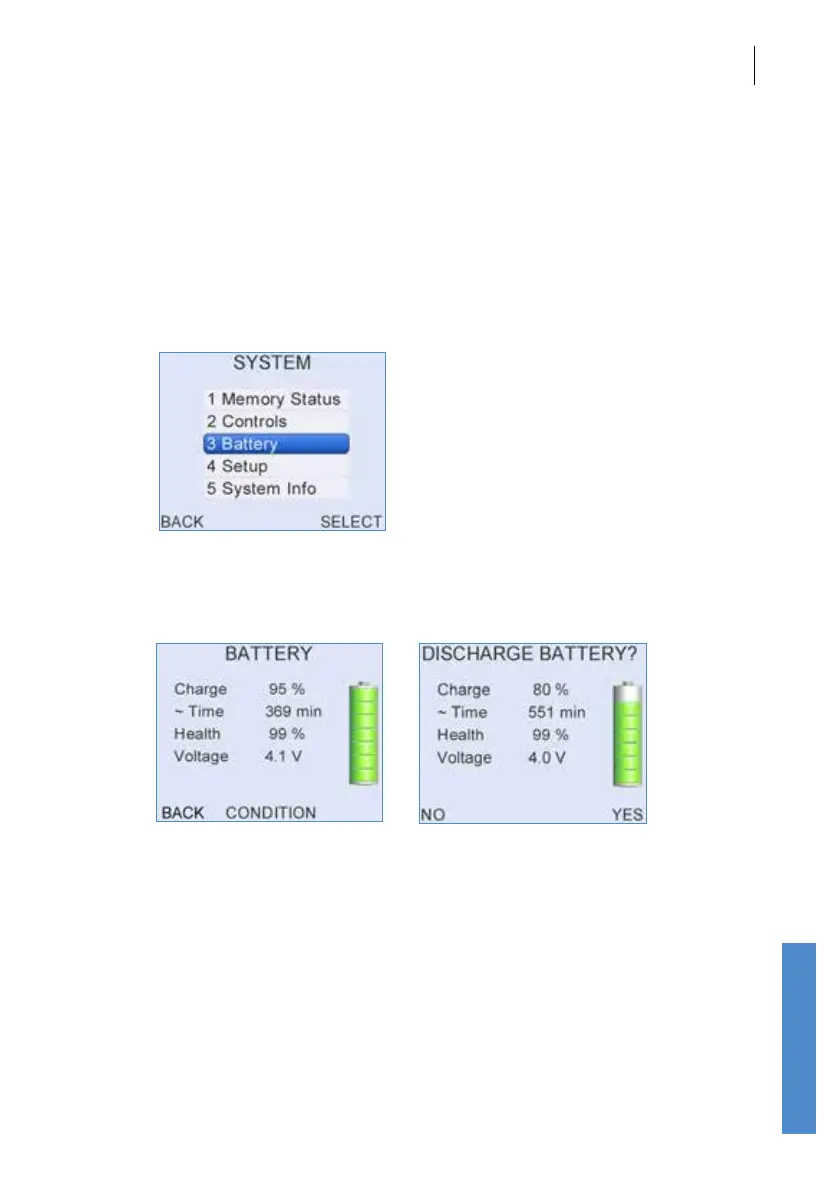
The condition utility is available from the Conguration menu by selecting
System then Battery. Selecting Condition and conrming will set the
device to full power to drain the battery.
This process can take up to 6 hours. Select Cancel to stop the
conditioning process. The Otoport will automatically switch o when
the battery has been fully discharged. Now fully charge the Otoport to
complete the battery condition cycle. Wait for the tick on the screen and for
the charge light to extinguish, to conrm a full charge.
21.6.1 Additional battery care
If the Otoport is not in regular use, in order to maintain the battery, fully
charge the device every two months.



 To Next Page