CHAPTER THREE
Getting started
30
Getting started
3.1.3
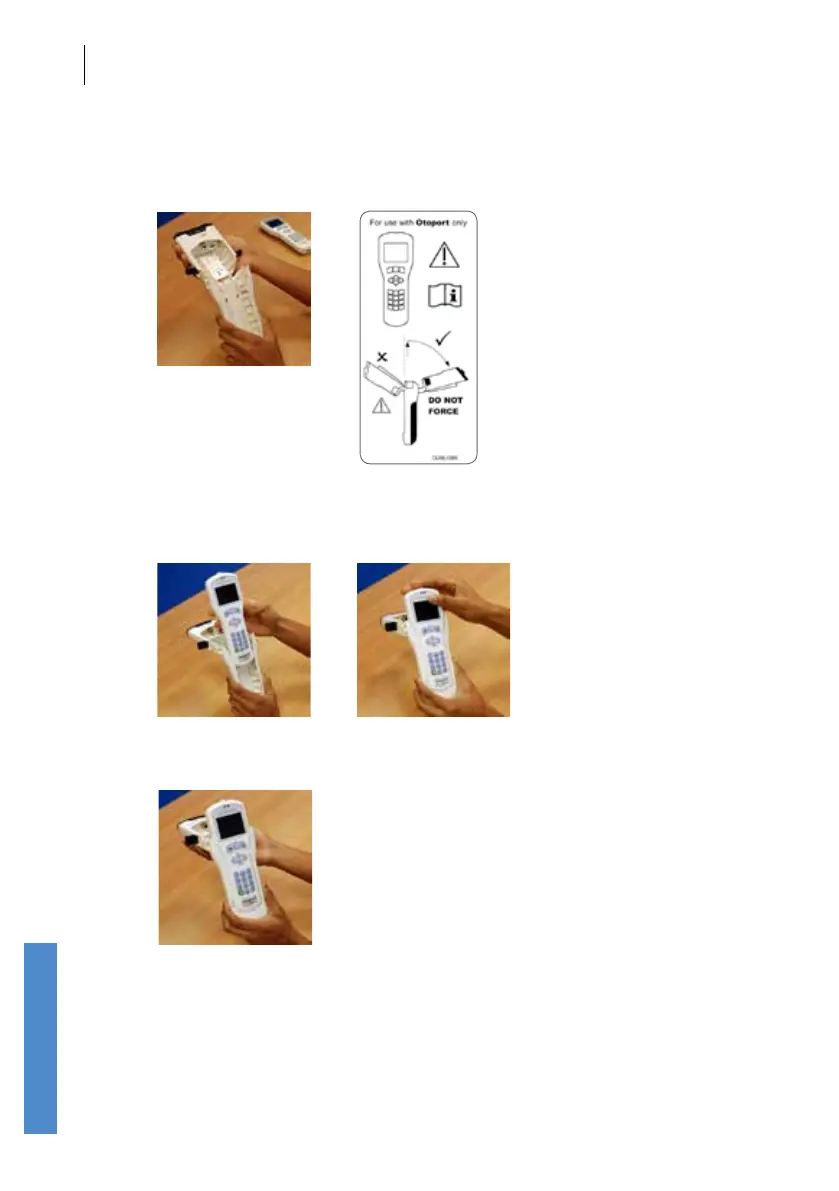
Slightly tilt the upper section back (see diagram on label inside Module).
Do NOT tilt it forwards and do NOT force it back.
3.1.4
Carefully insert the Otoport into the sleeve and slide it down until the
connector at the bottom of the sleeve is inserted into the port at the bottom
of the Otoport
3.1.5
Tilt the upper section of the ABR Module forward (so that it is level with the
Otoport)
Please see next page for warning of possible damage if the Otoport is not
inserted according to these instructions.



 To Next Page