CHAPTER SEVEN
OAE test procedure
62
OAE test procedure
The default Clinical modes are TEOAE, DP High, DP Low and DP 12
Frequency.
The default Screen modes are TEOAE, DP Low and ABRscreen.
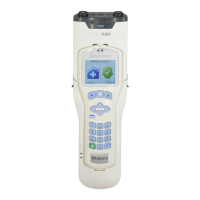
Small icons indicate whether Screen or Clinical mode is in use. The
available modes can be altered (see chapter
15 Conguration).
Link-Test, Utilities and the Work List are always available in both modes.
The DP High and DP Low modes allow testing at half-octave points at
dierent stimulus levels. DP 12 Freq tests from 1-8kHz at quarter octave
points.
Note:
Congure the modes available in the Cong area (see chapter
15 Conguration). Modes turned O here will not be available.
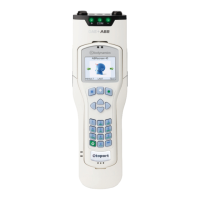
The banner at the top of the rst four main menu screens shows the
current test stimulus. For the DP modes, the numbers by the mode name
represent the amplitude of the primary tones L1 and L2.
A test may be started from one of these screens by selecting Last or Test.
For guidance on using the Work List, see chapter 13.
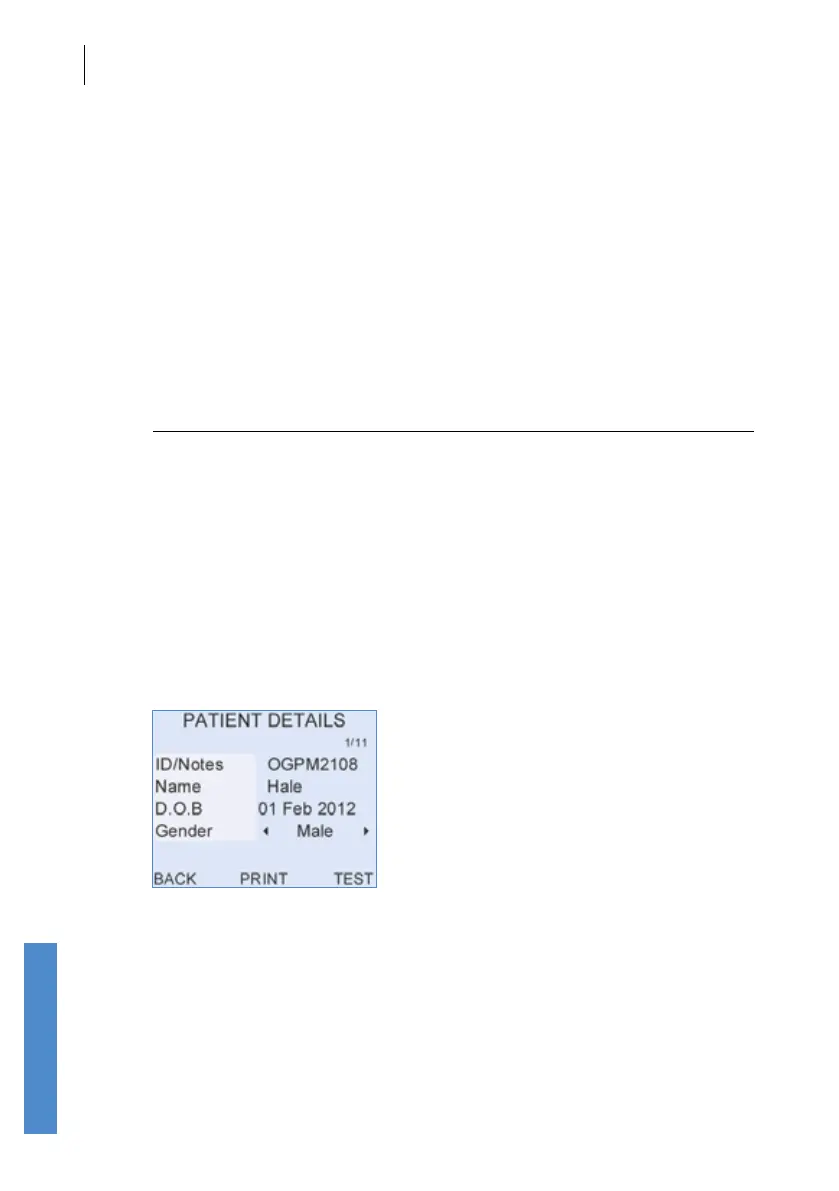
A test may also be started from the Patient details screen in the Record
area (see chapter 14).
You will not be able to start a test if the Otoport is connected to a PC or
power supply.



 To Next Page