EasyManua.ls Logo

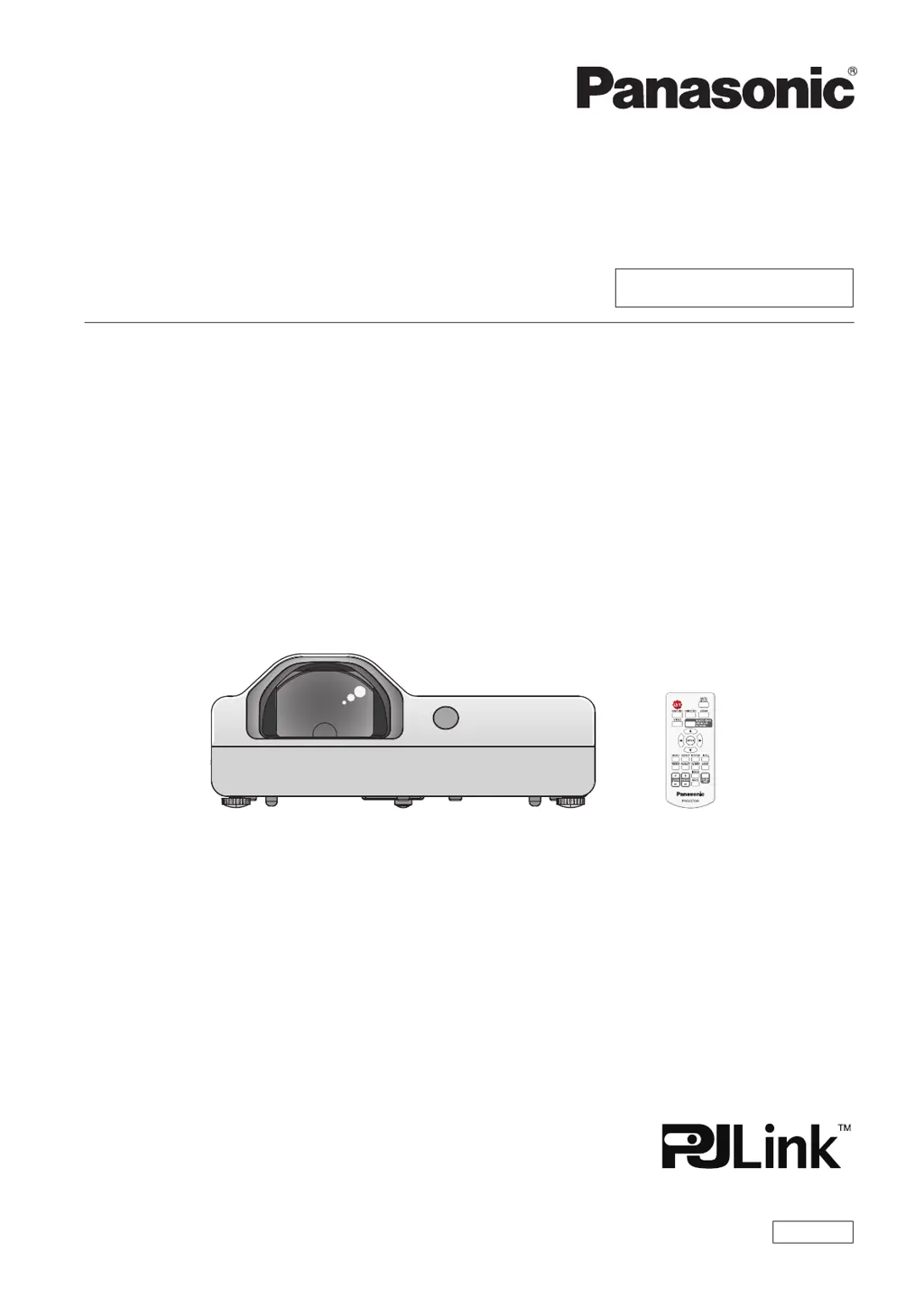
Panasonic PT-TX430 - User Manual

Panasonic PT-TX430
112 pages
Print Icon
To Next Page IconTo Next Page
Loading...
Operating Instructions
Functional Manual
LCD Projector
Commercial Use
Thank you for purchasing this Panasonic product.
Before operating this product, please read the instructions carefully, and save this manual
for future use.
Before using your projector, be sure to read “Read this rst!” (x pages 4 to 11).
Model No.

PT-TW370
PT-TX430
PT-TX340
ENGLISH
DPQP1256ZB/X1

Table of Contents

Other manuals for Panasonic PT-TX430

Questions and Answers

  • M
    Michael HoganSep 3, 2025
    What to do if the picture on my Panasonic PT-TX430 is fuzzy?
    • M
      Melvin SimmonsSep 3, 2025
      If the picture on your Panasonic Projector is fuzzy, try the following: * Adjust the lens focus. * Clean the lens. * Make sure the projector and screen are properly aligned.
  • E
    emorganSep 2, 2025
    How to troubleshoot a Panasonic PT-TX430 remote control that is not working?
    • F
      franklinmatthewSep 2, 2025
      If the remote control isn't working with your Panasonic Projector, try these steps: * Replace the batteries, as they may be weak. * Ensure the batteries are inserted correctly. * Remove any obstructions blocking the signal receptor on the projector. * Move closer to the projector with the remote control. * Avoid strong light shining on the signal receptor. * Check if the remote control operation is enabled in the [Key lock] settings. * Make sure the same codes are set on both the projector and the remote control.
  • T
    Thomas SawyerAug 31, 2025
    Why does my Panasonic Projector have no picture?
    • A
      Alison ChambersAug 31, 2025
      If no picture is appearing on your Panasonic Projector, here's what you should check: * Make sure the video signal input source is properly connected to the correct terminal. * Verify that the input selection setting is correct. * Increase the [Brightness] setting, as it may be at the minimum. * Check the input source for any issues. * Disable the AV mute function if it's enabled.
  • T
    Timothy ClineAug 29, 2025
    What to do if Panasonic PT-TX430 Projector picture from a HDMI device does not appear?
    • W
      wandakingAug 29, 2025
      If the picture from a HDMI device does not appear, or the picture is not stable on your Panasonic Projector, make sure the HDMI cable is securely connected, restart the projector and connected devices, and check for unsupported signal cables.
  • C
    Cory MoranAug 28, 2025
    What to do if Panasonic PT-TX430 control buttons do not operate?
    • J
      jeffrey03Aug 28, 2025
      If the control buttons on your Panasonic Projector aren't working, check the Key lock setting in the [Setting] menu to ensure the control panel operation isn't disabled.
  • A
    Amy HernandezAug 27, 2025
    Why Panasonic PT-TX430 Projector remote control does not operate?
    • J
      Jocelyn McdanielAug 27, 2025
      If the Panasonic Projector's remote control isn't working, consider the following: 1. The batteries may be weak, replace them. 2. The batteries may not be correctly inserted, reinsert them properly. 3. There may be an obstruction blocking the signal receptor on the projector, remove any obstructions. 4. The remote control may be out of operational range, move closer to the projector. 5. Strong light such as fluorescent light may be interfering with the signal receptor, eliminate the strong light sources. 6. The remote control operation may be disabled in the [Key lock] setting of the [Setting] menu, check the Key lock setting. 7. Different codes may be set on the projector and the remote control, synchronize the codes.
  • C
    Christina BranchAug 25, 2025
    What to do if Panasonic PT-TX430 has no picture?
    • M
      Melissa WongAug 25, 2025
      If your Panasonic Projector displays no picture, consider these possible causes: * The video signal input source might not be properly connected. Ensure it's securely connected to the correct terminal. * The input selection setting could be incorrect. Verify that the correct input source is selected. * The brightness setting may be at its minimum. Adjust the brightness to a suitable level. * The input source connected to the projector might have a problem. Troubleshoot the input source. * The AV mute function may be activated. Deactivate the AV mute function.
  • T
    Tina MurrayAug 22, 2025
    How to fix a Panasonic PT-TX430 Projector that does not turn on?
    • M
      Mark DiazAug 22, 2025
      If your Panasonic Projector isn't turning on, there are several things to check: * Ensure the power cord is securely connected. * Verify that the wall outlet has electricity. * Check and reset any tripped circuit breakers. * Examine the power and warning indicator lights for their status. * Confirm that the lamp cover is securely installed.

Panasonic PT-TX430 Specifications

General IconGeneral
BrandPanasonic
ModelPT-TX430
CategoryProjector
LanguageEnglish

Related product manuals