EasyManua.ls Logo

Panasonic SA-MAX3500PU - Troubleshooting: No Sound (MIC)

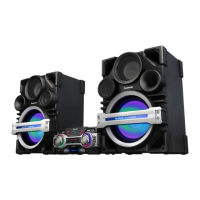
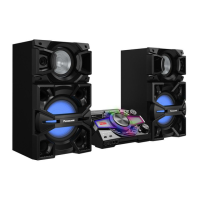
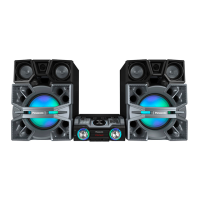
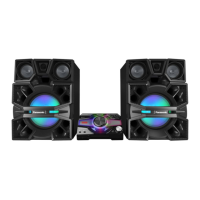
Panasonic SA-MAX3500PU
104 pages
Print Icon
To Next Page IconTo Next Page
To Previous Page IconTo Previous Page
Loading...
24
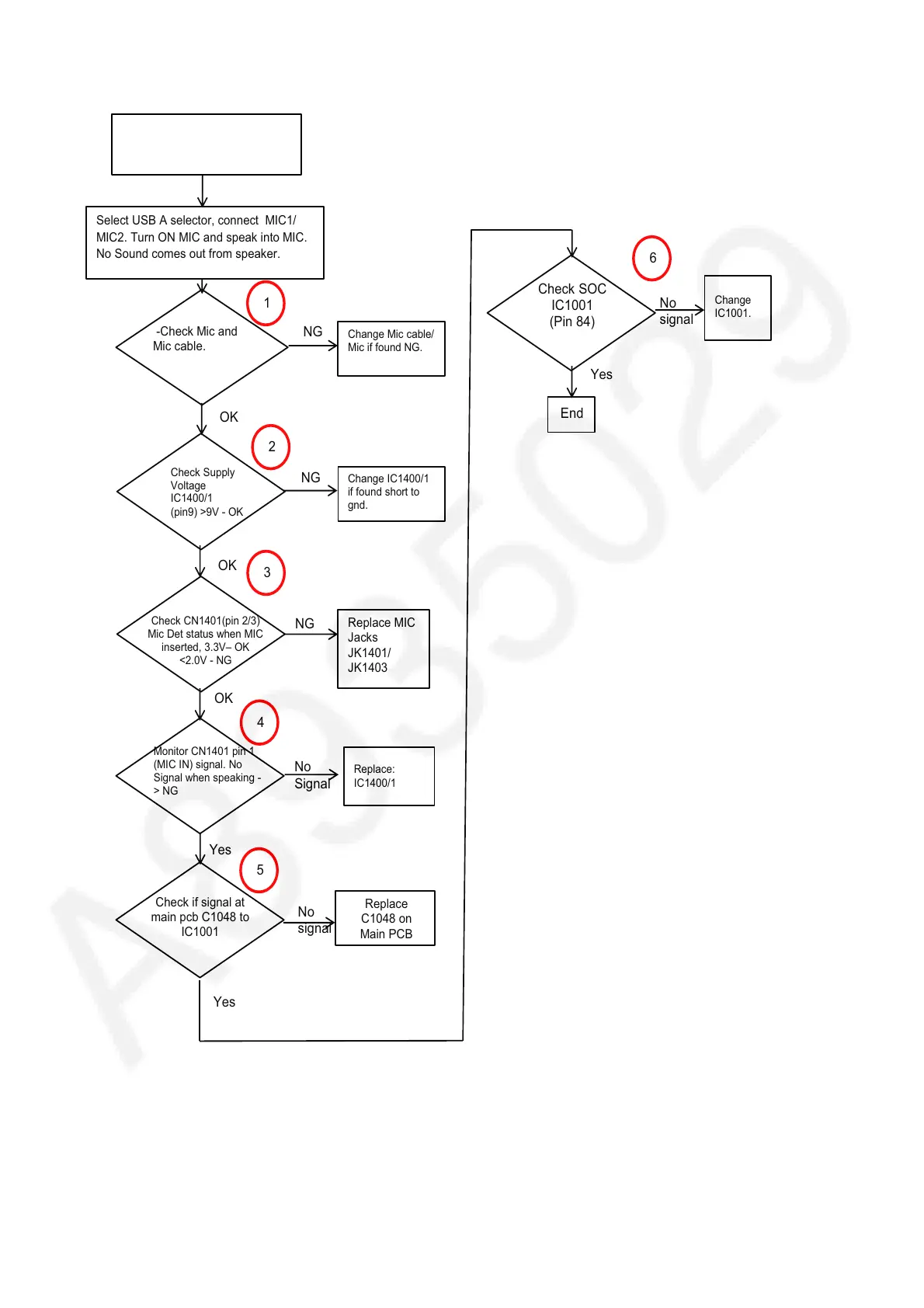
7.4. No Sound from MIC at any selector
Press Power Button of Unit
or Remote Control to Turn
ON the Unit
Change Mic cable/
Mic if found NG.
-Check Mic and
Mic cable.
NG
Check Supply
Voltage
IC1400/1
(pin9) >9V - OK
OK
No
signal
Yes
1
2
OK
NG
NG
OK
Monitor CN1401 pin 1
(MIC IN) signal. No
Signal when speaking -
> NG
Check if signal at
main pcb C1048 to
IC1001
No
Signal
Check SOC
IC1001
(Pin 84)
Change IC1400/1
if found short to
gnd.
Replace:
IC1400/1
Replace
C1048 on
Main PCB
Change
IC1001.
3
4
Select USB A selector, connect MIC1/
MIC2. Turn ON MIC and speak into MIC.
No Sound comes out from speaker.
End
Check CN1401(pin 2/3)
Mic Det status when MIC
inserted, 3.3V± OK
<2.0V - NG
Yes
No
signal
Yes
5
Replace MIC
Jacks
JK1401/
JK1403
6

Table of Contents

Related product manuals