BA_PH_690-100_EN_10-22.docx
16.5.7 Setting Degrees & Intermediate Degrees
• Loosen the clamping lever (1).
• Then turn the cross-cut fence (L) and set to the desired angle via the digital display.
• Tighten the clamping lever (1) again.
16.5.8 Changing Parameters of the Digital Indicator
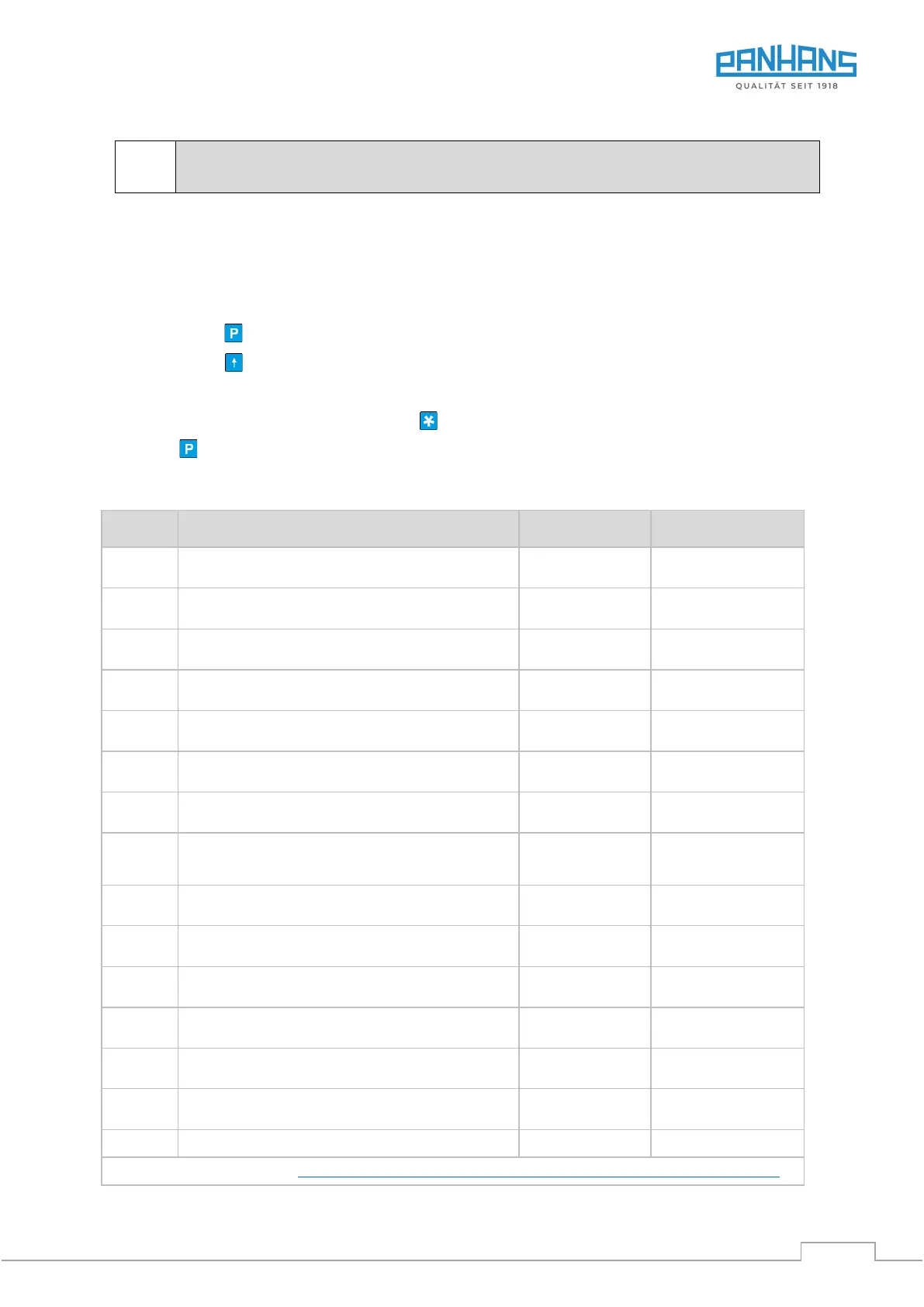
• Press button until parameter “AUFL” appears.
• Press button to scroll through the parameters until the parameter to be changed appears.
• Using the arrow keys, enter the parameters according to the parameter table
(see below) and confirm by pressing button .
• Press a total of 15 times until the parameters have been exited.
• Switch the unit off and on again so that the changes are applied!
Designation / Value Range
Resolution (mm, In = Inch)
1, 0.1, 0.05, In 0.01, In 0.001, FrEI, 1/16in, 1/32in, 1/64in
Multiplicator (only with resolution “FrEI”)
0.0000 ... 9.99999
Decimal places (only with resolution “FrEI”)
0 … 0.000
Reference value
−99999 … (+)99999
Offsettwert
−99999 … (+)99999
Counting direction
UP, DOWN
Switch-off time (in hours)
(only with switch-off type = ON)
0.2, 0.5, 1.0, 2.0, 4.0, 8.0
Actual value memory
ON, OFF
Enable reset function
ON, OFF
Enable incremental mode
ON, OFF
Enable change of reference value
ON, OFF
Enable change of offset value
ON, OFF
Language (D = German / E = English)
More details about the unit on https://www.siko-global.com/en-de/service-downloads/download-products?A=detail&id=1440
For mitre cuts, the cross-cut fence (L) must always rest on the support rail (5) .


 To Next Page