Chapter 5
How to Use Function Menu
NOTE: This document is CONFIDENTIAL and must be used exclusively for the operation of PAX programs. It may not be
duplicated, published, or disclosed without PAX prior written permission.
95
5.4 Find
Note
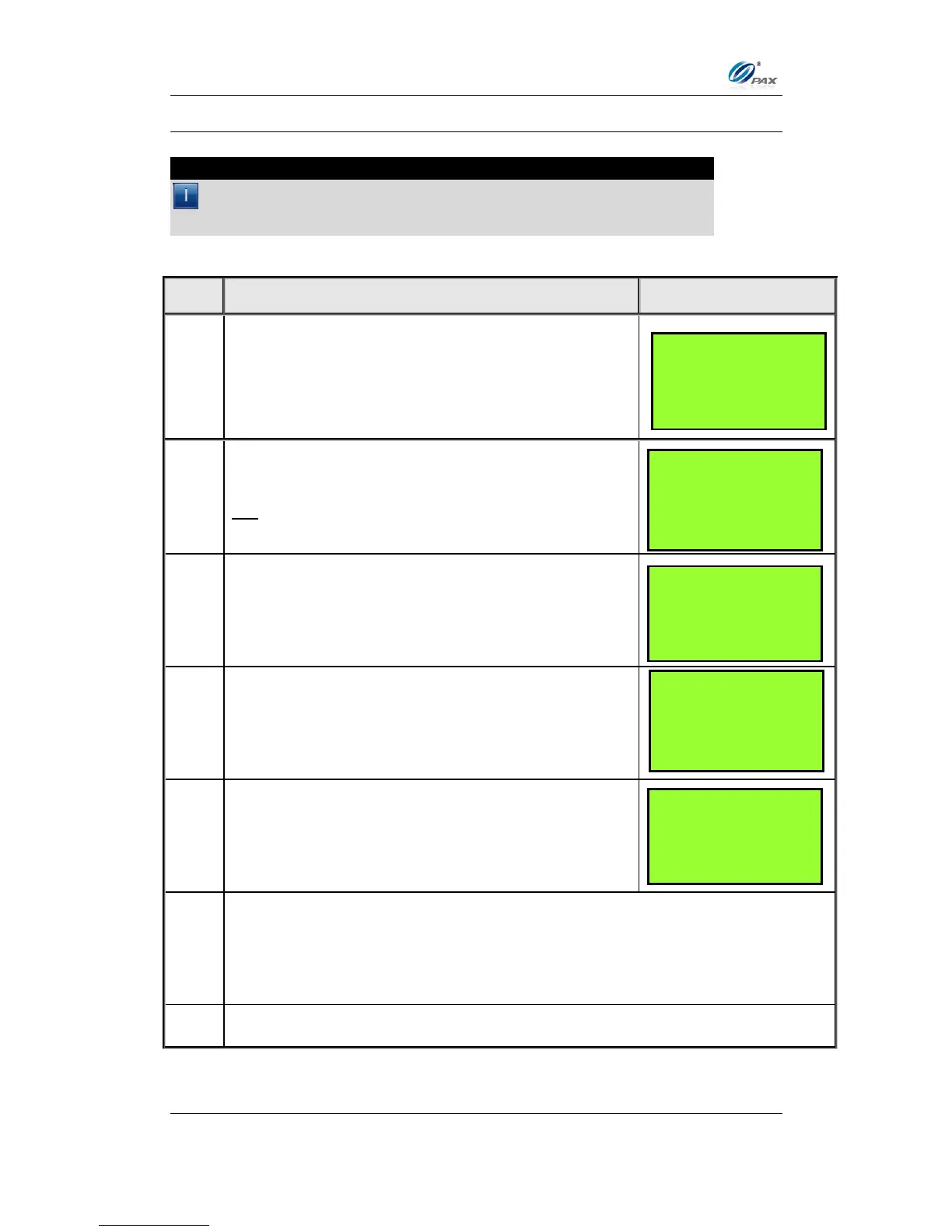
7. By this function, the user can try to find information of the transacitons
recorded on the POS terminal. Transations can be traced by Last 4
Digits of card.
From the idle prompt press [FUNC] to access via
the Function Menu.
Use the [▲] & [▼] keys to scroll through the options
then press [ENTER] to select.
OR
Press [5] to print the default report.
Input the Password and press [ENTER].
Input Last 4 Digits of the card the user wants to
trace
View details of transactions. Use the [▲] & [▼]
keys to scroll different transaction
Press [CANCEL] to go back.
FUNCTION MENU:
1. Report
2. Batch
3. Review
4. Find
INPUT ACCOUNT
CREDIT
SALE
#0001 SALE
AMT: 1000.00
TIP: 10.00
************5454



 To Next Page