Chapter 2
PAX S90 POS Terminal Overview
NOTE: This document is CONFIDENTIAL and must be used exclusively for the operation of PAX programs. It may not be
duplicated, published, or disclosed without PAX prior written permission.
9
2.3.2 Key Assignments
Note
Use the table below to identify the keys on your POS Terminal model.
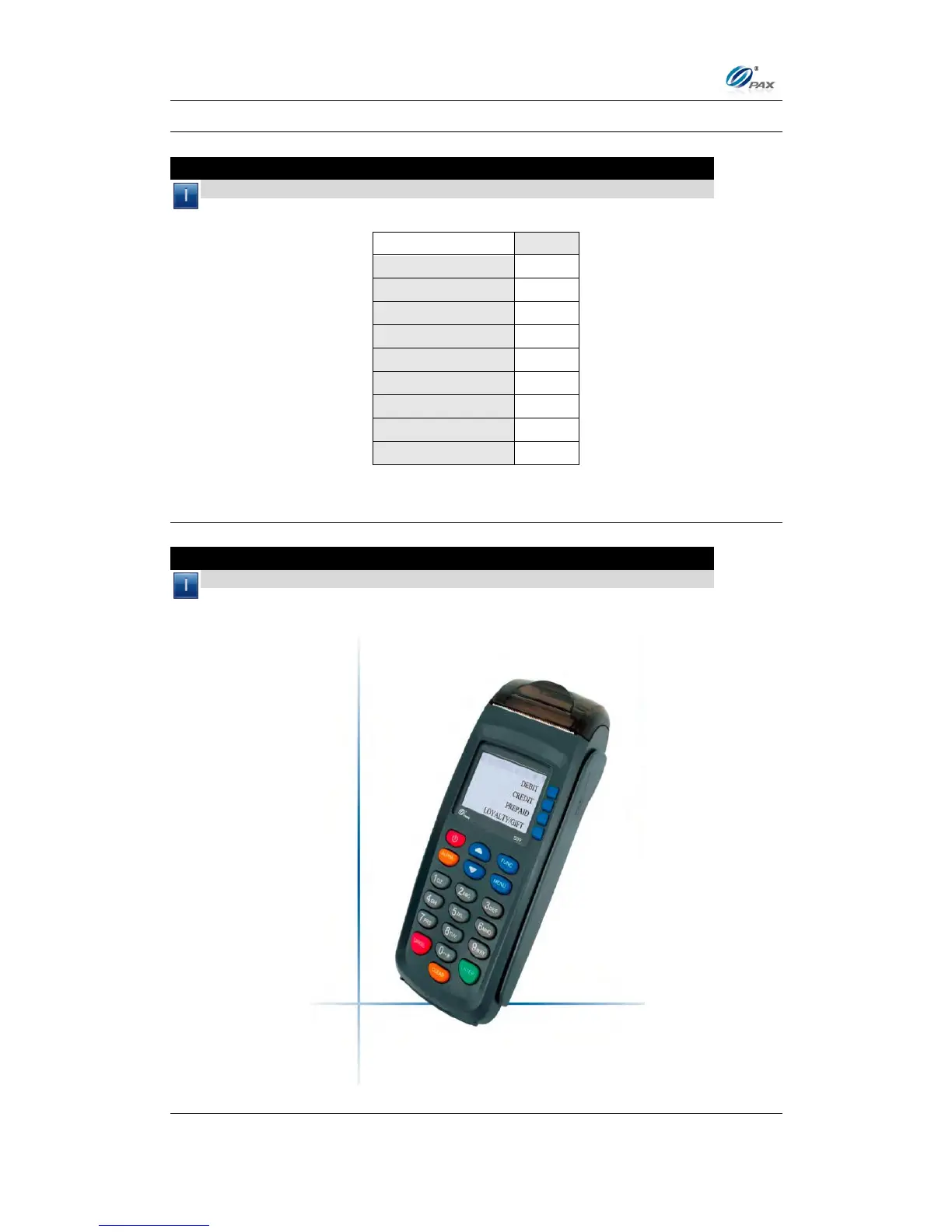
2.3.3 Keypad Layout
Note
Below are examples of the keypad layout of the S90 POS terminals.



 To Next Page