Chapter 6
How to Set the POS terminal
NOTE: This document is CONFIDENTIAL and must be used exclusively for the operation of PAX programs. It may not be
duplicated, published, or disclosed without PAX prior written permission.
162
6.6.1 Host Paramerters
Note
This function is used for editing host parameters.
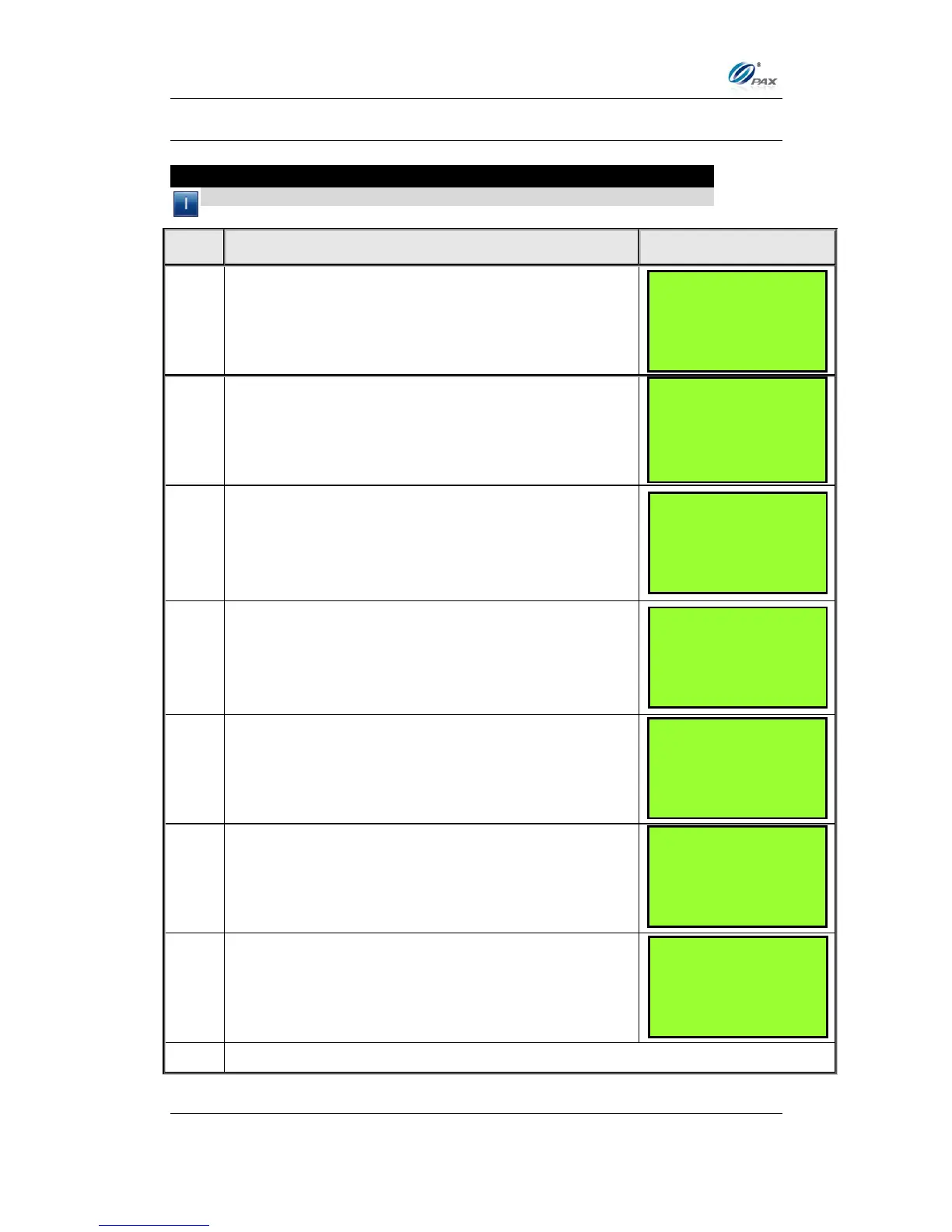
Input the Password and press [ENTER].
From the Hosts Settings menu press [1] to enter
Host parameters.
Scroll to select the host then press [ENTER].
Use the [▲] & [▼] keys to find your selection and
then press [ENTER]. Or Press the number
corresponding with your selection.
Input the Merchant ID if [1] is selected in Step 4.
Input the Bank ID if [2] is selected in Step 4.
Input the Bank ID if [3] is selected in Step 4.
HOST PARAMS:
1. Host Parameters
2. Host Phones
3. Print EDC Setup
4. Host URL Params
HOST PARAMS:
1. Merchant ID
2. Bank ID
3. Terminal Type
SELECT HOST
1. Your Host
2. Your Other Host



 To Next Page