Chapter 6
How to Set the POS terminal
NOTE: This document is CONFIDENTIAL and must be used exclusively for the operation of PAX programs. It may not be
duplicated, published, or disclosed without PAX prior written permission.
206
6.7.2 Backup Communication
Note
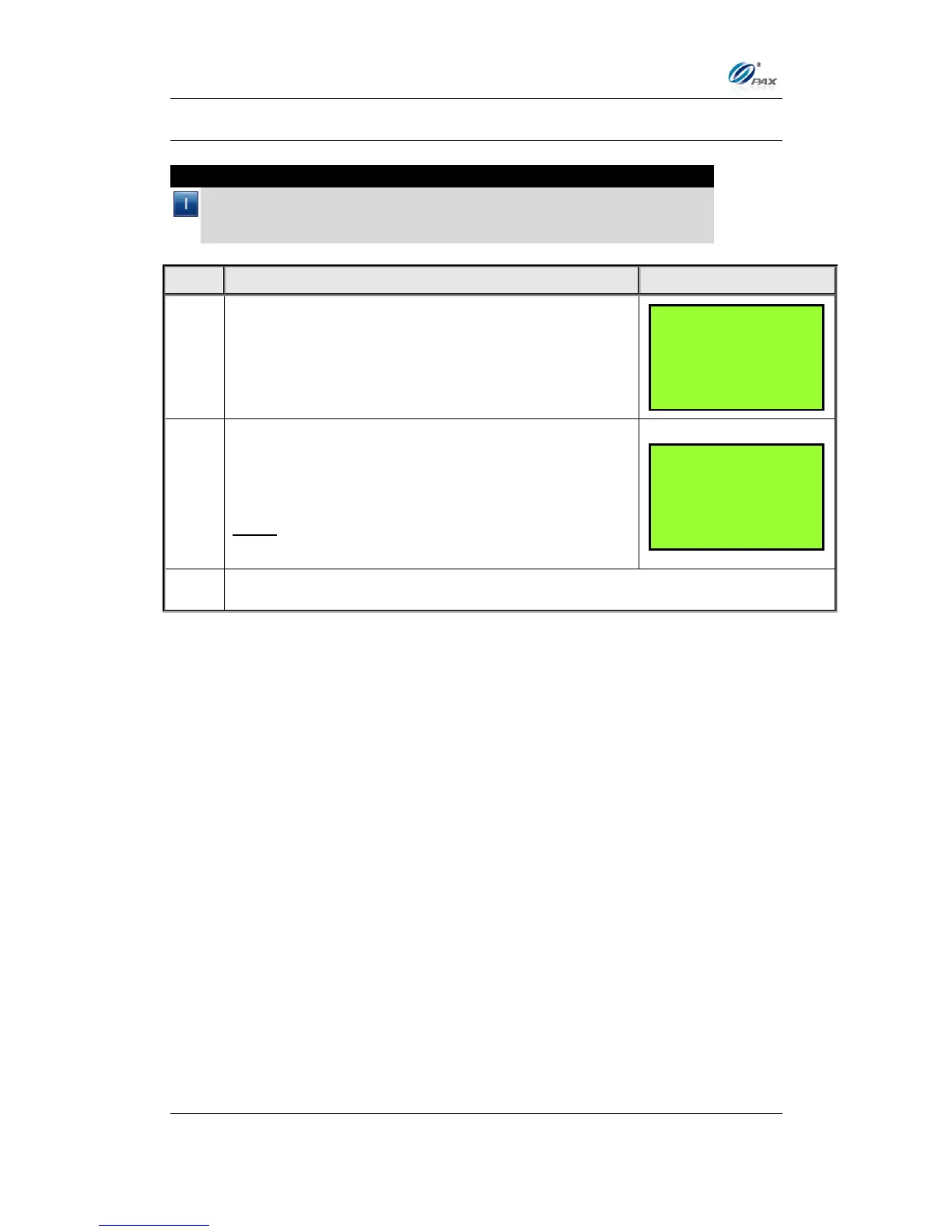
Use this feature to set the backup method of communication. If a
method of communication not supported by the terminal is selected, the
error message “NOT AVAILABLE” is displayed.
Default setting is [2]None.
Use the [▲] & [▼] keys to select the primary
communication type.
Note: If in Main Communication menu Wireless is
selected, then in this menu the first option is Dial.



 To Next Page