EasyManua.ls Logo

PAX S90 - Clear Database

PAX S90
250 pages
Print Icon
To Next Page IconTo Next Page
To Previous Page IconTo Previous Page
Loading...
Chapter 6
How to Set the POS terminal
NOTE: This document is CONFIDENTIAL and must be used exclusively for the operation of PAX programs. It may not be
duplicated, published, or disclosed without PAX prior written permission.
194
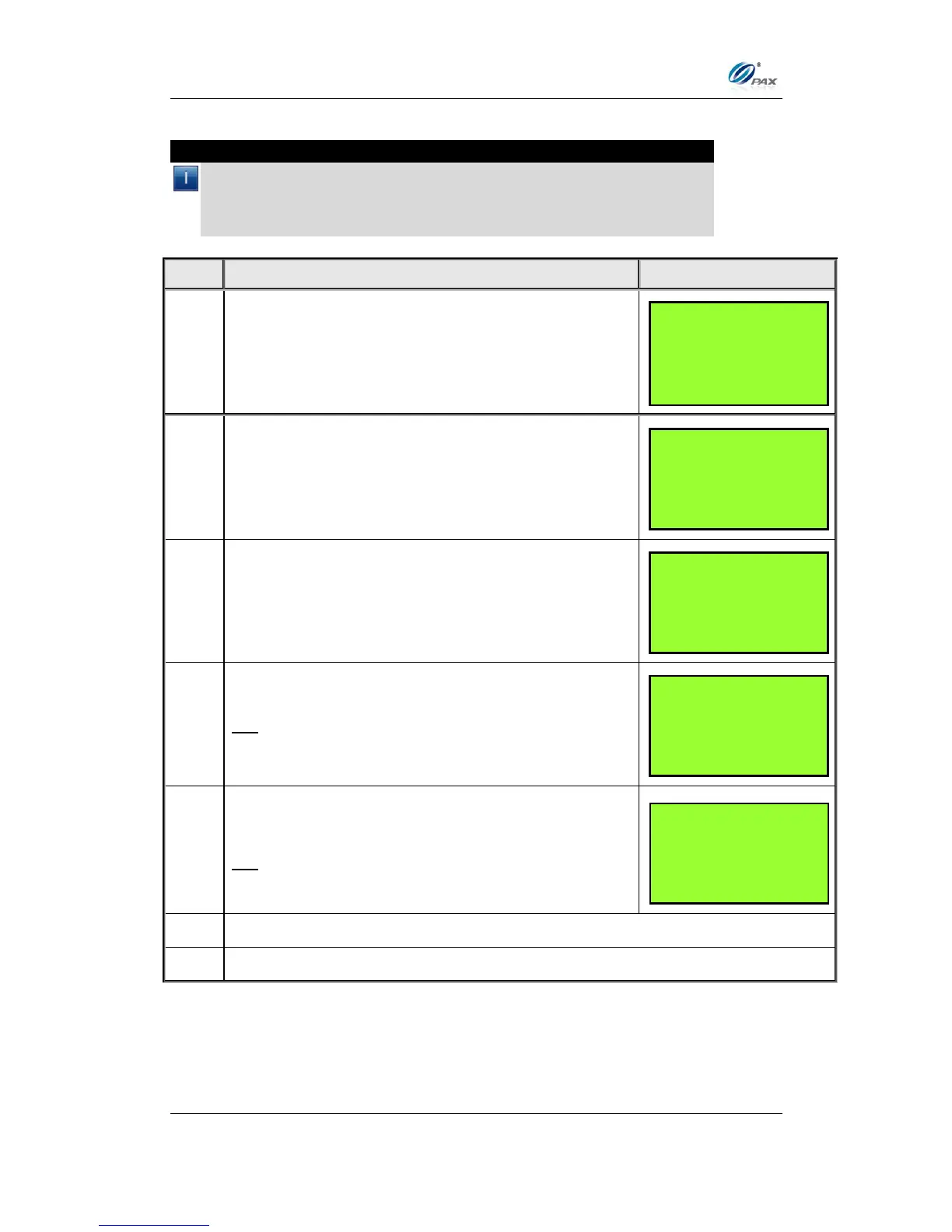
6.7.5.3 Clear Database
Note
It is possible the clear the database for each EDC type individually or all
of them together. Before clearing the database, make sure there are
receipts with the full account number for all of the transactions. If
necessary, run a Journal Report.

STEP
ACTION
DISPLAY
1.
From the System Settings menu, press [6] for Edit
Database.
2.
Input the Password and press [ENTER]
3.
Press [3] for Clear Database
4.
Press [ENTER] to continue
OR
Press [CANCEL] to cancel
5.
Select EDC type you wish to clear the database for
then press [ENTER].
OR
Press [ENTER] to clear all databases.
6.
A short report listing the cleared databases is printed.
7.
Stop.
SYSTEM OPTIONS:
3. Working Mode
4. Test Mode
5. Pre-Dial Call
6. Database
EDIT DATABASE:
1. Void
2. Post Auth
3. Clear Database
4. Clear Reversal
ARE YOU SURE?
ENTR=YES, CANC=NO
SELECT PMT TYPE:
1. ALL
2. CREDIT
3. DEBIT
4. EBT
ENTER PASSWORD:

Table of Contents

Other manuals for PAX S90

Related product manuals