Chapter 6
How to Set the POS terminal
NOTE: This document is CONFIDENTIAL and must be used exclusively for the operation of PAX programs. It may not be
duplicated, published, or disclosed without PAX prior written permission.
148
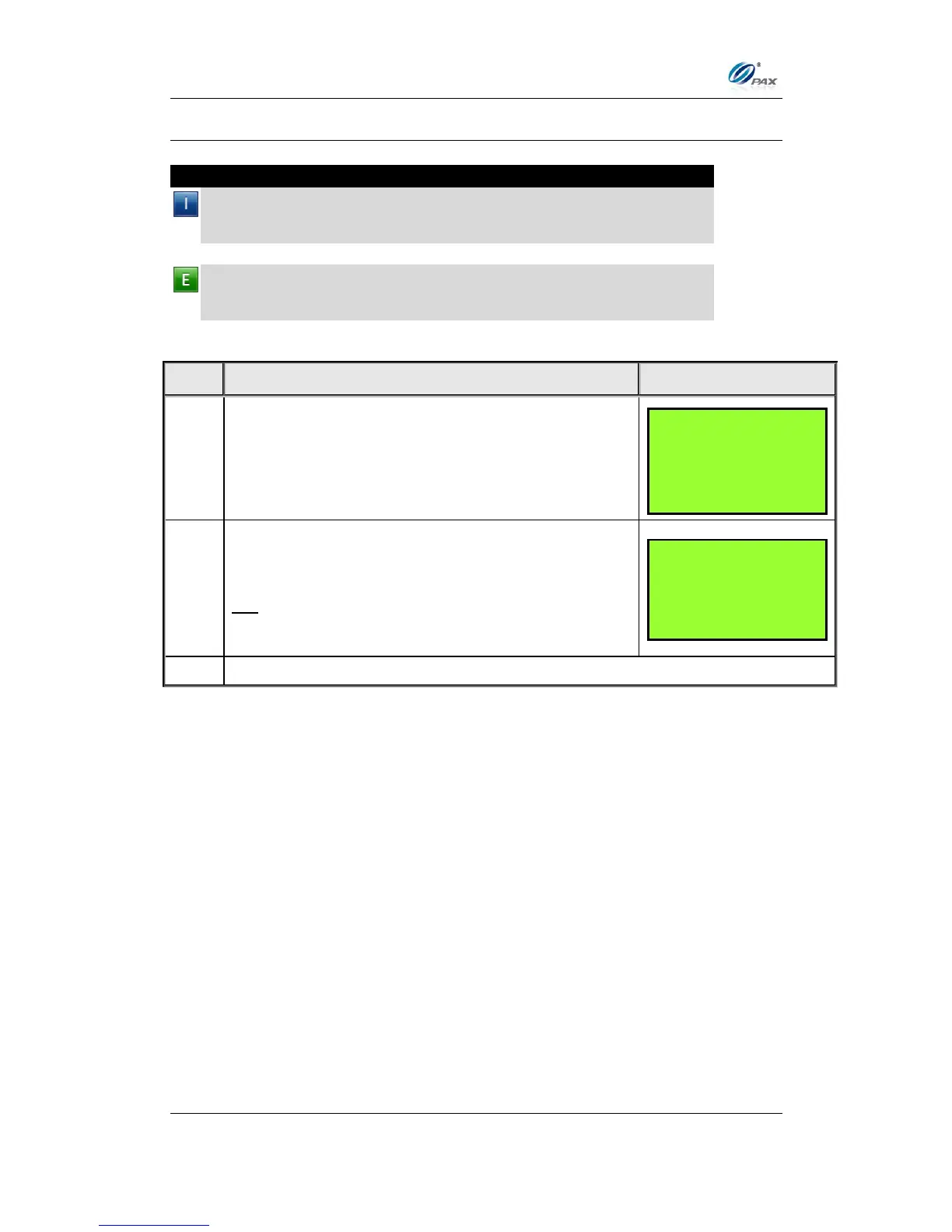
6.5.2 Buzzer Setup
Note
This feature enables and disables the terminal’s built-in buzzer, which
sounds a tone when specific functions are performed or buttons
pressed.
Example: I would like to know when the Menu button is pressed so I
enabled the Buzzer function. The terminal now beeps whenever the
Menu button is pressed.



 To Next Page