Chapter 4
How to Do Transaction
NOTE: This document is CONFIDENTIAL and must be used exclusively for the operation of PAX programs. It may not be
duplicated, published, or disclosed without PAX prior written permission.
64
4.4.3 Gift Add Value
Note
Use the Add Value function to add credit to the available balance of an
active Gift Card.
Example: X is member of Y’s shop. X finds that his gift card account
need to add some money. So he goes to Y’s shop and asks Y to add
value to his gift card. X gives money and the gift card to Y. Y takes the
gift card and does Gift Add Value on S90 POS terminal.
X-Gift card holder; Y-Merchant of shop
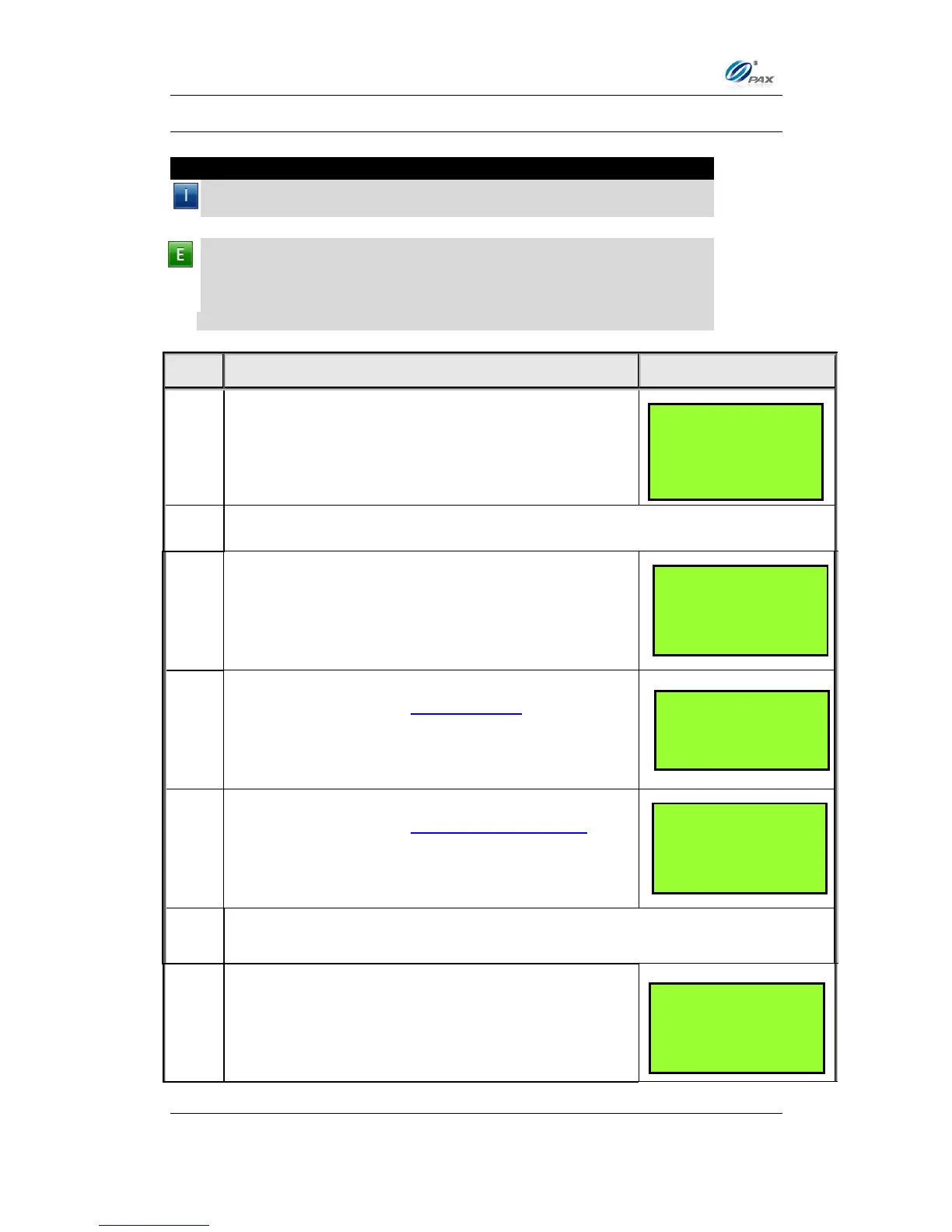
From the Idle prompt use the [SHORTCUT] button
until GIFT is displayed, then press [UP/DOWN] or
[SHORTCUT] button until ADD is displayed.
Swipe the gift card or key in the account number manually.
Input the dollar amount of the transaction then
press [ENTER]
This is a feature of the Invoice Mode.
When prompted, enter the invoice No. then press
[ENTER].
This is a feature of the Clerk/Server ID Mode.
When prompted, enter the clerk/server ID then
press [ENTER].
The terminal will contact the Host Processor for an approval and print one
receipt.
Press any key for the second receipt to be printed.
If a second receipt is not wanted, press [CANCEL].
___________________
ENTER CLERK ID:
___________________
TEAR SLIP ---->
Press any Key …
___________________
ENTER INVOICE #:
___________________



 To Next Page