Chapter 6
How to Set the POS terminal
NOTE: This document is CONFIDENTIAL and must be used exclusively for the operation of PAX programs. It may not be
duplicated, published, or disclosed without PAX prior written permission.
141
6.4.5.3 CashBack Prompt
Note
CashBack Prompt can be disabled, enabled (terminal prompts for
cashback amount).
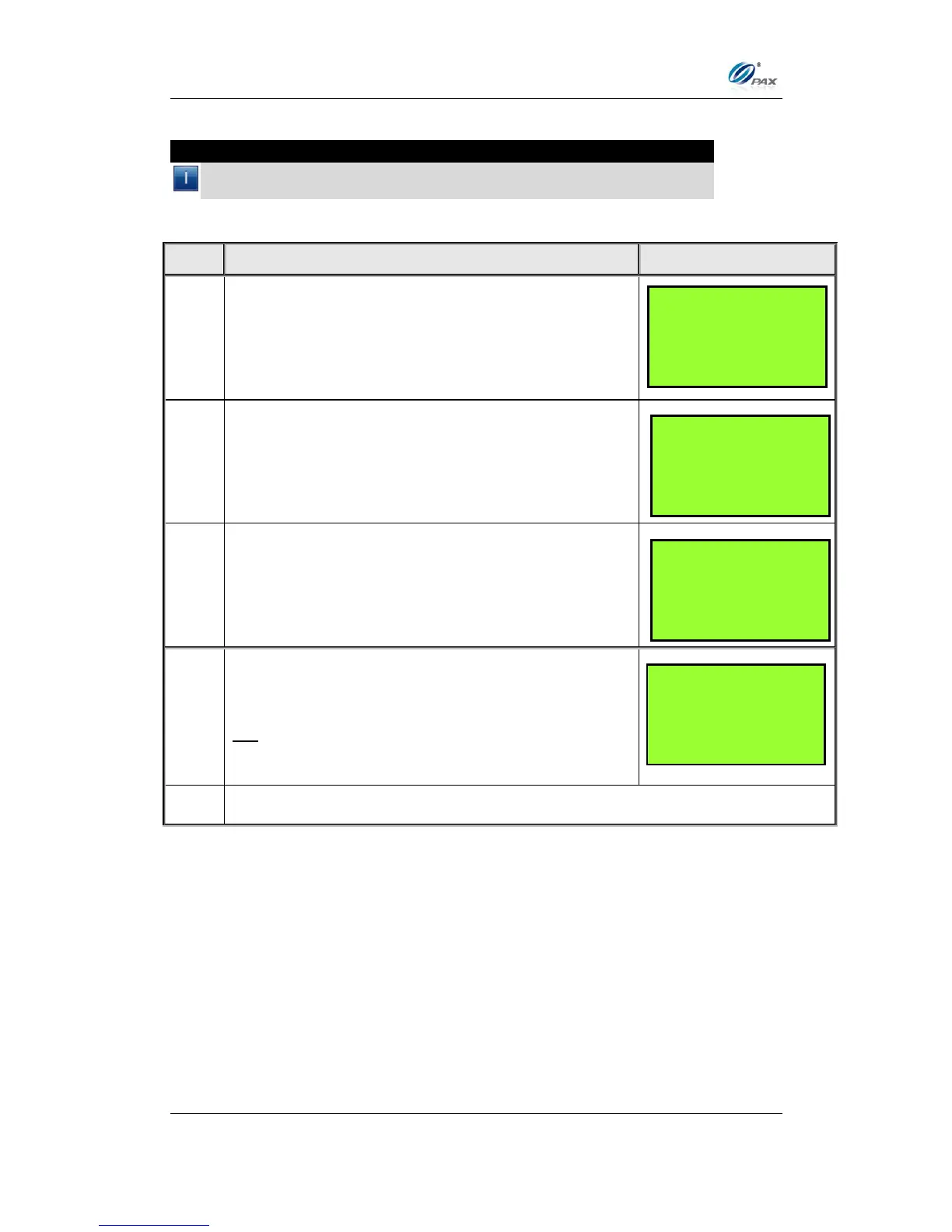
From the Merchant Settings menu press [7] for
Additional Prompts.
Input the Password and press [ENTER].
If there is no transaction in the terminal database,
press [4] for CashBack Prompt.
The defaulting setting is OFF.
Press [1] to disable CashBack Prompt.
OR
Press [2] to enable CashBack Prompt.
Additional Prmpt
1. Clerk ID Mode
2. Invoice Mode
3. Cashback Prompt
4. Table Mode
CashBack Prmpt:1
1. OFF
2. ON
MERCHANT PARAMS:
5. Merchant Fee
6. Set Batch Time
7. Additional Prompts
8. Cash EDC Setup



 To Next Page