EasyManua.ls Logo

PAX S90 - Page 92

PAX S90
250 pages
Print Icon
To Next Page IconTo Next Page
To Previous Page IconTo Previous Page
Loading...
Chapter 4
How to Do Transaction
NOTE: This document is CONFIDENTIAL and must be used exclusively for the operation of PAX programs. It may not be
duplicated, published, or disclosed without PAX prior written permission.
85
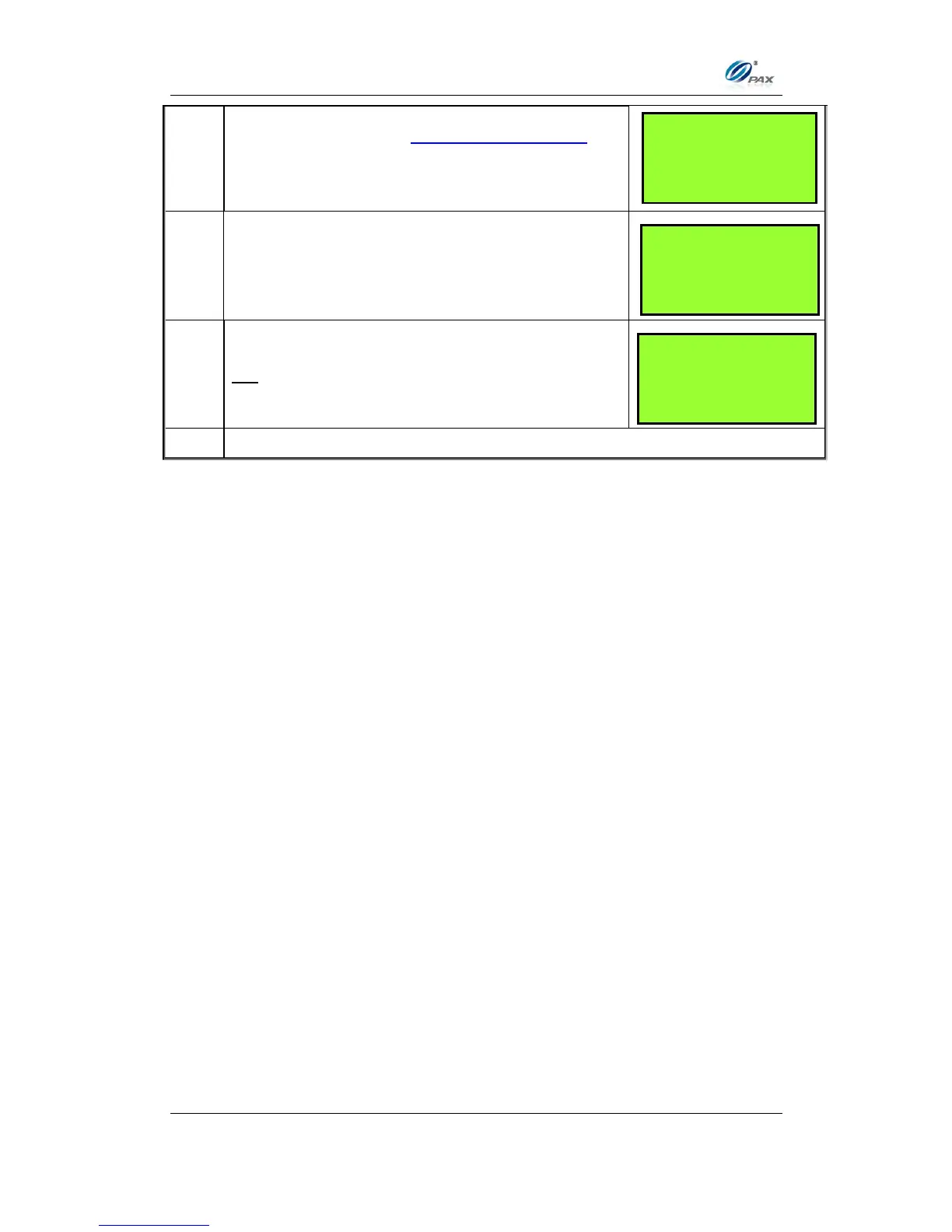
5.
This is a feature of the Clerk/Server ID Mode.
When prompted, enter the clerk/server ID then
press [ENTER].
6.
Press any key for the second receipt to be printed.
If a second receipt is not wanted, press
[CANCEL].
7.
Press [ENTER] for no receipt.
OR
Press [CANCEL] to print the second receipt.
8.
Stop.
ARE YOU SURE?
ENTR=YES, CANC=NO
TEAR SLIP ---->
Press any Key
___________________
ENTER CLERK ID:
___________________

Table of Contents

Other manuals for PAX S90

Related product manuals