Totals 01
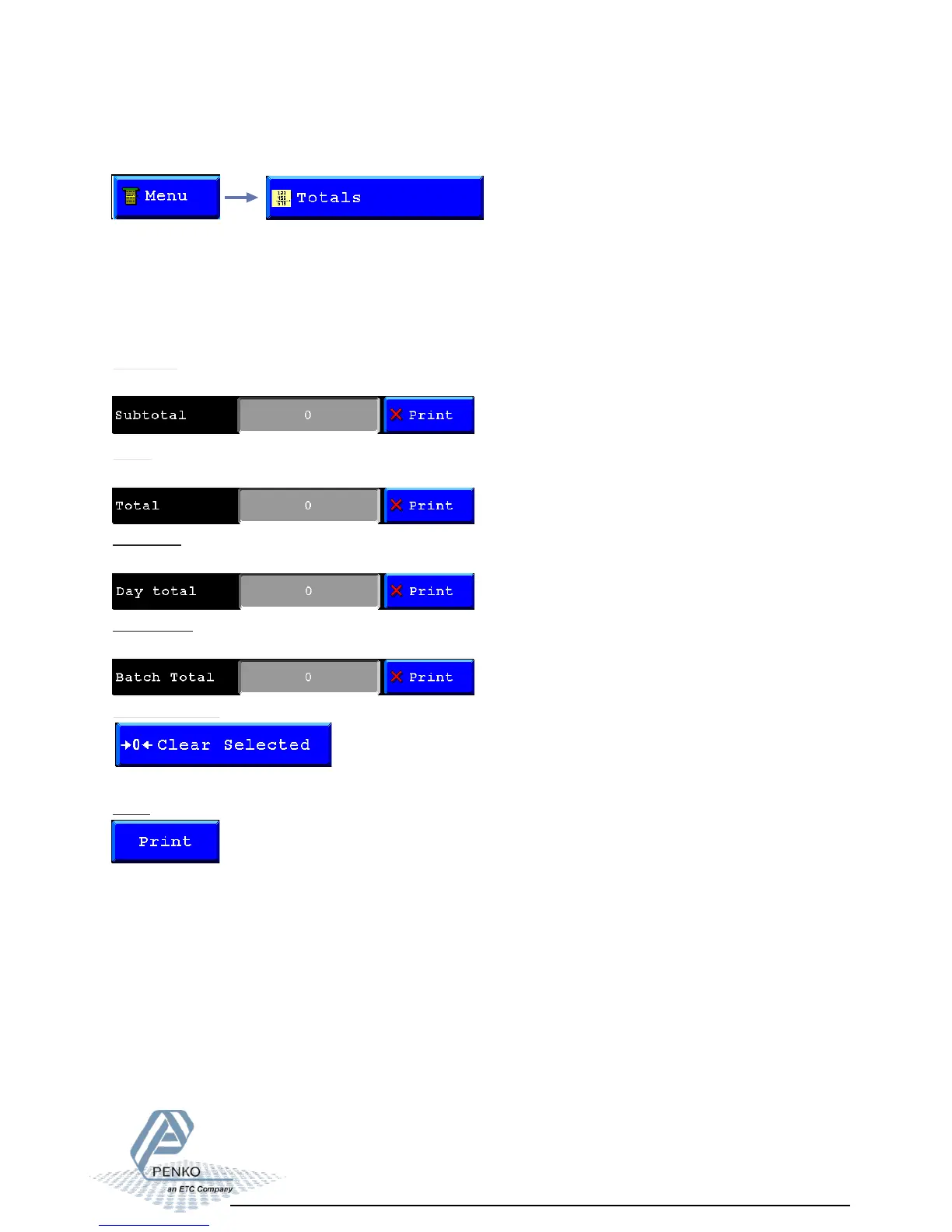
Here the Totals created on the program can be printed and reset.
Totals:
The different Totals are:
- Subtotal
- Total
- Day total
- Batch Total
Subtotal:
Here the Subtotal of the program will be shown you can print this from here directly.
Total:
Here the Total of the program will be shown you can print this from here directly.
Day total:
Here the Day total of the program will be shown you can print this from here directly.
Batch total:
Here the Batch total of the program will be shown you can print this from here directly.
Clear selected:
When a total is selected and you press this button the total will be reset to 0.
Print:
When a total is selected and you press this button the total will be printed.



 To Next Page