SMART I/O User’s Manual
©1996 PEP Modular Computers GmbHMarch 12, 1996 Page 1 - 19
Introduction
1
1.5.2 Installation of the ISaGRAF for Windows Workbench
The following steps should be followed to ensure successful installation of
the ISaGRAF software. Initially the disk labelled Workbench Disk 1/4 will
be required.
• Start Windows
• Insert diskette Workbench Disk 1/4 into the floppy drive (usually A:)
• Select File from the Windows Program Manager and select Run ...
• Type A:\INSTALL in the command field and select OK
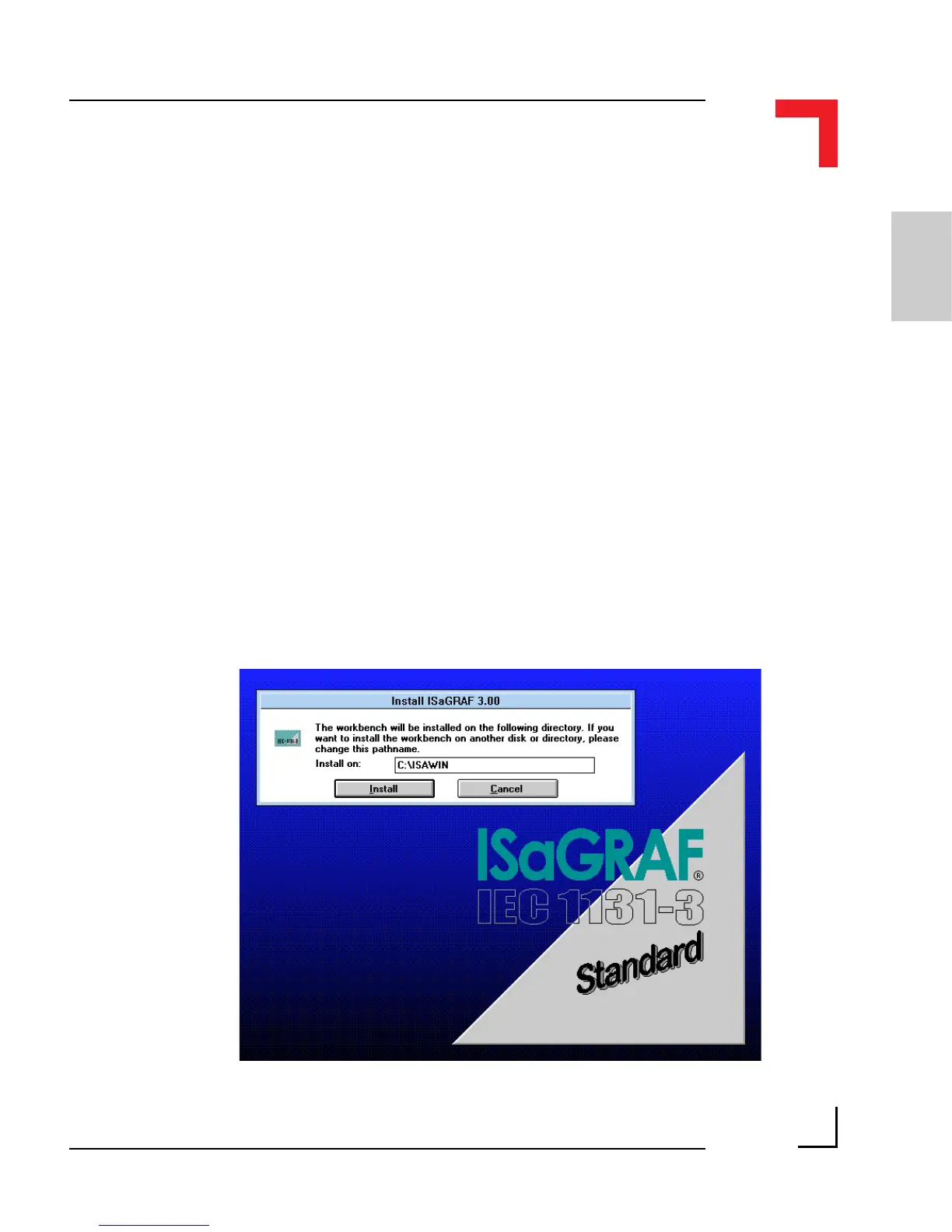
The ISaGRAF installation will start automatically. Figure 1.5.2.1 illustrates a
typical opening screen.
Figure 1.5.2.1 Typical Opening Screen



 To Next Page