XF Camera System Manual |
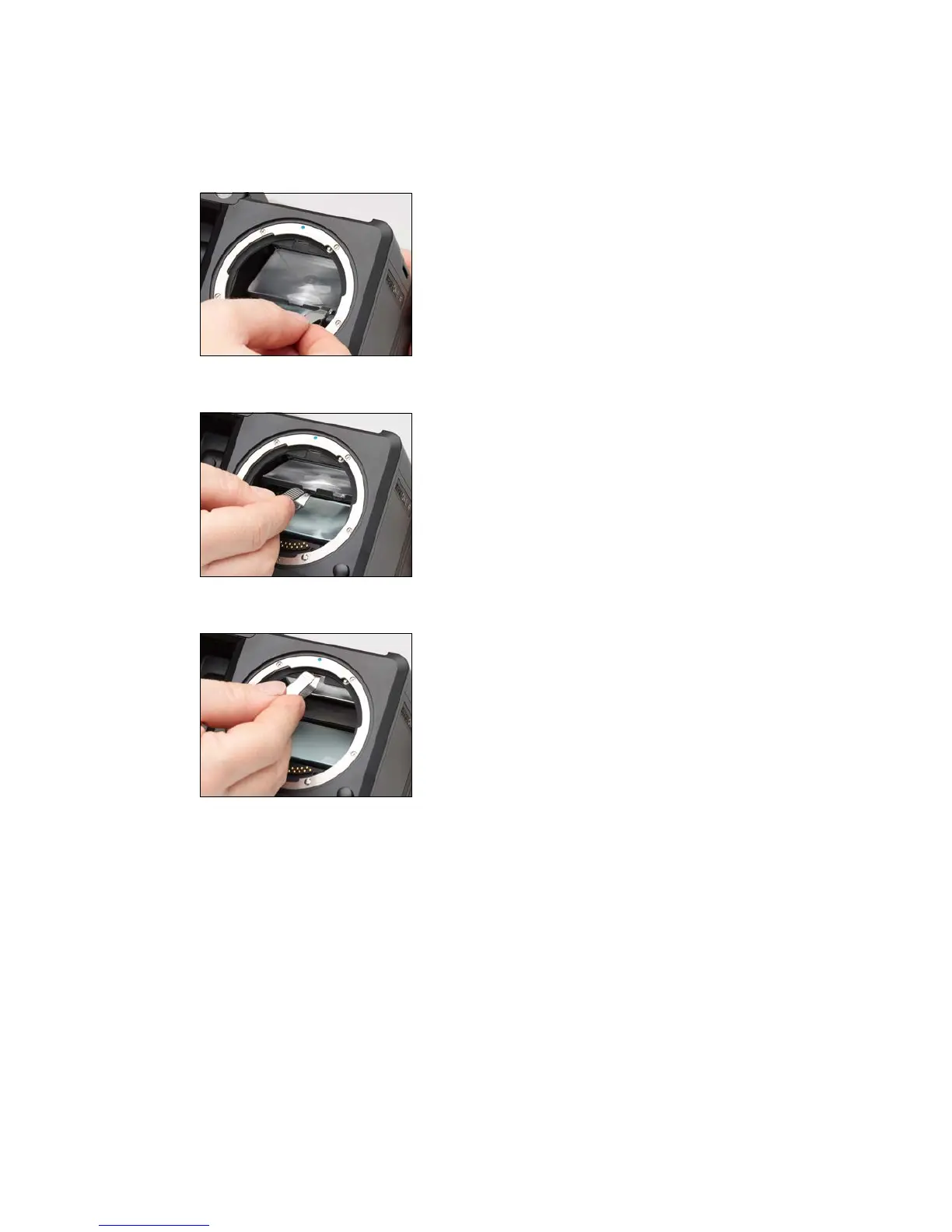
When installing a new focusing screen, pinch the tab of the screen with the
tweezers, and place the screen onto the frame. When performed correctly, the
focusing screen should easily settle into the frame. Make sure that the tab is on
the right side, otherwise the focusing screen will be upside down.
Push the screen frame upwards using the tweezers, while being careful not to
touch the focusing screen or the mirror.
Press the frame upwards into position near the release lever until you hear a
clicking sound. The screen is now properly installed.



 To Next Page