SettingtheClock(cont'd)15
5
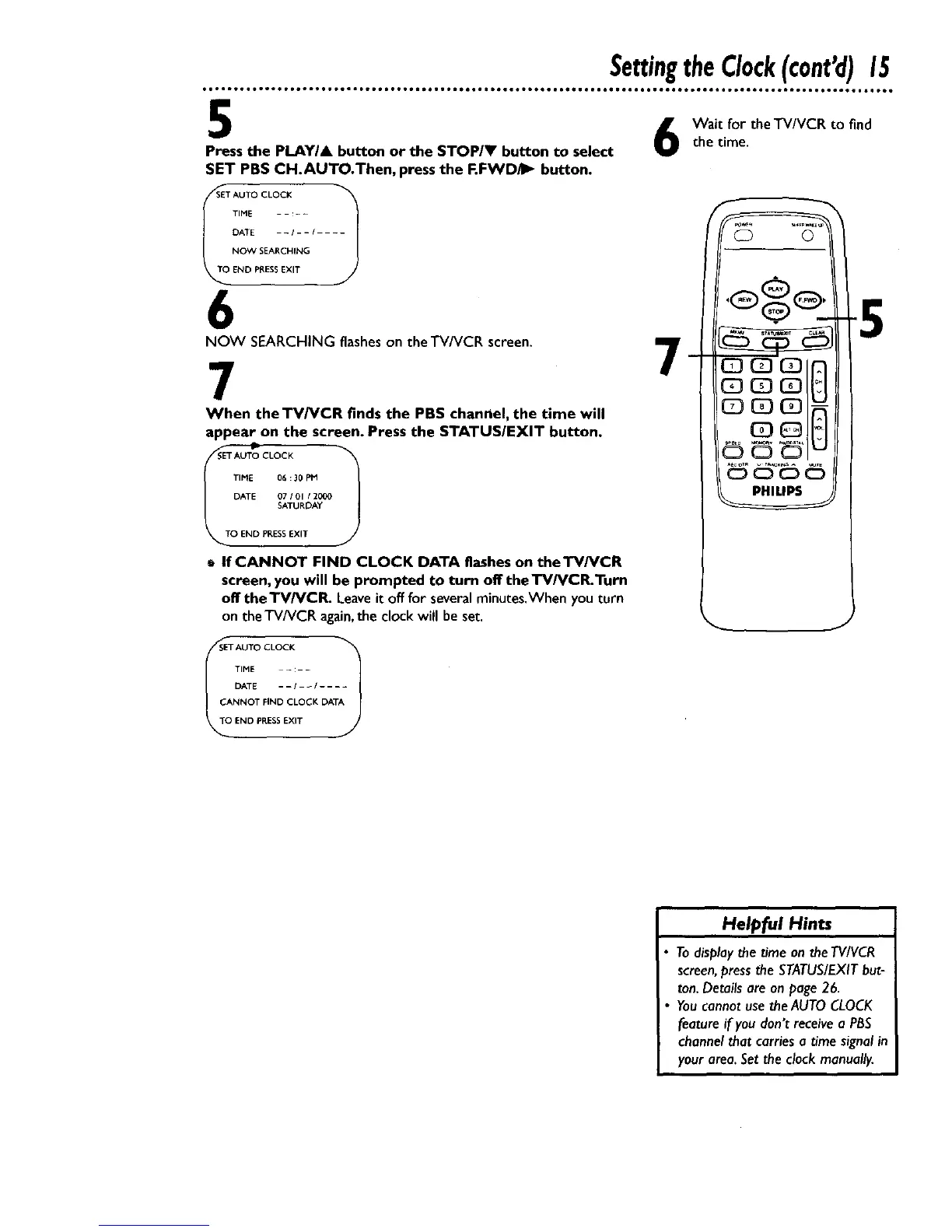
Press the PLAYIA button or the STOP/Y button to select
SET PBS CH.AUTO.Then, press the F.FWD_ button.
SET AUTO CLOCK "_
_T_ TIME - - :-
J
DATE -I--I --
NOW SEAP,CHING
END PRESSEXIT
6
NOW SEARCHING flashes on theTV/VCR screen.
7
When the TV/VCR finds the PBS channel, the time will
appear on the screen. Press the STATUS/EXIT button.
TIME 06:30 PM
DATE 07/01 12000
SATURDAY
O END PRESS EXIT
t If CANNOT FIND CLOCK DATA flashes on theTV/VCR
screen, you will be prompted to turn off the TV/VCR.Turn
off the TV/VCR. Leaveit off for severalminutes.Whenyou turn
on theTVNCR again,theclock will be set.
Wait for theTV/VCR to find
the time.
7
-5
SET AUTO CLOCK "_
Ii TIME - :- -
DATE --I _1 ....
CANNOT FIND CLOCK DATA
END PRESSEXIT
Helpful Hints
H
Todisplaythe time ontheTVIVCR
screen,pressthe STATUS/EXITbut-
ton.Detailsare on page26.
YoucannotusetheAUTOCLOCK
featureif youdon't receivea PBS
channelthat carriesa time signalin
yourarea.Settheclock manuaHy.










 To Next Page