2.10
Section 2
Overview
Pinnacle Operators Manual
Pickering Laboratories Inc.
Display Module
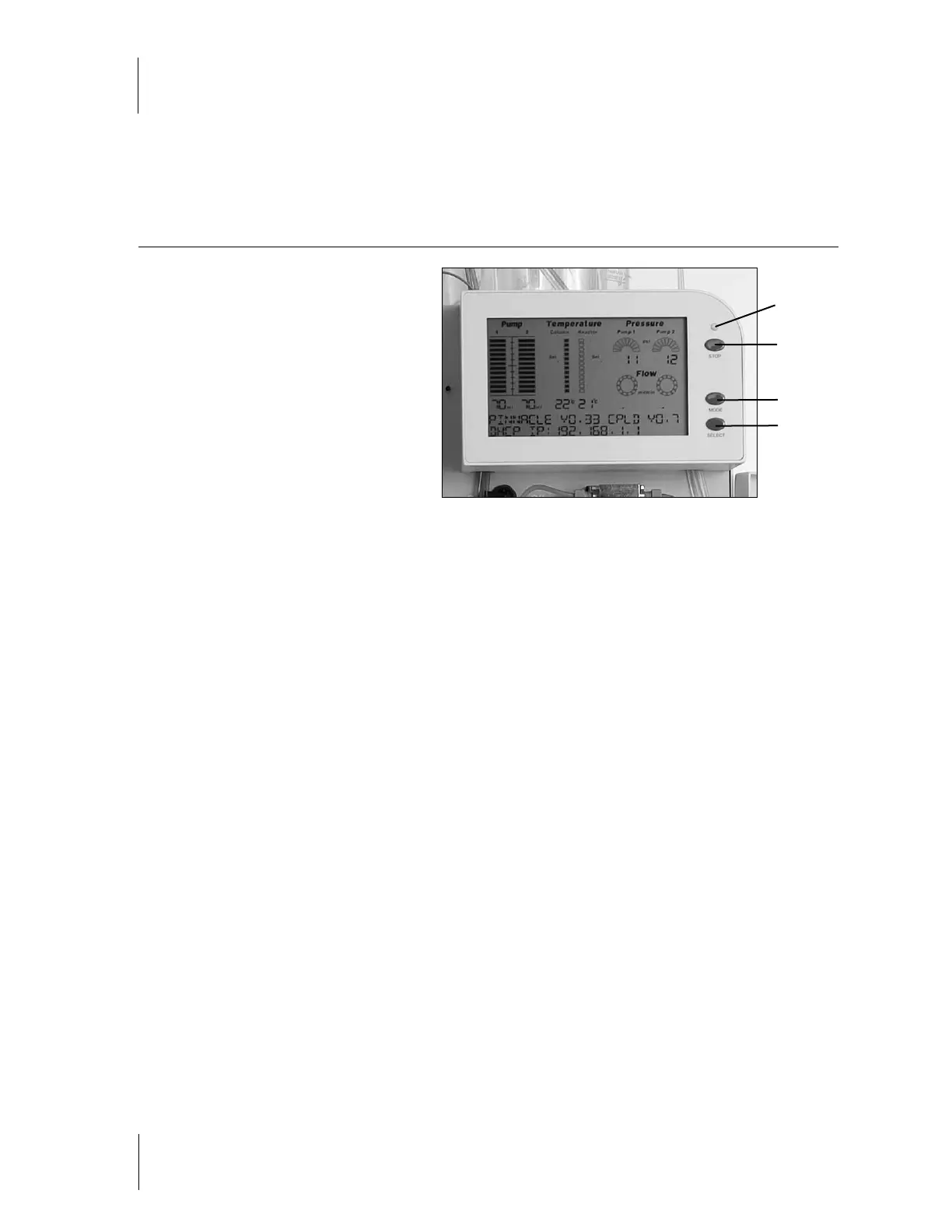
The display module (figure 2-13) is the
information panel of the Pinnacle PCX.
It displays:
the flow rate of each pump, the set
point and current temperatures of
the column and reactor the Pump
pressure(s), which are also indicators
of the pressure inside the post-column
system and status information.
In addition to the electronic information on
the LCD, the display module contains 3 buttons and one LED.
STOP - this button is used for an instant stoppage of the instrument in the case of an emergency. If this button is
pushed, the instrument will cease all activity, regardless of what is happening.
The STOP LED will illuminate when the Pinnacle PCX has been stopped manually by the user. When STOP is
pressed, the LED will glow red, indicating that there has been an emergency manual stoppage. To reset the
instrument after emergency stop, turn instrument OFF and then turn it back ON.
MODE - Used during initial installation to determine the IP address. This function is for instruments that are
connected to a company network.
SELECT - Used during initial installation to determine the IP address. This function is for instruments that are
connected to a company network.
Figure 2-13
Stop LED
Stop
Mode
Select



 To Next Page