3.8
Section 3
InstallatIon
Pinnacle Operators Manual
Pickering Laboratories Inc.
Press MODE button. The message will read:
RUN MAIN F/W
DHCP IP: 192.168.111.111
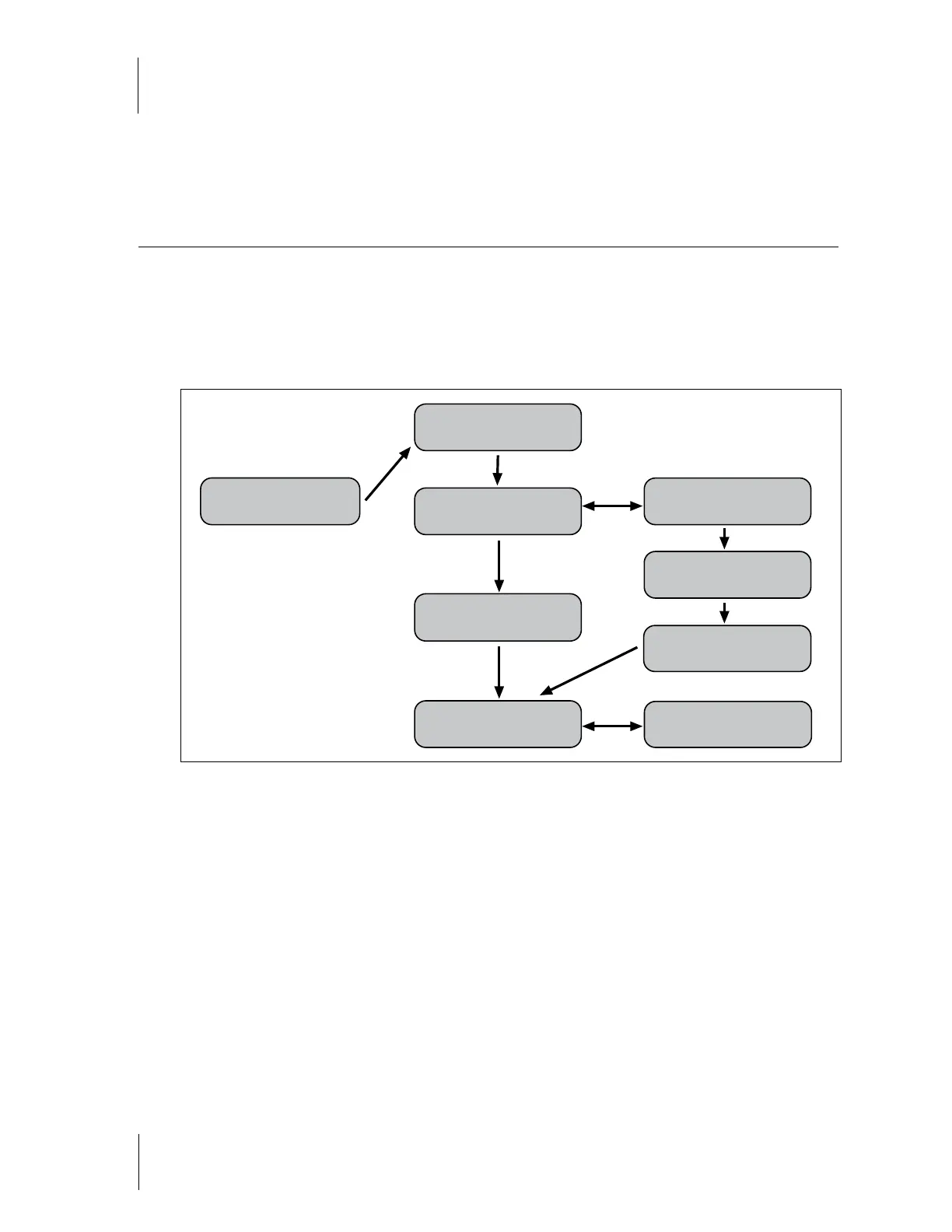
Follow the chart below to make changes in IP address.
Restart the instrument after completing the steps above.
Pump and Autosampler Connections
Note: Do not fit the analytical column and guard yet.
Replace any mobile phase that is more than 2 weeks old, especially DI water. Rinse the reservoir bottles
thoroughly with soap and water. Wipe down the dip tubes on the caps with methanol and a clean, lint-free
cellulose tissue. Avoid touching the tubing or the interior of the reservoir with your skin and do not leave caps
and lines dangling without a reservoir because this can cause contamination.
Fill reservoirs with 80/20 Water/Methanol
Open the prime-purge valve on the HPLC. Purge each line in the system with a water/methanol mixture to flush
the system. Set the flow rate to the maximum and purge at least 25 ml through each line.
Main LCD Display
DHCP IP: 152.168.111.111
NETWORK
IP FROM DHCP
DHCP IP: 192.168.111.111
MAC: 00:50:C2:44:30:45
PRESSURE UNITS
PSI
RUN MAIN F/W
DHCP IP: 192.168.111.111
NETWORK
STATIC IP
STATIC IP:192.168.111.111
MAC:00:50:C2:44:30:45
EDIT IP: 192.168.111.111
Select changes number
Mode moves next to position
PRESSURE UNITS
BAR
Select
Select
Select
Select
Mode
Mode
Mode
Mode
Mode



 To Next Page