4.14
Section 4
Pinnacle PcX OPeratiOn
Pinnacle Operators Manual
Pickering Laboratories Inc.
Next, under the Runs, type in the number of injections you plan to make using this method. In this example, it
will be 3.
Your table should now look like:
Method Name Runs
Tutorial 3
The number of Runs should match the number of runs you plan to make on the HPLC using that method. In this
example, your system will perform 3 injections using the Pinnacle PCX method “Tutorial”. The sequence table
on your HPLC system should also have 3 injections programmed.
Now Click Save. This has saved the conditions you have created in the sequence “Tutorial 1”.
Click Close to close the Edit Sequence Window.
Running post-column analysis using Pinnacle PCX
To start running post-column analysis using Pinnacle PCX follow the steps below:
Create analytical method(s) for your HPLC system using gradient conditions and detector settings from
Pickering Laboratories application notes or other sources. For any other HPLC software except Agilent
Chemstation, set the relay start signal close to time 0. Depending on the software the relay stop signal
can be either a few minutes after injection or at the end of the run. Contact your HPLC support representative if
you have any questions about setting up relay signal in the HPLC method.
Create post-column method(s) for your
application using post-column conditions from
Pickering Laboratories application notes or
other sources.
Set up HPLC sequence. Contact your HPLC
support representative if you have any questions
about creating and running HPLC method or
sequence.
Start HPLC pump. Increase the flow rate
gradually to avoid overpressuring the analytical column.
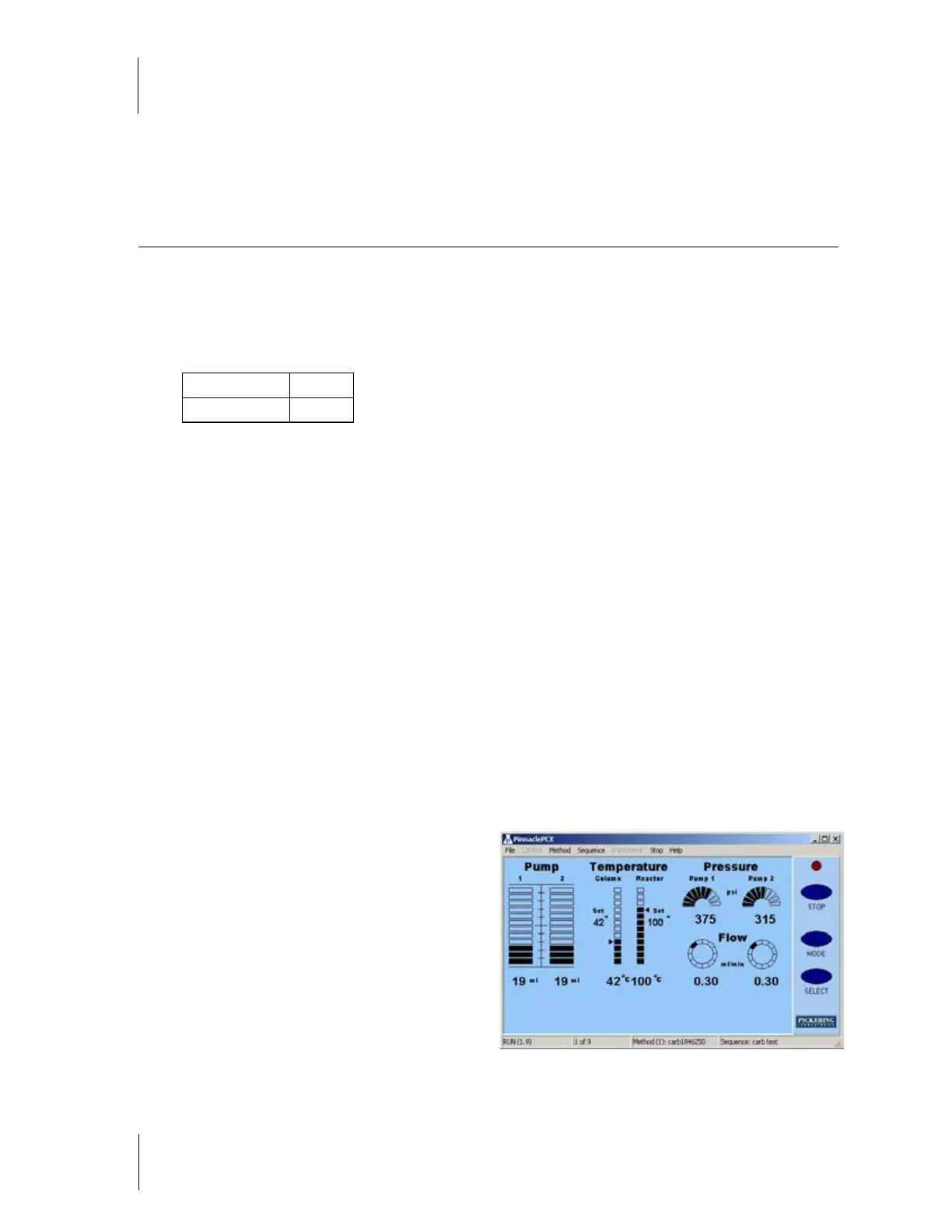
Figure 4.6



 To Next Page