5.7
Section 5
Maintenance
Pinnacle Operators Manual
Pickering Laboratories Inc.
9. Over pressure Relief valve
10. Pump 1
11. Pressure Transducer 1
12. Valve 1
13. Ambient reactor (on dual systems only)
14. Reactor outlet and union to connect to detector
Reagent Filter(s) Replacement
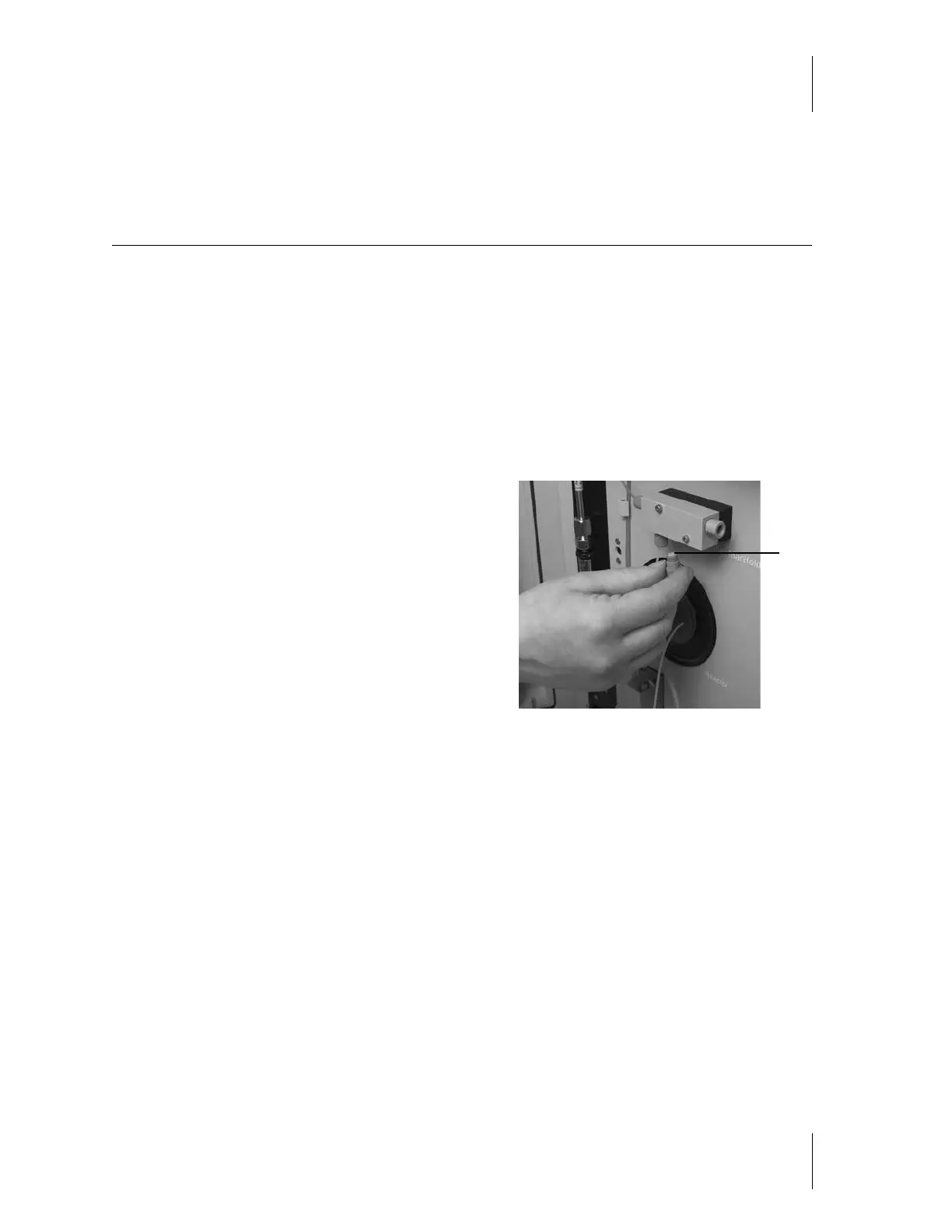
Refer to Figures 5-1 and Figure 5-2 for the location of the Reagent filter(s).
There are two filters in the Duplex system, and one filter
on the Simplex system. They are located in the reagent
manifolds; Items 6 and 8.
1. Be sure that the Pinnacle PCX is shut down and
depressurized before changing a filter.
2. Remove the 1/16" fitting from the inlet of the reagent
filter.
3. Use a 7/16" wrench to remove the filter.
4. Replace the filter element. The correct filter element is
3102-9040, a 10 µm frit. Tighten with fingers first, then
give it a 1/4 turn with a 7/16" wrench
Reconnect the tubings to the filter. Use care not to strip the threads, and do not overtighten.
Start the LC pump and inspect for leaks.
Note: Always use a PEEK nut and ferrule to connect to the reagent filters. They are made of soft PEEK material,
and stainless steel nuts and ferrules will cut them, causing them to leak.
Figure 5-2
Reagent Filter



 To Next Page