Cleaning the Printhead
Clean the printhead nozzles if you get a bad quality test print pattern, to try to correct the problem.
1. Tap Settings.
2. Scroll down to the Envelope Printer Settings section.
3. Tap Envelope Printer Maintenance.
4. Tap Clean Printhead.
5. Once the cleaning operation completes, the device prompts you to print another test pattern. If
the new pattern still has broken or missing lines, you may need to replace the ink cartridge or
printhead.
Cleaning the moistener brush and wick assembly
Clean the moistener brush and wick if the moistener tank is full and your envelopes are not sealing
properly.
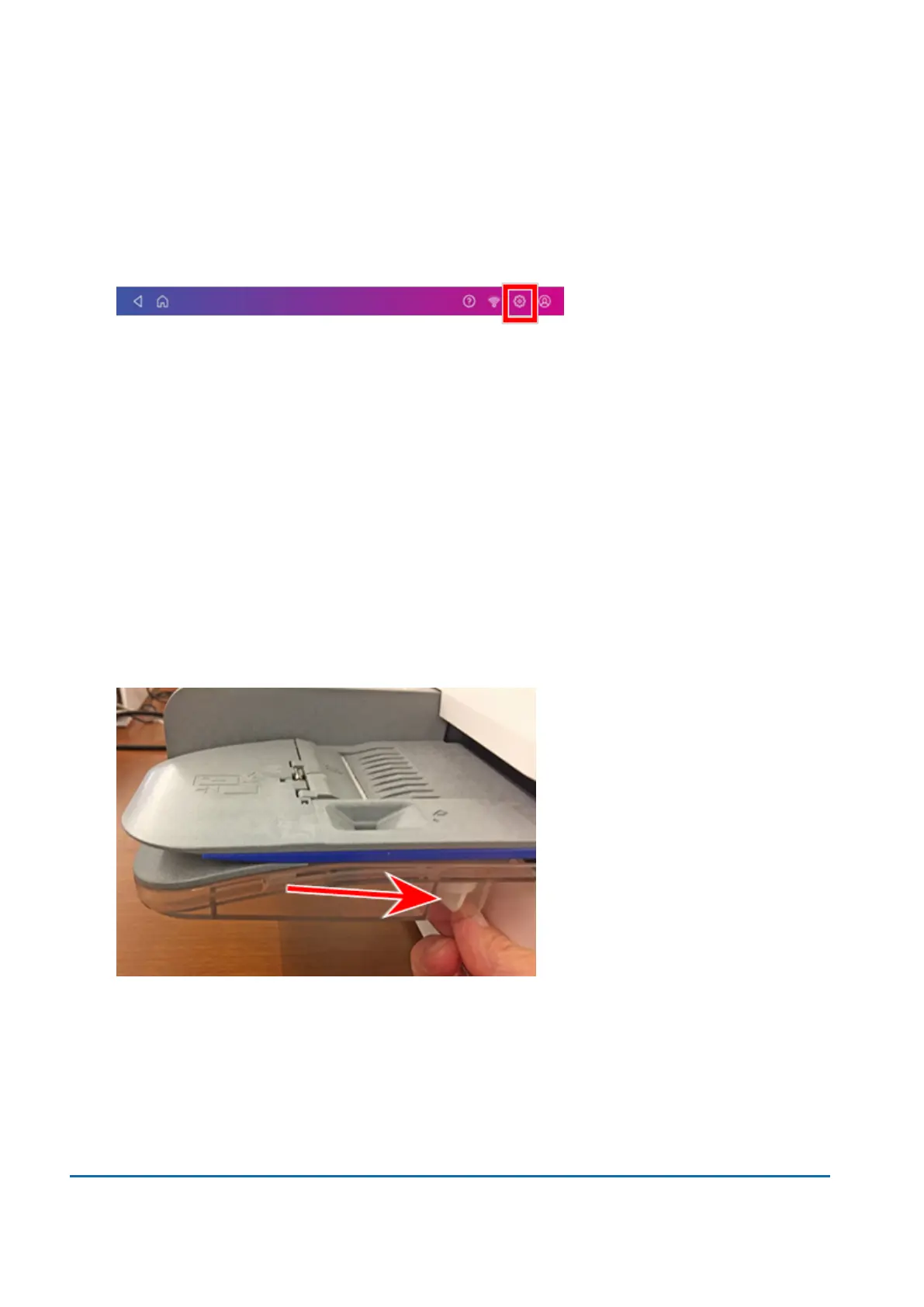
1. Unscrew the plastic thumbscrew under the moistener base.
14 • Maintenance
Pitney Bowes User Guide June 2022 100













 To Next Page