l
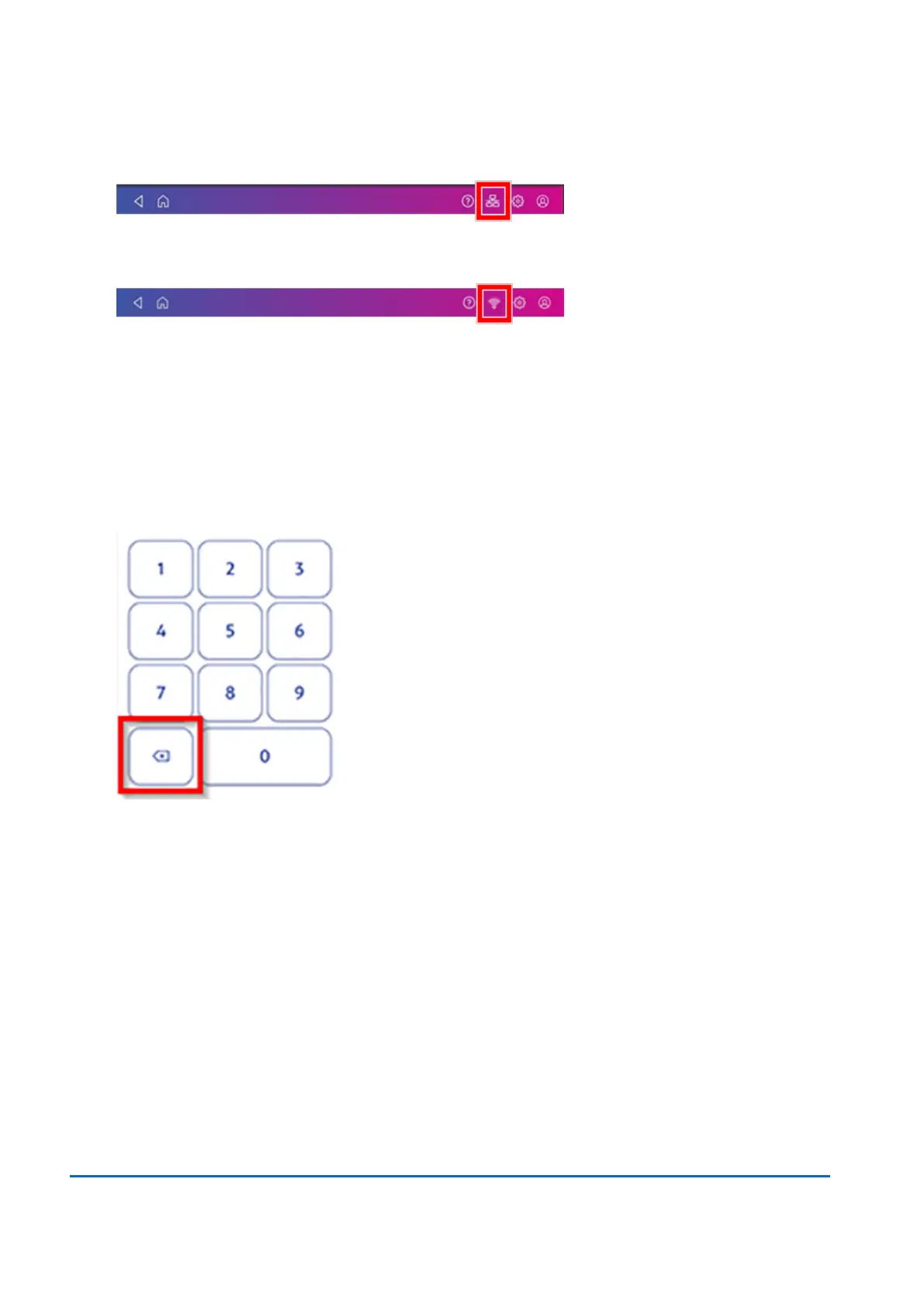
For wired network connections, you will see the following connection image in the toolbar:
l
If you have a wireless connection, you will see the following connection image in the toolbar:
To refill postage:
1. Tap Envelope Printing on the Home screen.
2. Tap Postage Balance.
3. Tap Refill Postage.
4. Enter the postage refill amount.
5. Tap back to change the amount shown.
6. Tap Refill Mail Postage.
7. Tap View Receipt to view or print a receipt.
8. Tap Done. Your updated postage balance appears on the Envelope Printing app.
Changing the default refill amount for printing postage
Change the default refill amount to store an amount you want to refill your device with.
You can set the default refill amount during installation or change it at later time.
There are two ways to change the default refill amount:
5 • Postage Funding
Pitney Bowes User Guide June 2022 54













 To Next Page