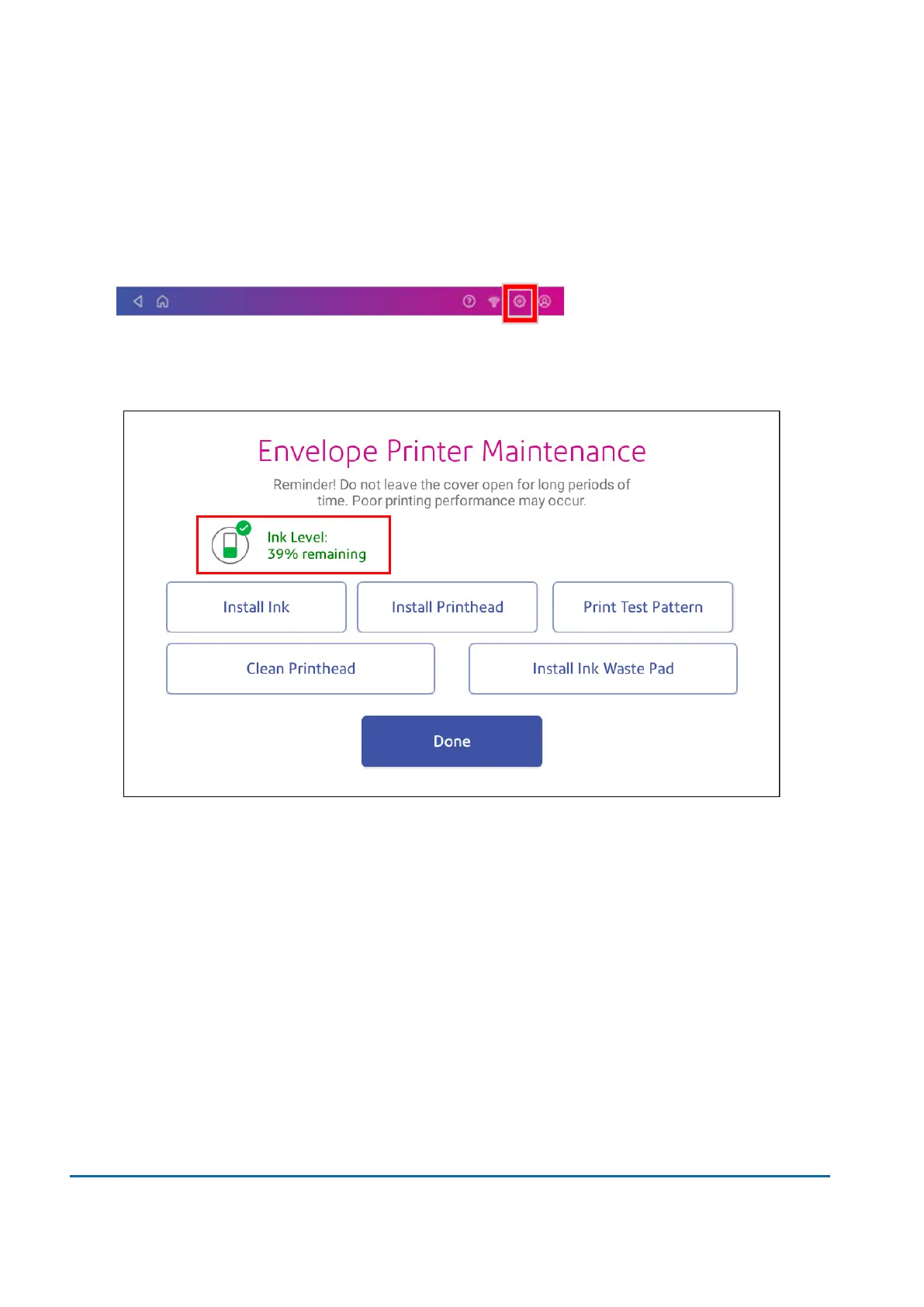
Checking the ink level
Check the ink level to ensure you have enough ink in your device.
1. Tap Settings.
2. Scroll down and tap Envelope Printer Maintenance.
3. View the level of remaining ink.
4. Tap Done to exit the screen.
Ordering ink cartridges
Use postal approved ink cartridges. Non-postal approved ink cartridges can damage your device.
Visit https://www.pitneybowesdirect.co.nz to order ink cartridges for your device.
10 • Ink
Pitney Bowes User Guide June 2022 75













 To Next Page