Printing only the date and time
Print the date and time to keep a record of when you receive incoming mail.
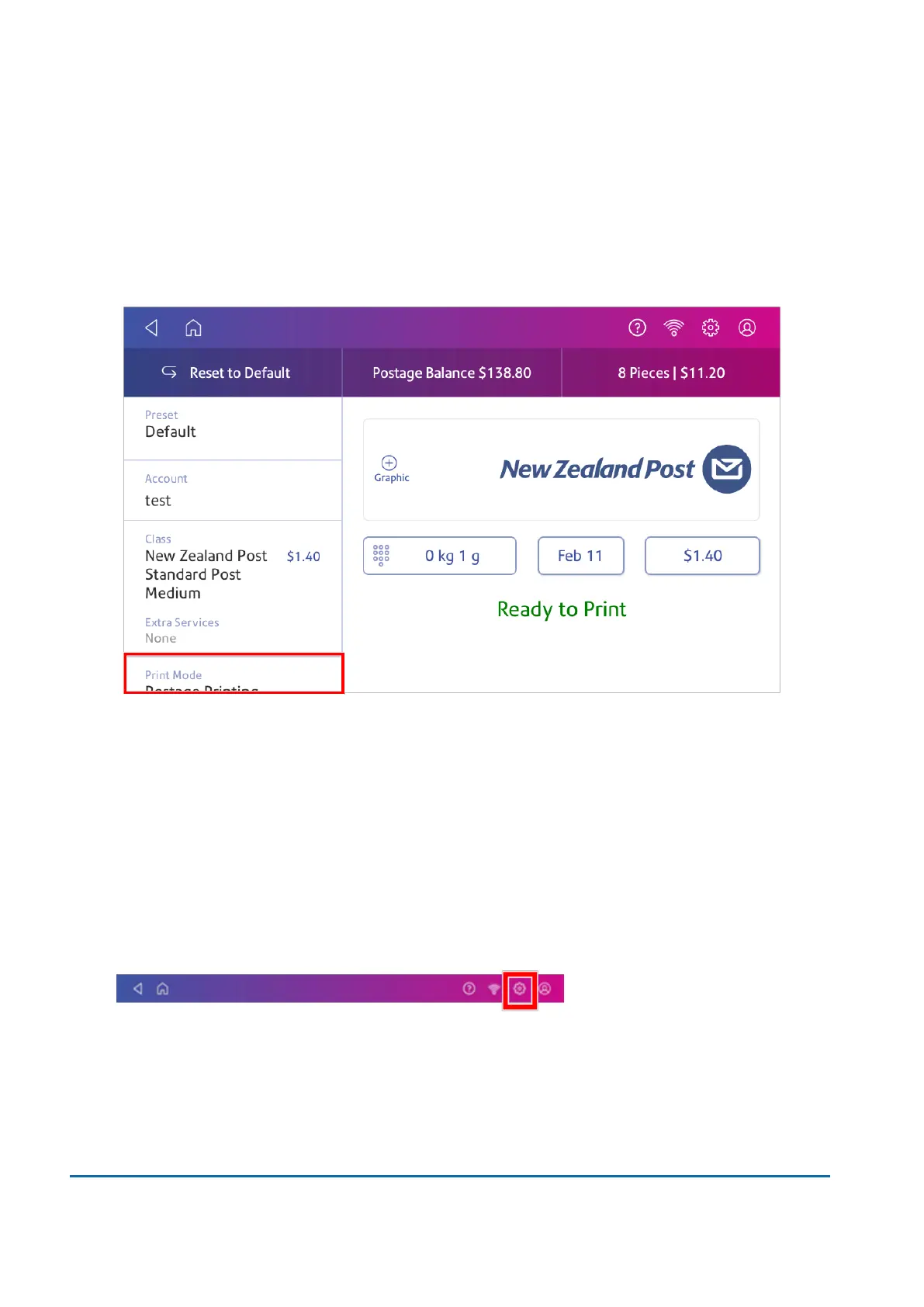
1. Tap Envelope Printing on the Home screen.
2. Tap Print Mode (you may have to scroll down to see this).
3. Select Date and Time Stamp.
4. Tap Apply.
5. Insert the envelope into the device. The device prints the envelope.
Printing a test pattern
Print a test pattern to see if the printhead is working properly or if you have enough ink in the cartridge.
1. Tap Settings.
2. Scroll down and tap Envelope Printer Maintenance.
3. Tap Print Test Pattern.
4. Insert the envelope into the device when the message "Print a Test Pattern?" appears.
8 • Printing
Pitney Bowes User Guide June 2022 69



 To Next Page