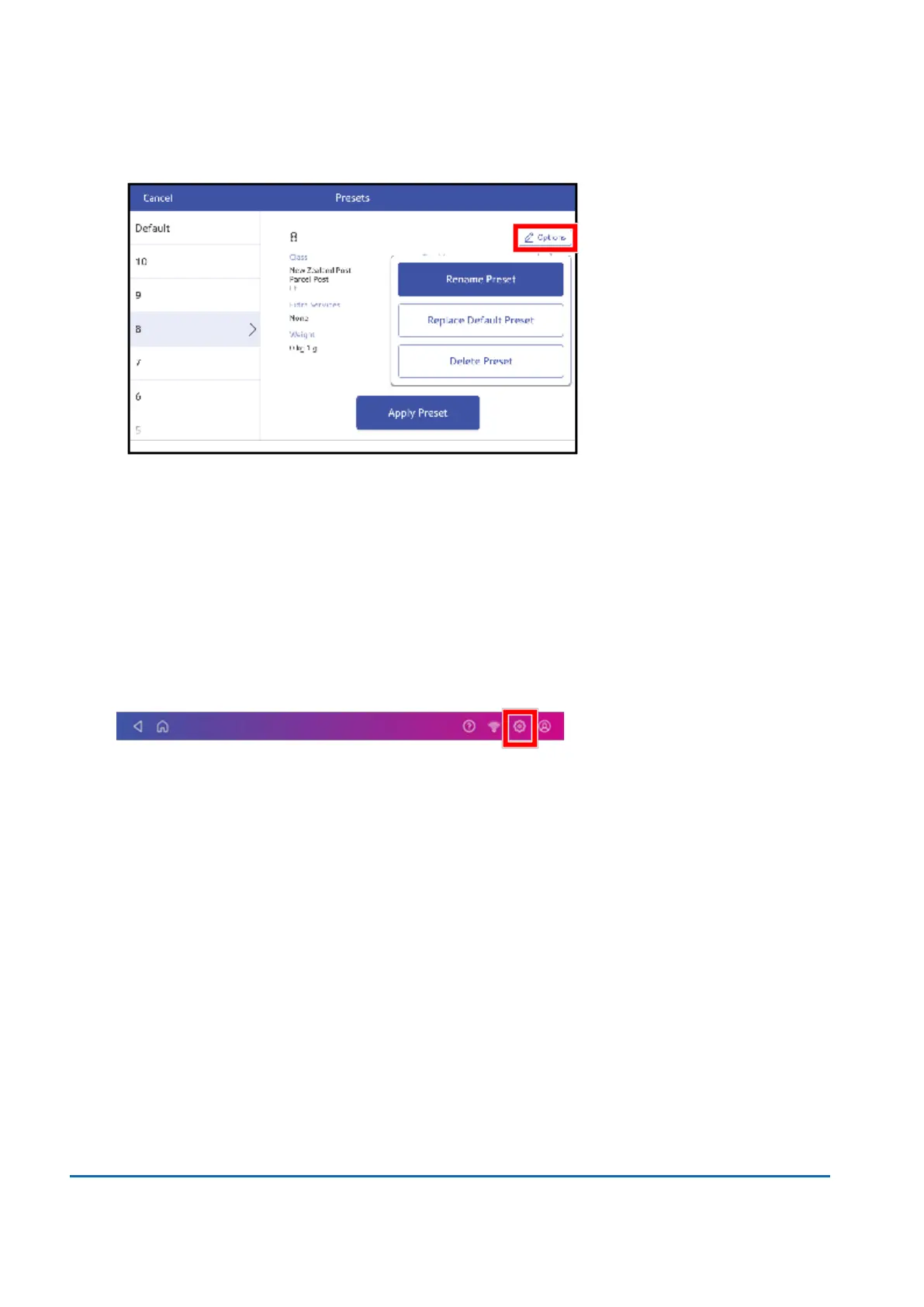
4. Tap Options.
5. Tap theoption you want.
Setting the default preset reset timer
The default preset timer will reset your device to your most commonly-used settings. By default, the
preset timer resets your device after one minute of inactivity. You can change this time if necessary.
1. Tap Settings.
2. Scroll down to the Envelope Printer Settings section.
3. Tap Postage Refills.
4. Tap Default Preset Timer.
12 • Settings
Pitney Bowes User Guide June 2022 87













 To Next Page