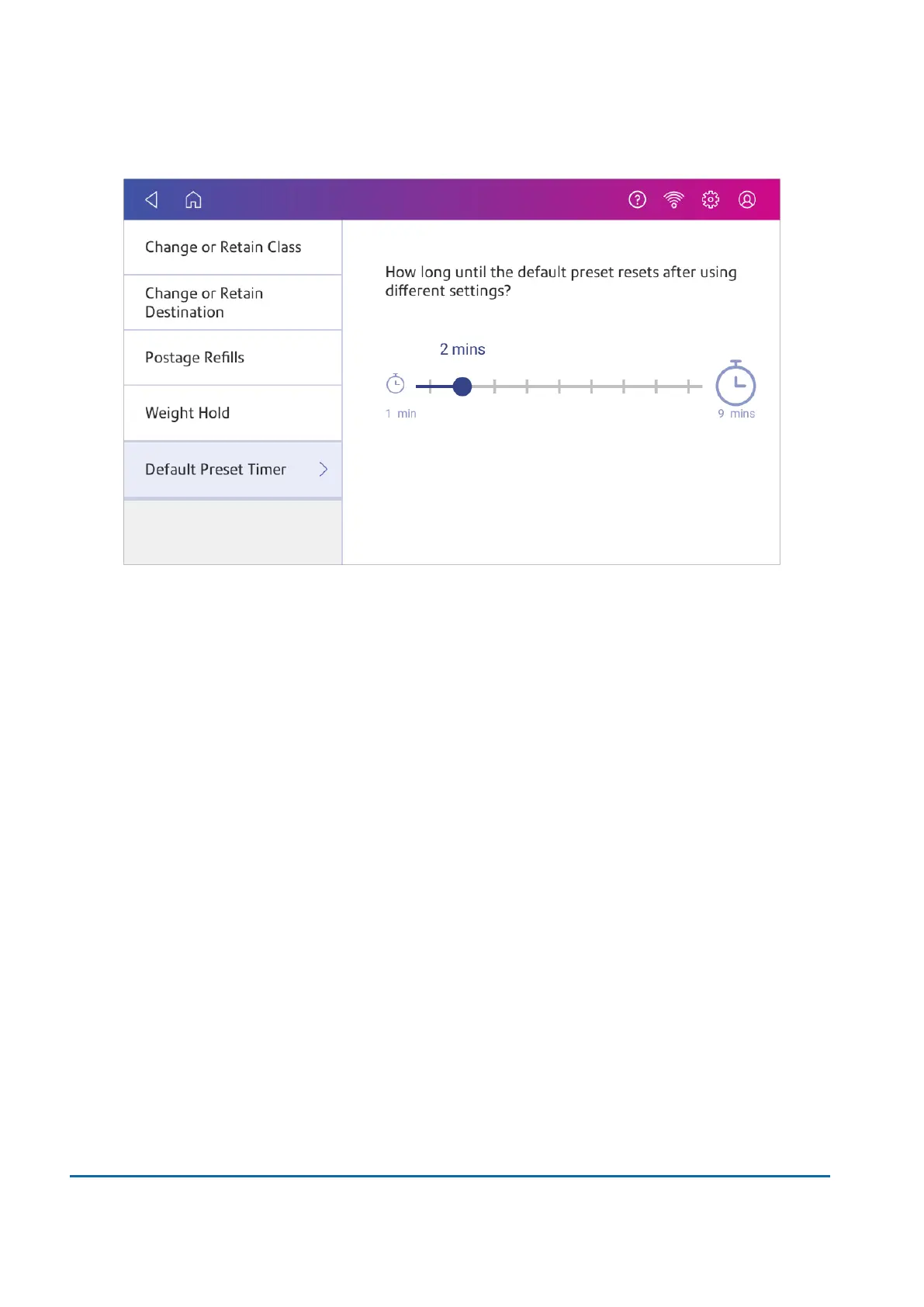
5. Use the slider to set the time between 1 and 9 minutes.
6. To save the value and exit the screen, tap the back arrow or Home.
Using SendPro Apps
Tap SendPro Apps on the Home screen to access a variety of apps that support your device.
For example, you can:
l
Check you have the latest rates and software installed on your device using Rates and Updates.
l
Print a receipt when you add postage funds using Print Refill Receipt.
12 • Settings
Pitney Bowes User Guide June 2022 88













 To Next Page