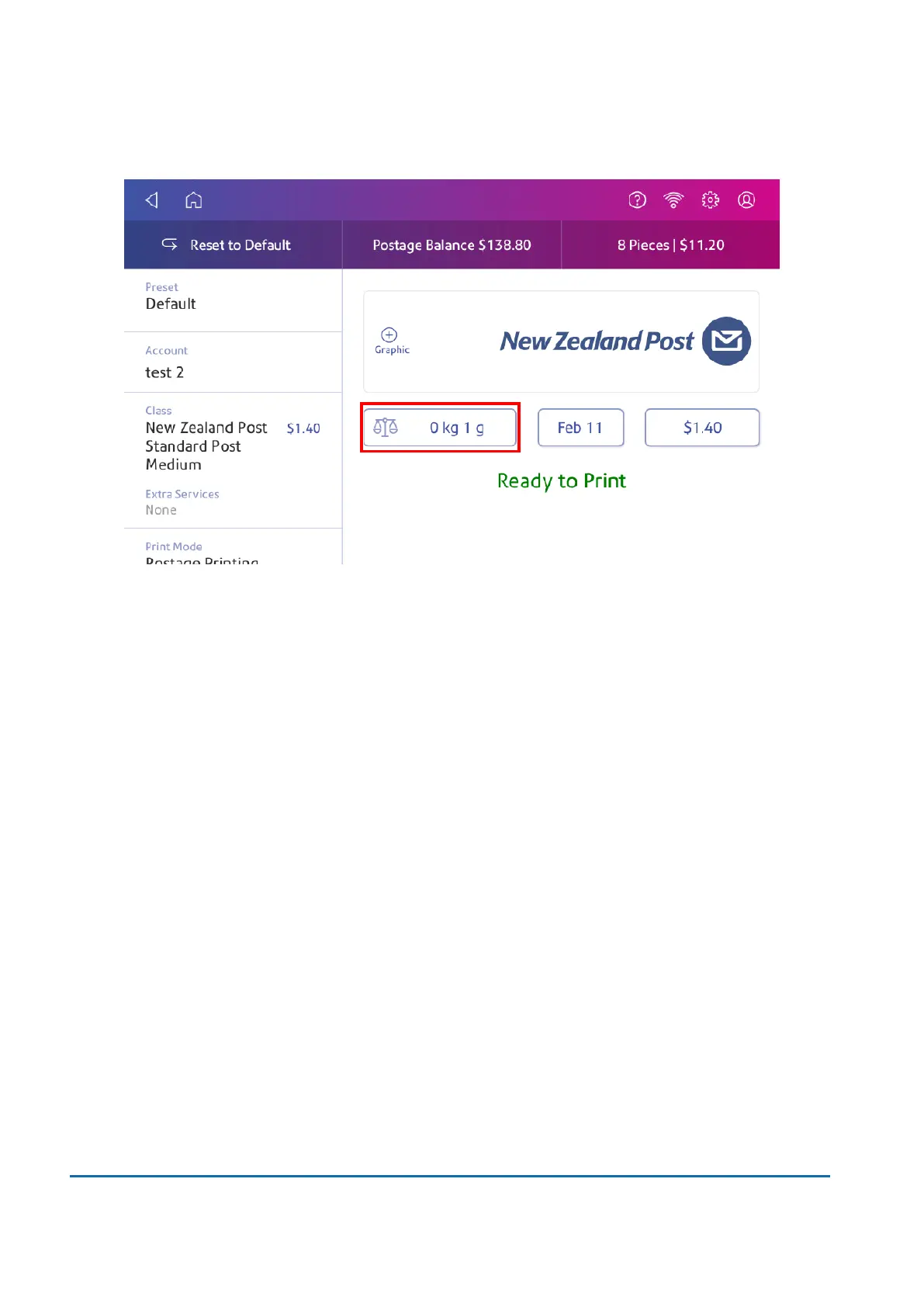
5. Tap Weight.
6. Tap Scale.
7. Place the envelope on the scale. You must do this before the next step or else Apply remains
inactive.
8. Tap Class then select the class of mail you want.
9. Tap Graphic then select a graphic, if necessary.
10. Tap Apply to continue.
11. Insert the envelope into the device. The device prints the postage .
Important: If the moistener tank is full and your envelopes do not seal correctly, clean the moistener
brush and wick.
Sealing envelopes without printing postage
Use Seal Only mode to seal envelopes without printing anything.
1. Tap Envelope Printing on the Home screen.
2. Tap Print Mode. You may need to swipe up on the screen to see this option.
3. Select Seal Only.
4. Tap Apply.
7 • Sealing
Pitney Bowes User Guide June 2022 63













 To Next Page