Using the scale when printing postage
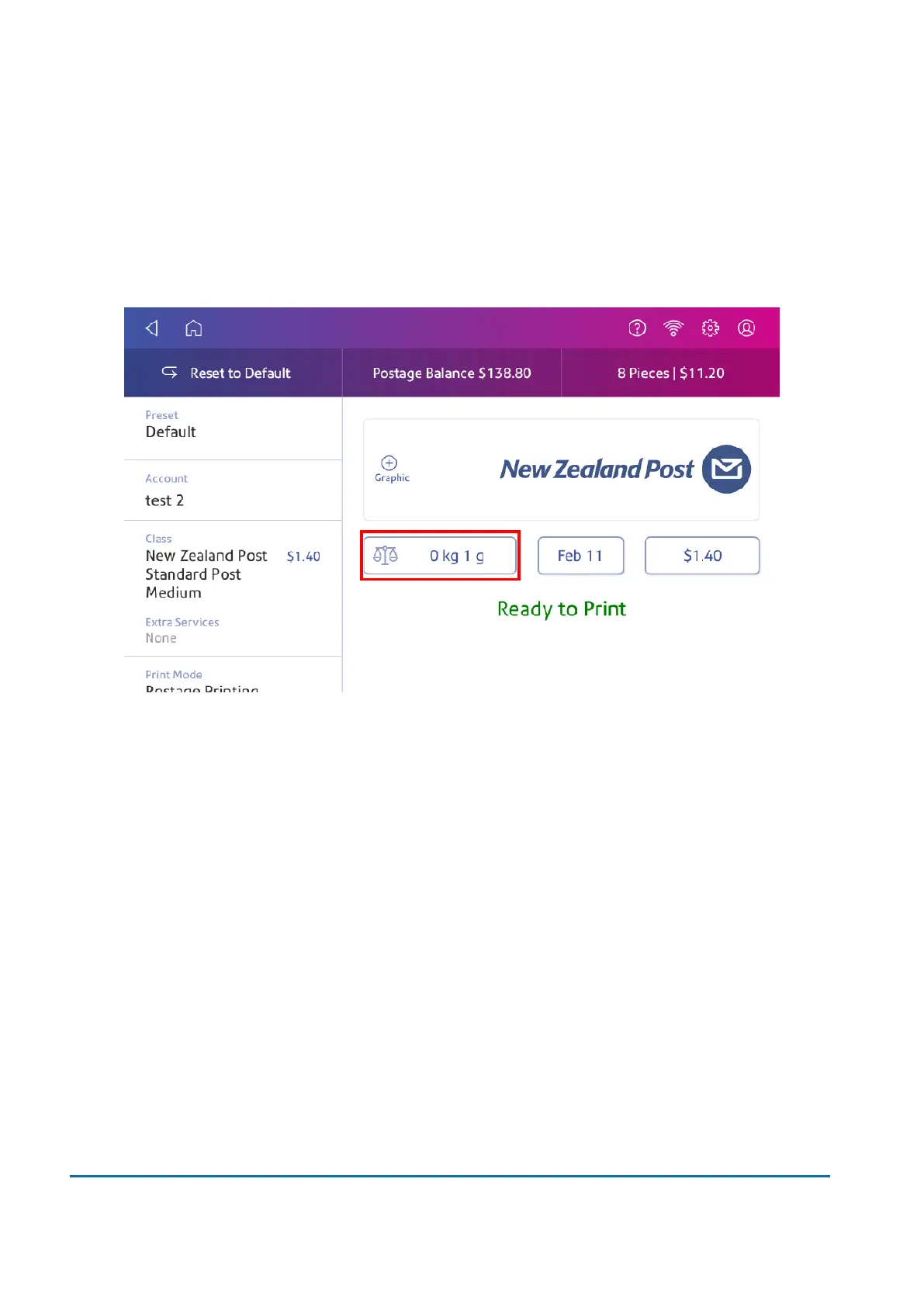
Use the scale to weigh your mail and calculate the correct postage for you.
1. Tap Envelope Printing on the Home screen.
2. Tap Weight.
3. Tap Scale.
4. Place the envelope on the scale. You must do this before the next step or else the Apply button
remains inactive.
5. Tap Apply.
6. Tap Class.
7. Select Start Over to show the class options.
8. Tap the class you want.
9. Select special services, if required.
10. Tap Apply.
11. Insert the envelope into the device. The device prints the postage.
Entering the weight manually when printing postage
Enter the weight of a mailpiece when you know its weight and are not using the scale.
3 • Scales and Weighing
Pitney Bowes User Guide June 2022 42













 To Next Page