l
Engineering; Sub account - Hardware; Sub sub account - Quality Approval; Sub sub account -
Testing
Creating your first Envelope Printing account
Create your first account to record Envelope Printing usage by department.
Accounting is a feature that is optional and needs enabling if you want to use it. Contact your Pitney
Bowes Sales Representative for information about options and pricing.
An account is created automatically for you during installation. The account is called General.
You can edit the name if you want to, providing you have not printed any post against it.
You can create more accounts if you would like to.
1. Tap Envelope Printing on the Home screen.
2. Tap Account.
3. Tap Manage Accounts.
4. Tap Create new account twice.
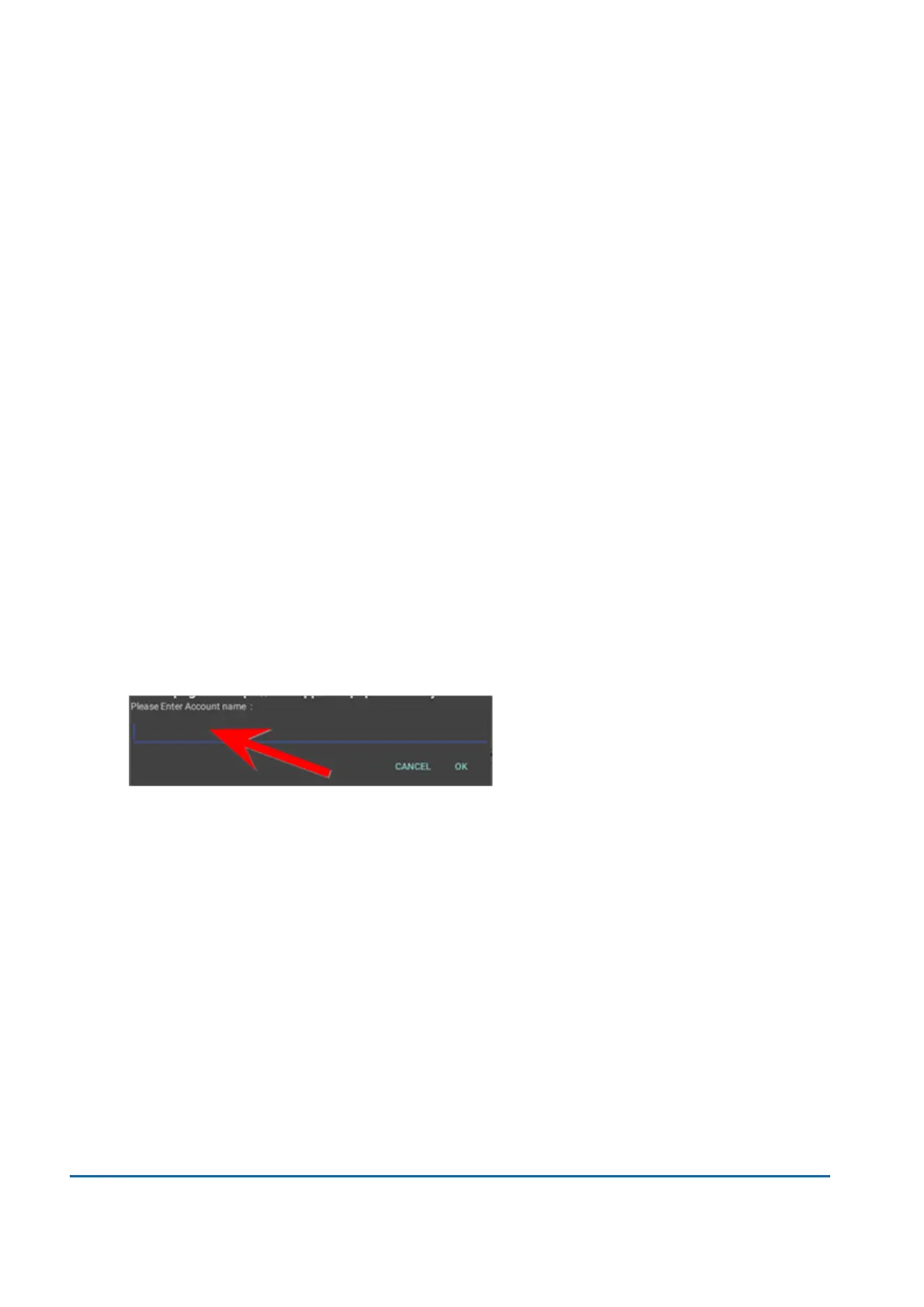
5. Enter the account name in the Account name field. Account names can be up to 75 characters
long.
If the keyboard does not pop up, tap on the line in the gray box.
6. Enter a unique code in the Code field to identify each account. Codes can be alphanumeric.
7. You can use the optional fields, such as:
l
Description - Enter a description of the account up to 150 characters.
l
Password - Tap Password to add a password for an account.
o
Passwords are case sensitive, can be alphanumeric, and must be four characters in
length. You must enter this password to edit or feed mail against the account once
enabled.
8. Ensure you set the status to active.
9. Tap anywhere on the screen, but outside of the fields when complete.
4 • Accounting
Pitney Bowes User Guide June 2022 47













 To Next Page