Navigating the Home screen
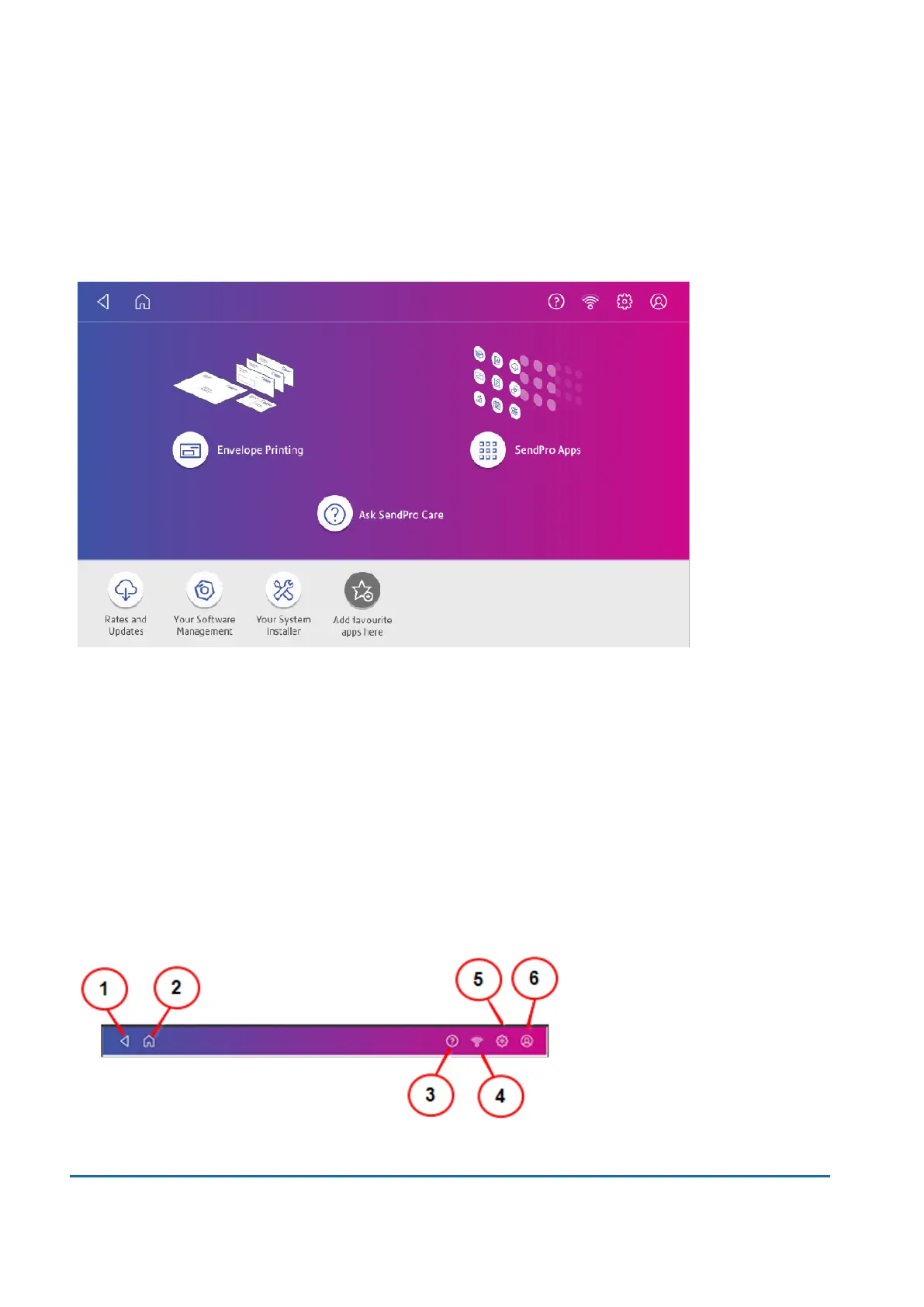
The Home screen on the SendPro C Lite, SendPro C provides the starting point for printing postage.
Tap the Home icon in any screen to return to the Home screen.
l
Tap Envelope Printing to print envelopes, post cards and small parcels.
l
Tap SendPro Apps to view additional apps.
l
Tap Ask SendPro Care to get information and help for your device.
Toolbar
The toolbar located a the top of the Home screen appears at the top of every screen. It allows you to
view and change settings for your SendPro C Lite, SendPro C.
15 • Product Information
Pitney Bowes User Guide June 2022 106


 To Next Page
 Loading...










