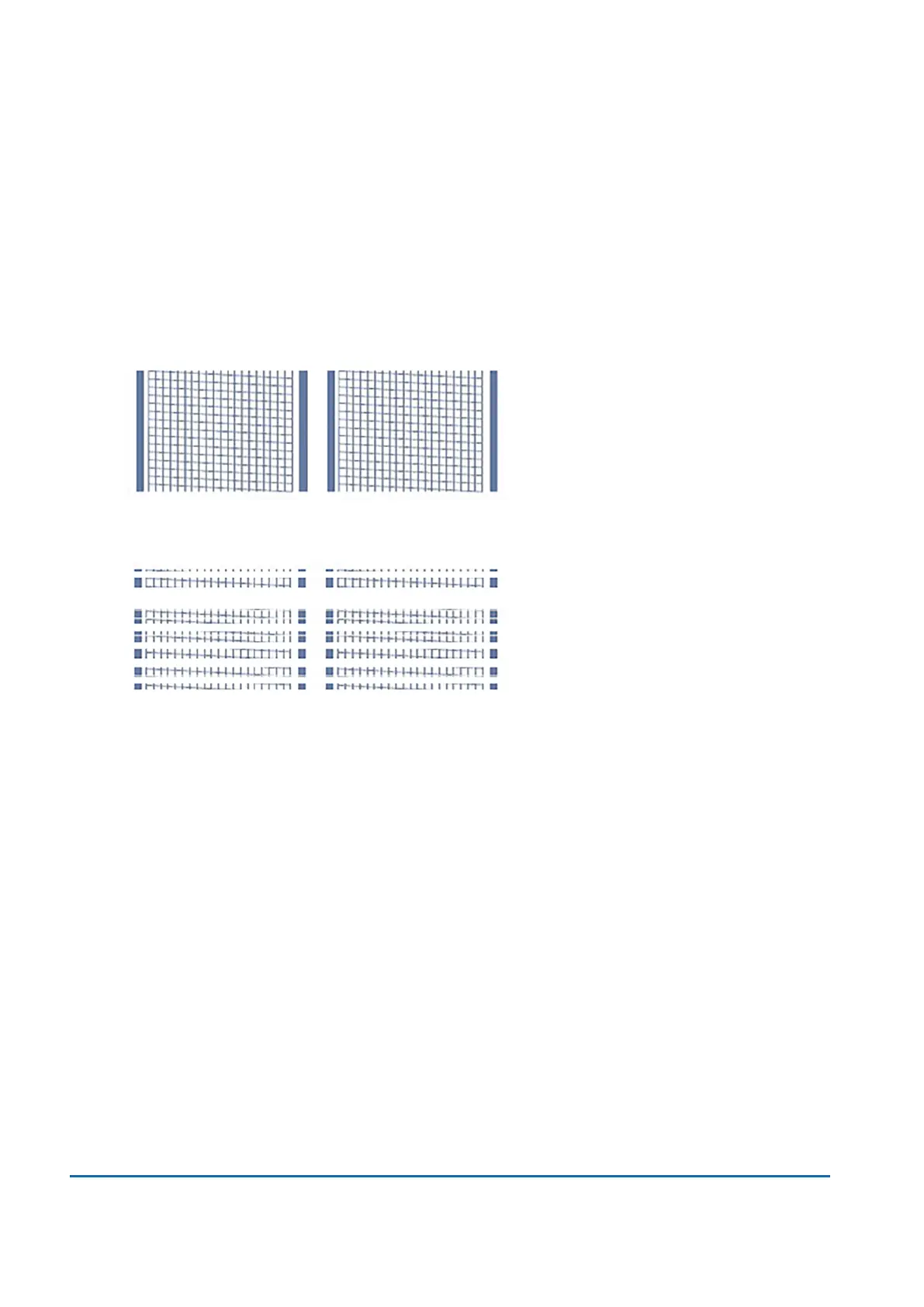
5. Examine the pattern printed on the envelope:
l
Tap Done if the lines are unbroken and match the "Good" test pattern shown on the display.
l
Tap Clean Printhead if the test pattern has missing or incomplete lines
o
Once the cleaning operation completes, you must print another test pattern.
o
If this new pattern still has broken or missing lines, you may need to replace the ink
cartridge or clean or replace the printhead.
o
If you see no improvement in print quality, do not repeat the cleaning, as cleaning the
print nozzles consumes ink.
Good Test Pattern
Bad Test Pattern
8 • Printing
Pitney Bowes User Guide June 2022 70













 To Next Page