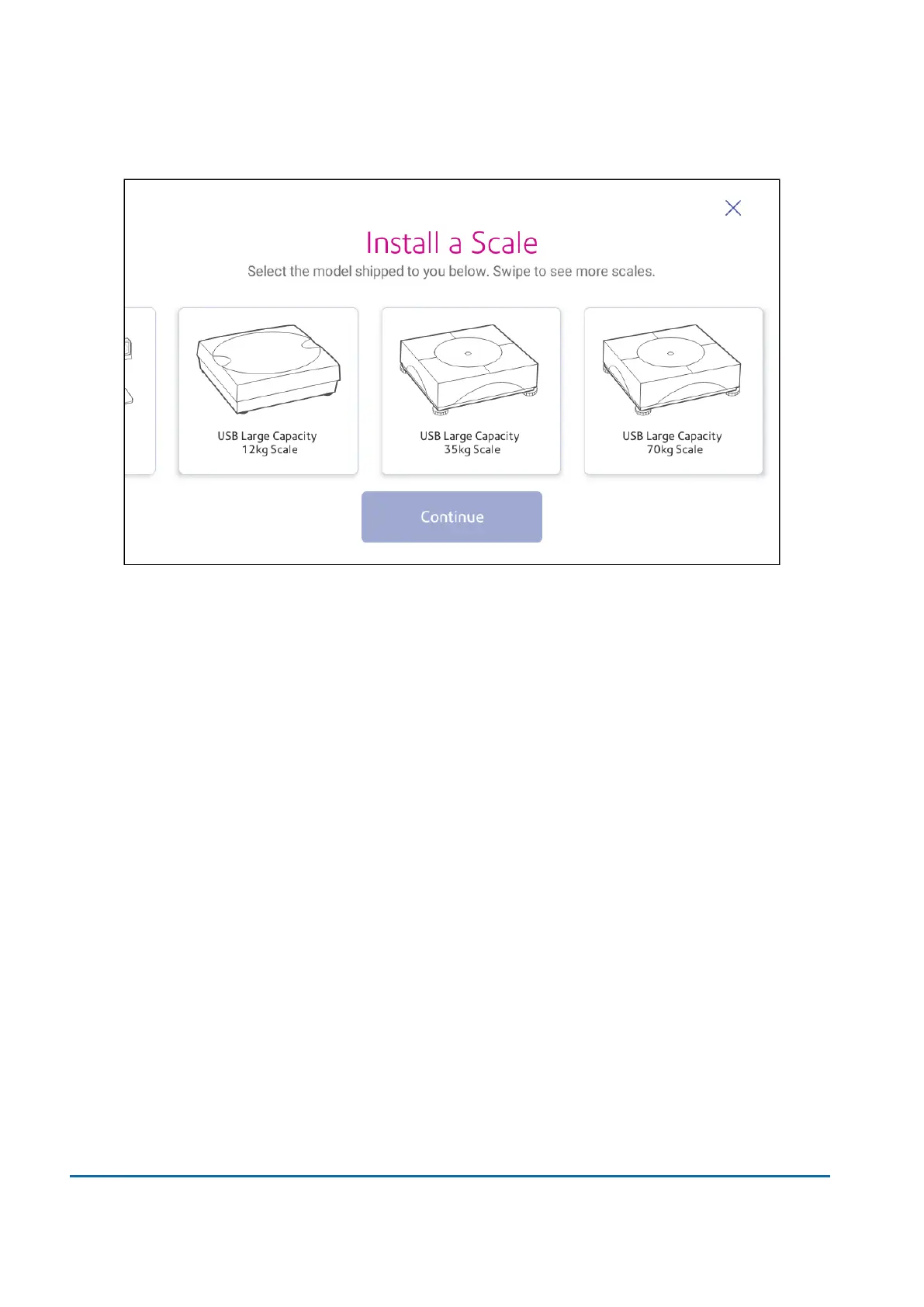
5. Swipeto the left and select the scale you are installing.
6. Tap Continue.
7. Following the on-screen instructions.Swipe to the left and unbox the scale.
8. Position and level the scale. The scale has a level bubble under its lid. Ensure the bubble is
within the circle of the level bubble by adjusting the round feet of the scale.
9. Connect the large end of theUSB cable into the device. Connect the other end into the scale.
10. Tap Continue.
11. Tap Verify.
12. Tap Got It.
13. Tap Envelope Printing.
14. Tap Weight, then tap Scale.
15. Place the mail on the scale.
16. Tap Apply.
1 • Installation
Pitney Bowes User Guide June 2022 25













 To Next Page