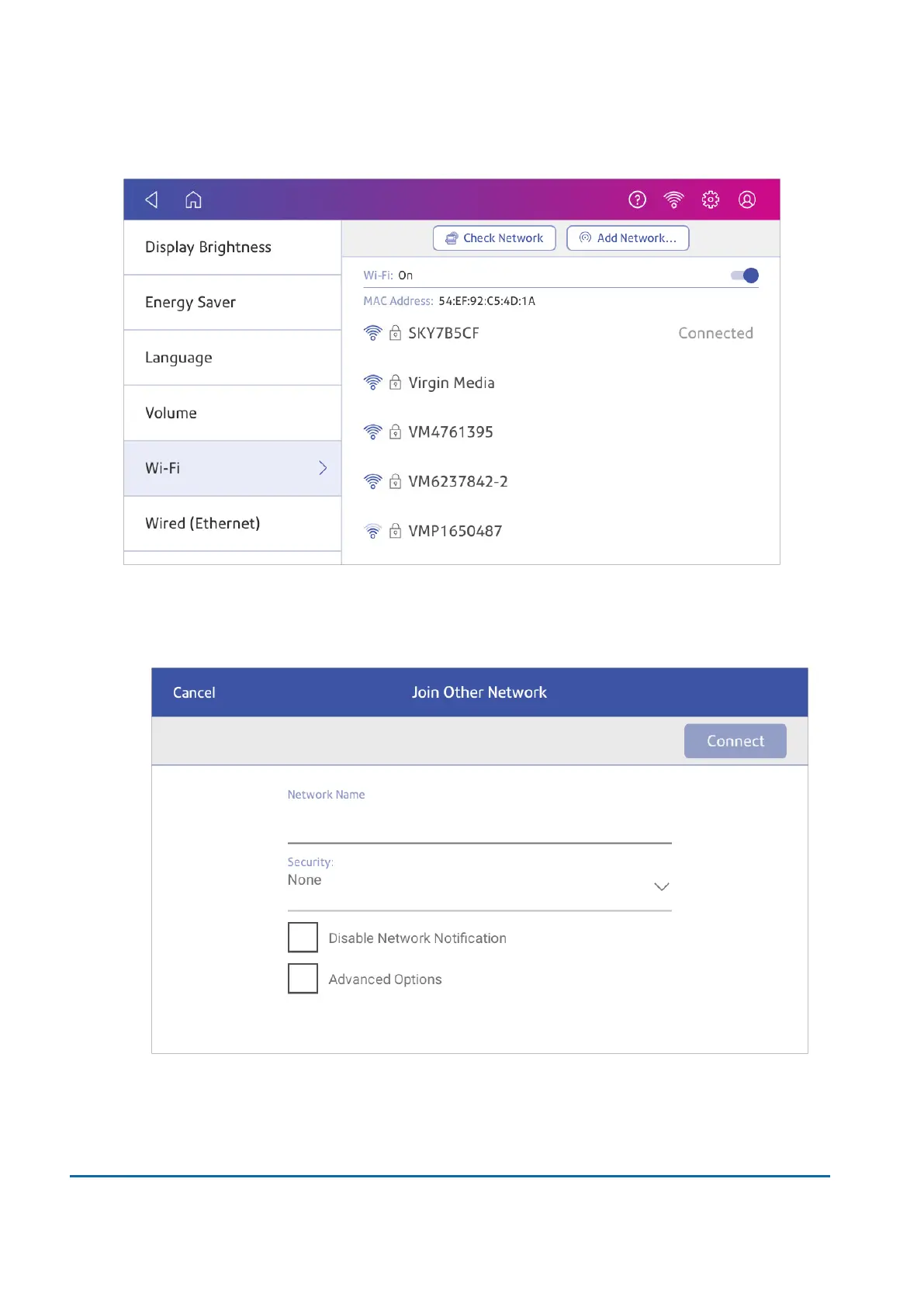
3. Tap Add Network at the top of the Wi-Fi screen.
4. For each of the following steps, please consult with your IT department to obtain the necessary
information.
a. Tap the down arrow in the Security field and select the security method.
b. Tap Advanced Options to enter a static IP or set up a proxy.
5. Tap Connect when done.
2 • Connectivity
Pitney Bowes User Guide June 2022 31













 To Next Page