User Manual of WNAP-6325
-26-
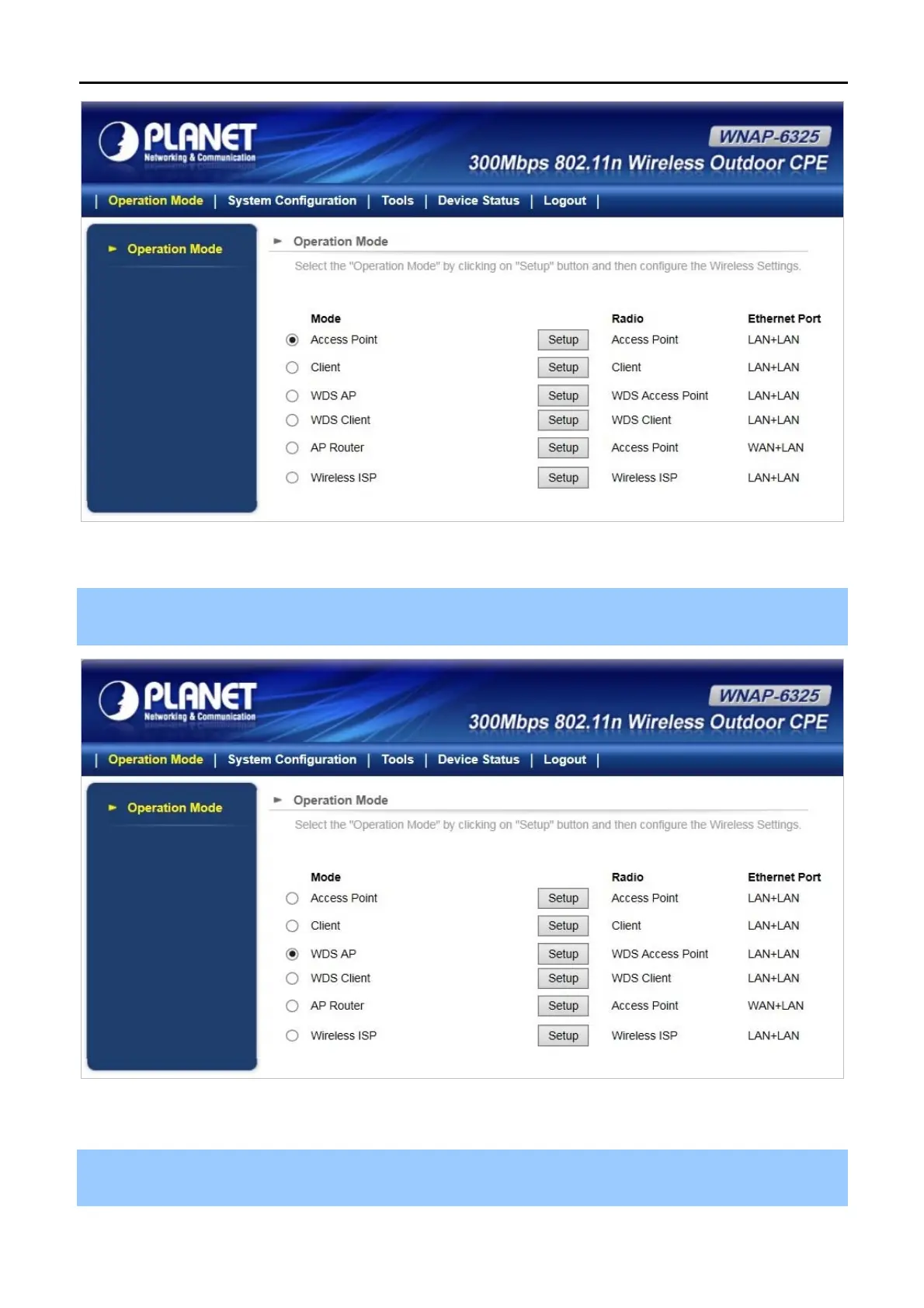
Figure 4-7 WNAP-6325 Web UI Screenshot
Step 2. You can choose an Operation Mode. Please refer to the instructions in the next chapter for configuring
the other Operation Modes.
Figure 4-8 Choose Operation Mode
Step 3. Please enter the SSID and configure your Encryption Settings, Pre-Shared Key, etc. Then click the
Save button to make the configuration take effect immediately.



 To Next Page