User Manual of WNAP-6325
-58-
5.2.3 Password Settings
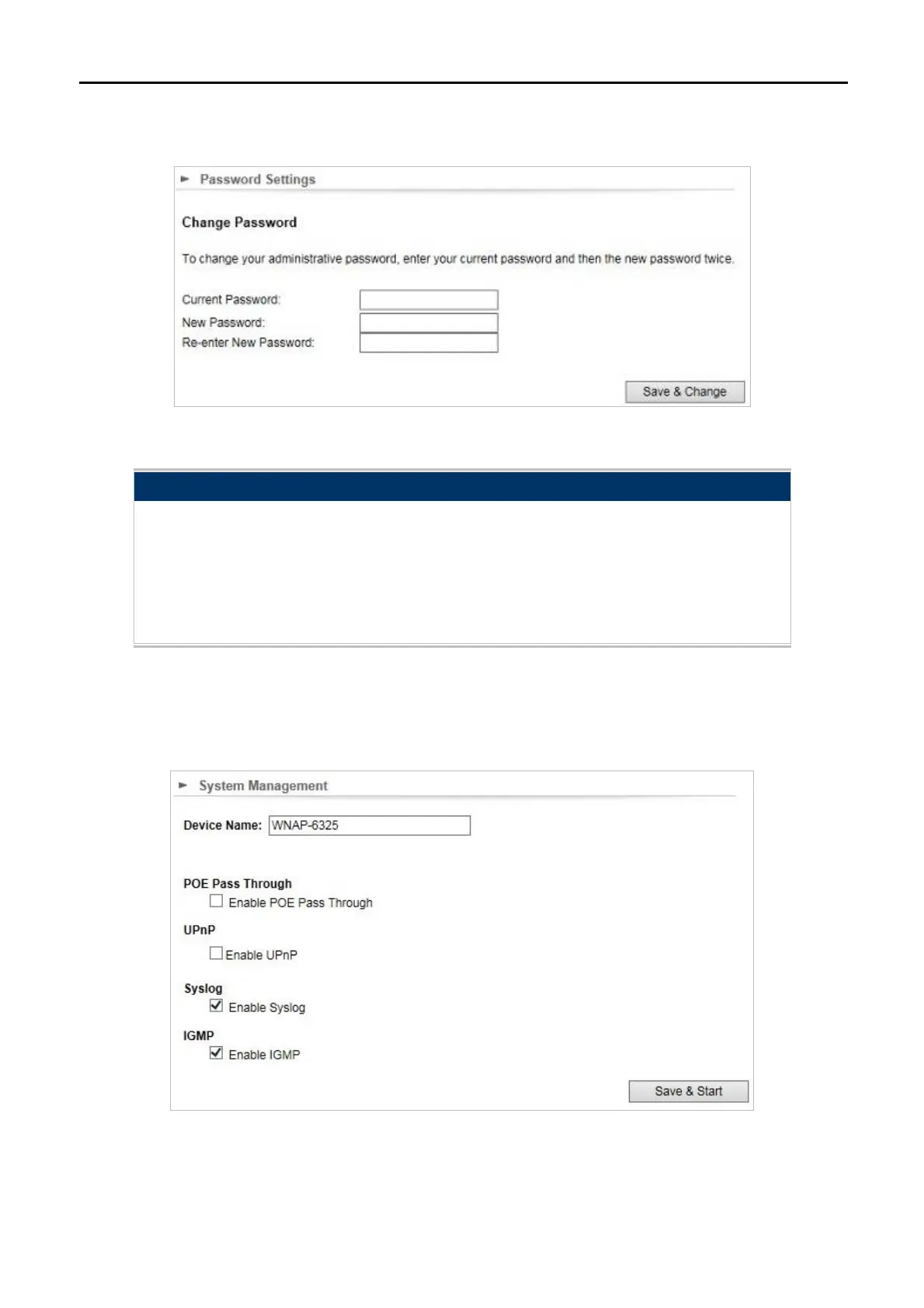
Click “System Configuration” “Password Settings” and the following page will be displayed.
Figure 5-36 Password Settings
Object Description
Current Password
Set the access point’s administrator password. This is used to log in
to the browser based on the configuration interface.
New Password
Enter a new password.
Re-enter New
Password
Enter the new password again.
5.2.4 System Management
Click “System Configuration” “System Management” and the following page will be displayed.
Figure 5-37 System Management



 To Next Page