User Manual of WNAP-6325
-28-
Chapter 5. Configuring the AP
This chapter delivers a detailed presentation of AP’s functionalities and features under 4 main menus
(Operation Mode, System Configuration, Tools and Device Status) below, allowing you to manage the AP
with ease.
Figure 5-1 Main Menu
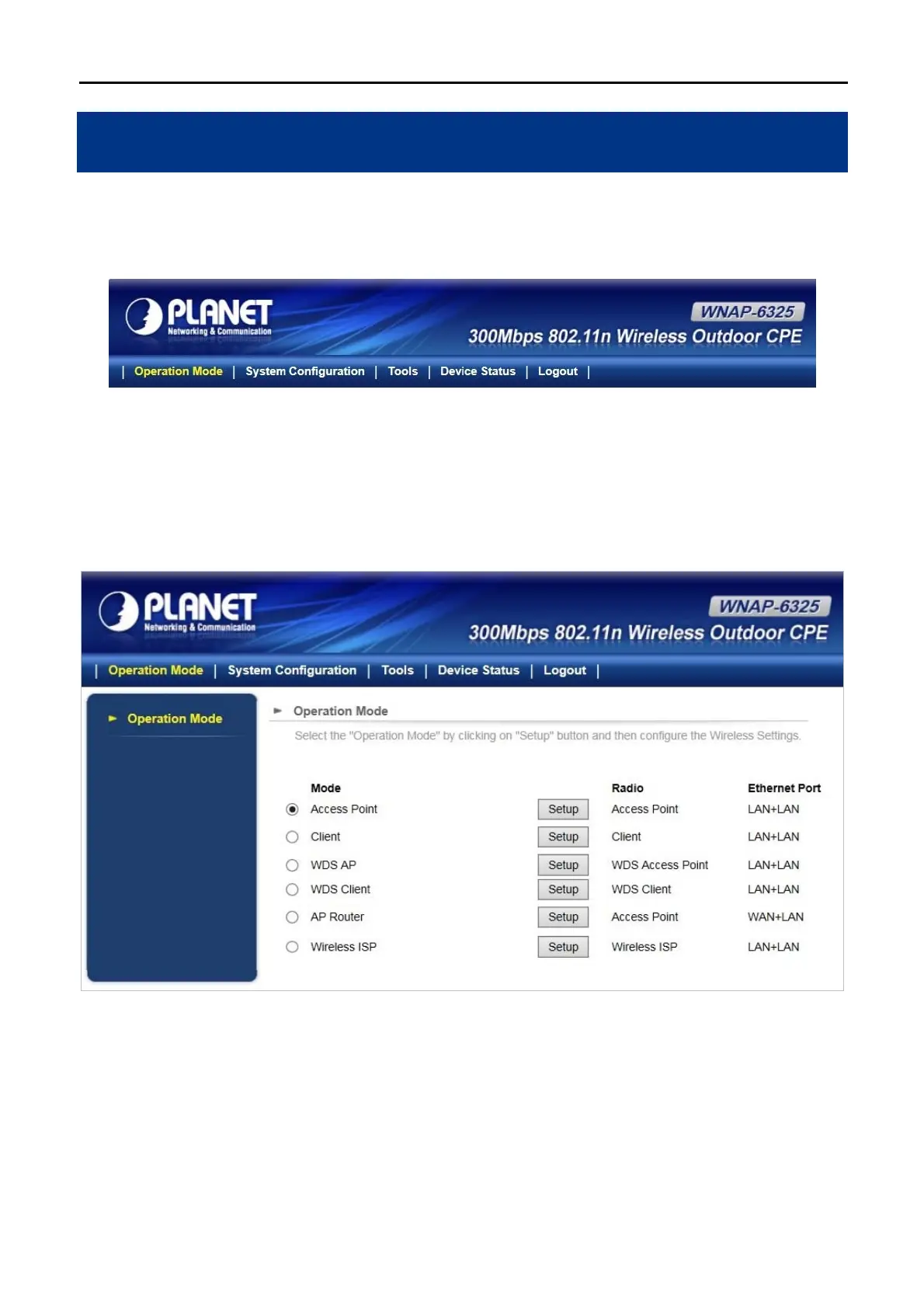
5.1 Operation Mode
On this page, you can select different operation modes of the WNAP-6325, including Access Point, Client, WDS
AP, WDS Client, AP Router and Wireless ISP.
Figure 5-2 Operation Mode
5.1.1 Access Point
Click “Operation Mode” “Access Point” and the following page will be displayed. This section allows you to
configure the Access Point mode.



 To Next Page