User Manual of WNAP-6325
-45-
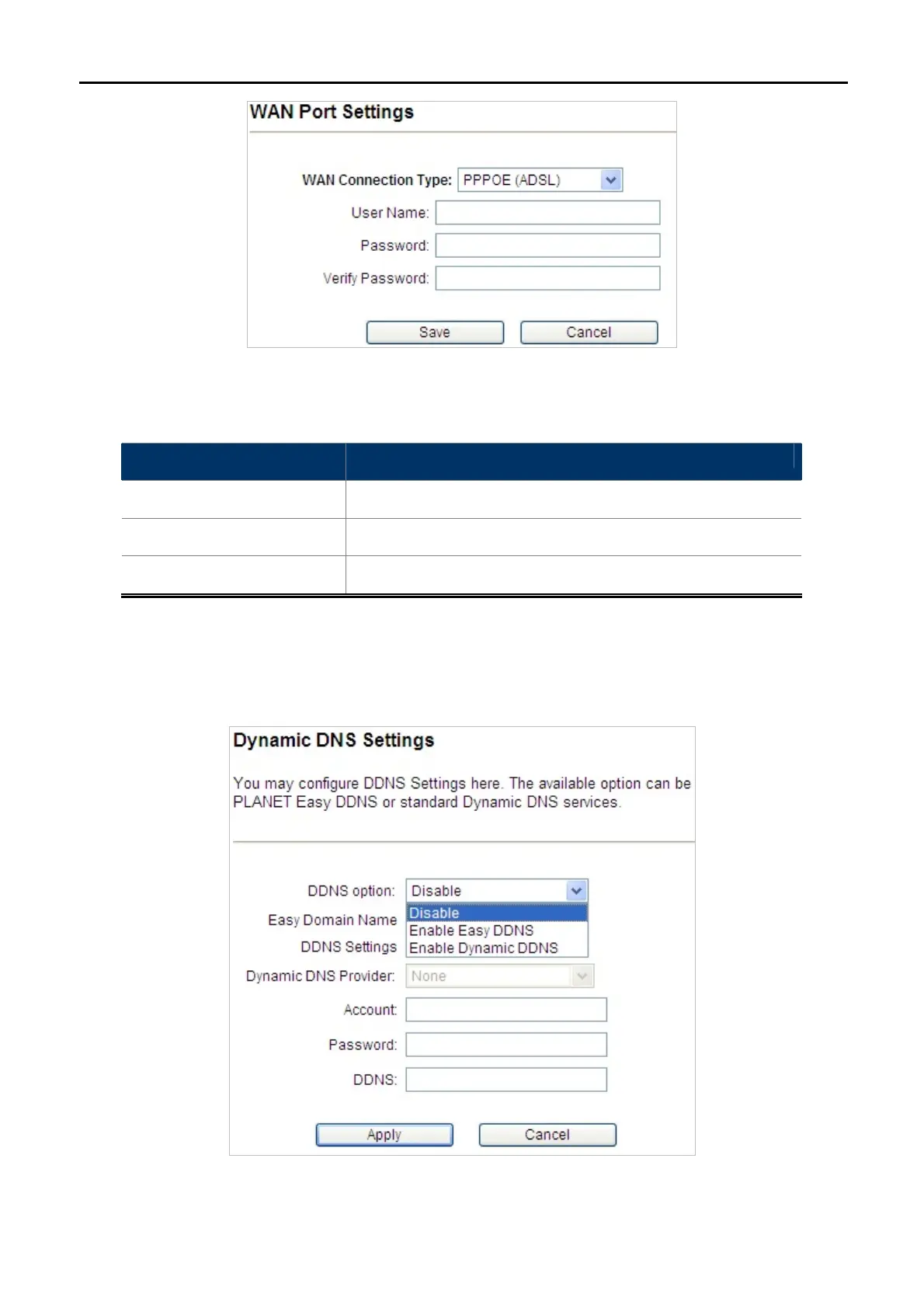
Figure 5-22 WAN Port Settings – PPPOE
Object Description
User Name
Enter the User Name provided by your ISP.
Password Enter the password provided by your ISP.
Verify Password
Enter the password again to verify if it is correct.
5.1.11 Dynamic DNS Settings
Click “Operation Mode” “AP Router” or “Wireless ISP” and then enter the “Dynamic DNS Settings” by
clicking the Setup button next to it. This section allows you to configure the DDNS settings.
Figure 5-23 Dynamic DNS Settings



 To Next Page