User Manual of WNAP-6325
-46-
Object Description
DDNS option
Disable: Disable DDNS function
Enable Easy DDNS: Enable PLANET Easy DDNS
Enable Dynamic DDNS: You are allowed to modify the DDNS
settings.
Dynamic DNS Provider
Select a server provider or disable the existing server.
Account
Enter the DDNS user name of the DDNS account.
Password
Enter the DDNS password of the DDNS account.
DDNS
Enter the host name or domain name provided by DDNS
provider.
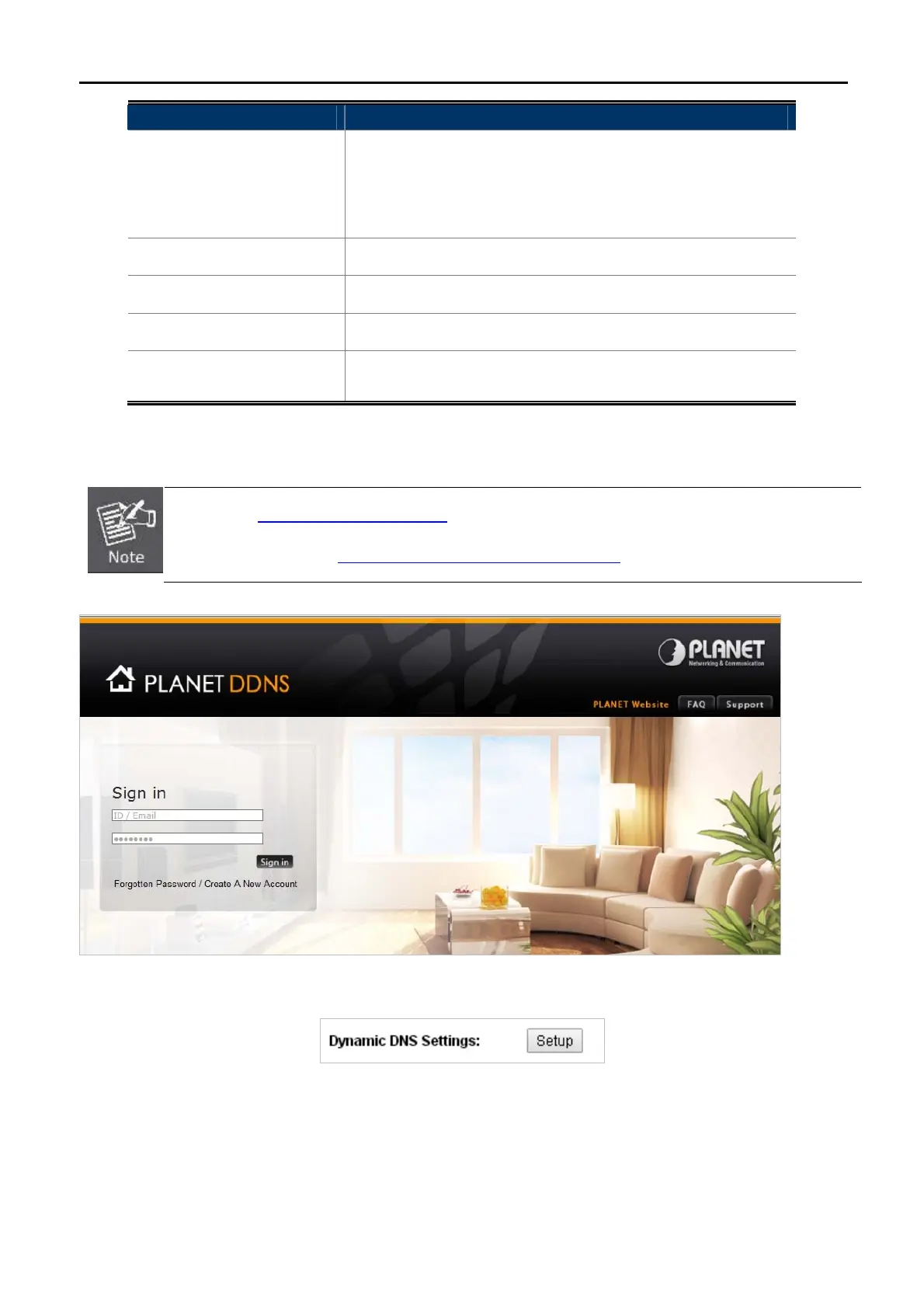
Example of Planet DDNS Settings:
Please go to http://www.planetddns.com/
to register a Planet DDNS account.
Please refer to the FAQ (http://www.planetddns.com/index.php/faq
) for how to register a free account.
Click “Operation Mode” “AP Router” or “Wireless ISP”, select Dynamic DNS Settings and press “Setup”.
Step 1. Select “Enable Dynamic DDNS” and “PlanetDDNS.com” from the list of Dynamic DNS Provider to
use the Planet DDNS service.



 To Next Page