User Manual of WNAP-6325
-52-
5.1.15 Virtual Server Settings
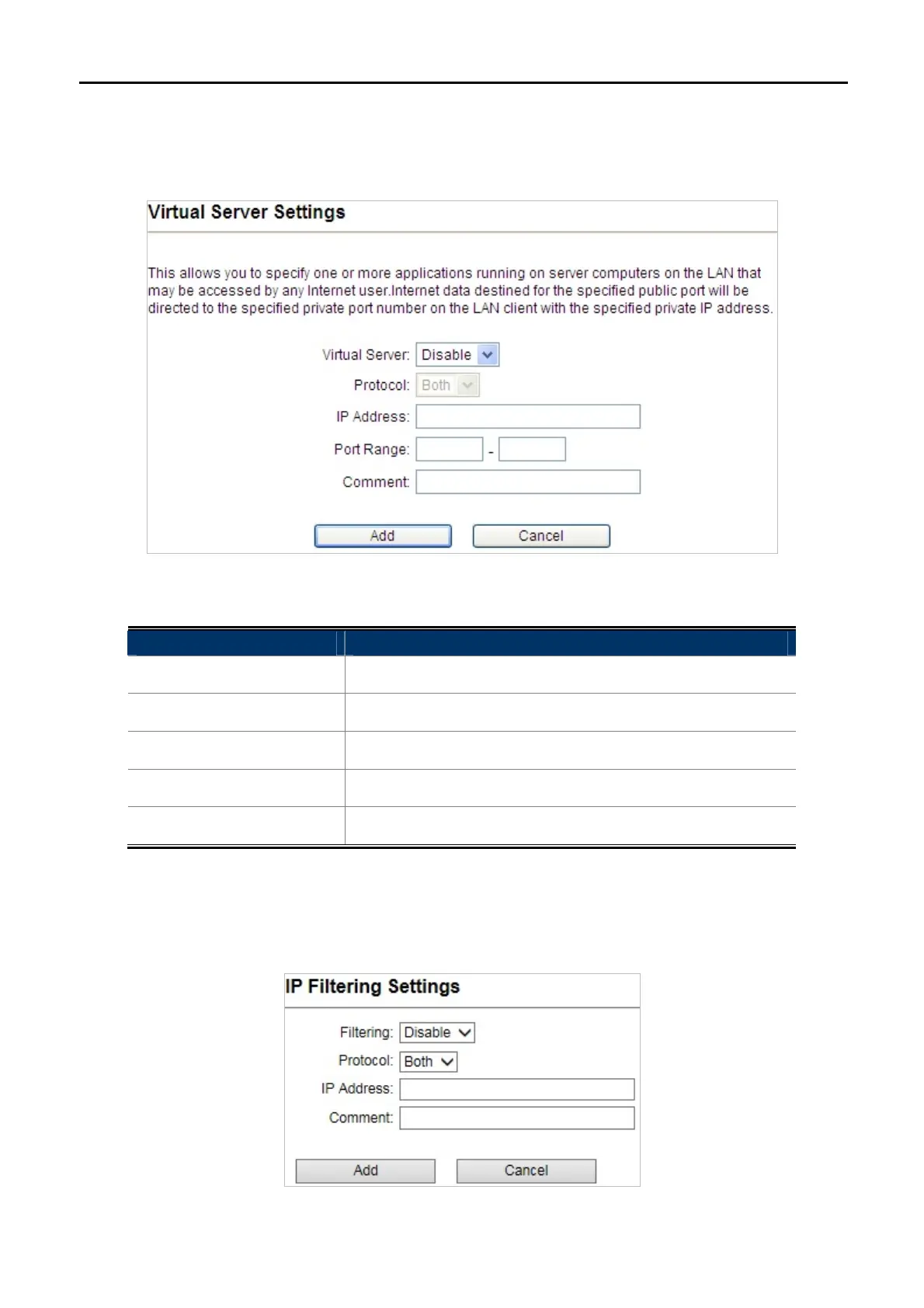
Click “Operation Mode” “AP Router” or “Wireless ISP” and then enter the “Virtual Server Settings” by
clicking the Setup button next to it. This section allows you to configure the virtual server.
Figure 5-27 Virtual Server Settings
Object Description
Virtual Server
Enable or disable Virtual Server.
Protocol
You can choose TCP, UDP or Both.
IP Address
Enter the LAN IP.
Port Range
Set the range of public port.
Comment
Set a name for the rule.
5.1.16 IP Filtering Settings
Click “Operation Mode” “AP Router” or “Wireless ISP” and then enter the “IP Filtering Settings” by clicking
the Setup button next to it. This section allows you to configure the IP filtering settings.
Figure 5-28 IP Filtering Settings



 To Next Page