Scanning
Warning The scanner is a high precision Class 2 laser scanning instrument. Always store the
scanner in its cradle when not in use. To prevent damage or misalignment, do not drop or strike
the scanner. Follow all stated precautions when using the scanner.
The scanner captures the restoration site with a laser system and delivers live images to the
monitor. As you capture images, the system creates a composite model, revealing any areas
that need further scanning.
Ensure the power cord is being used on the laptop while scanning.
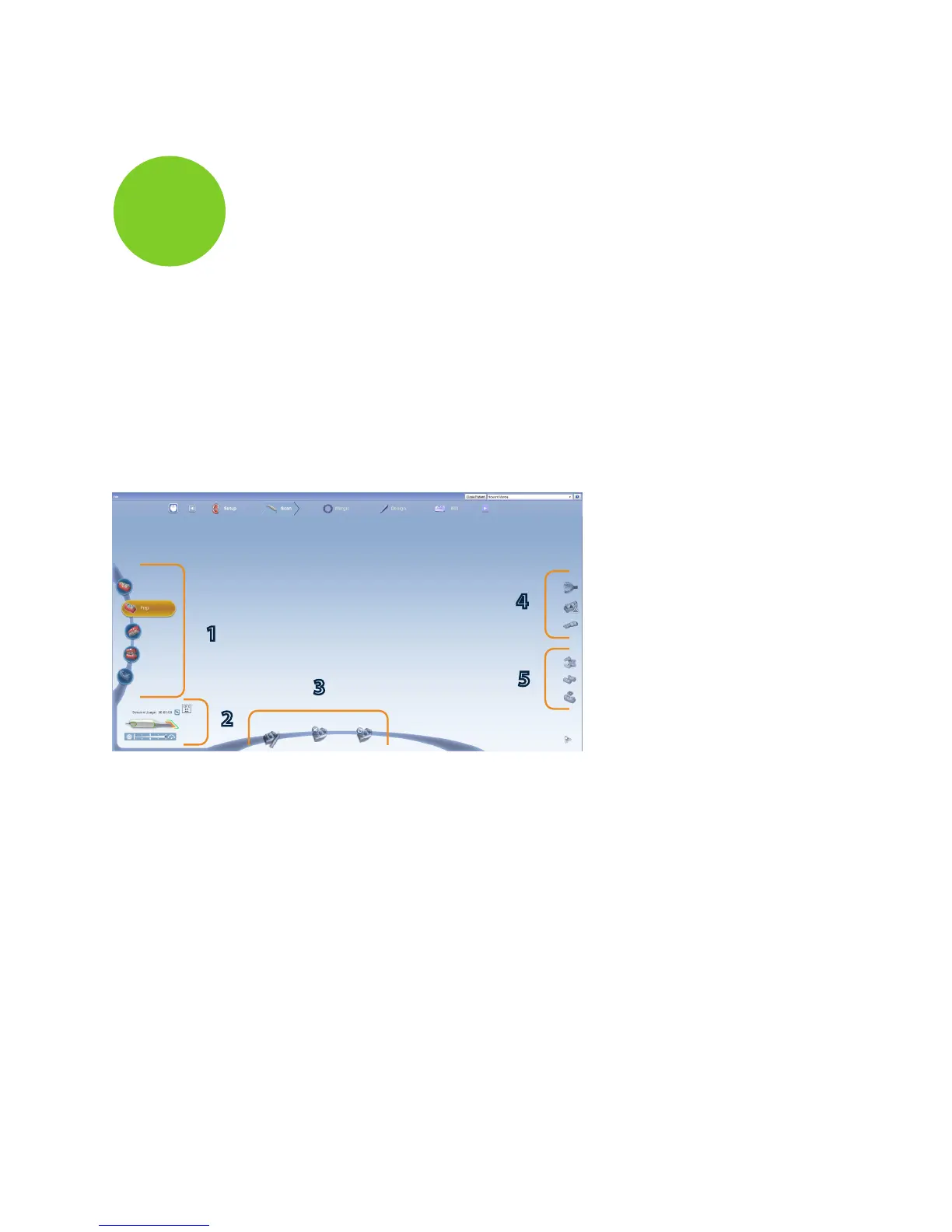
Scan Tab Layout
1 Scan Type
2 Scanner Indicators
3 Model Editing Tools
4 Evaluation Tools
5 Alignment Tools
1
3
4
5
2
20 Scanning Planmeca PlanScan User Manual
Planmeca
5














 To Next Page