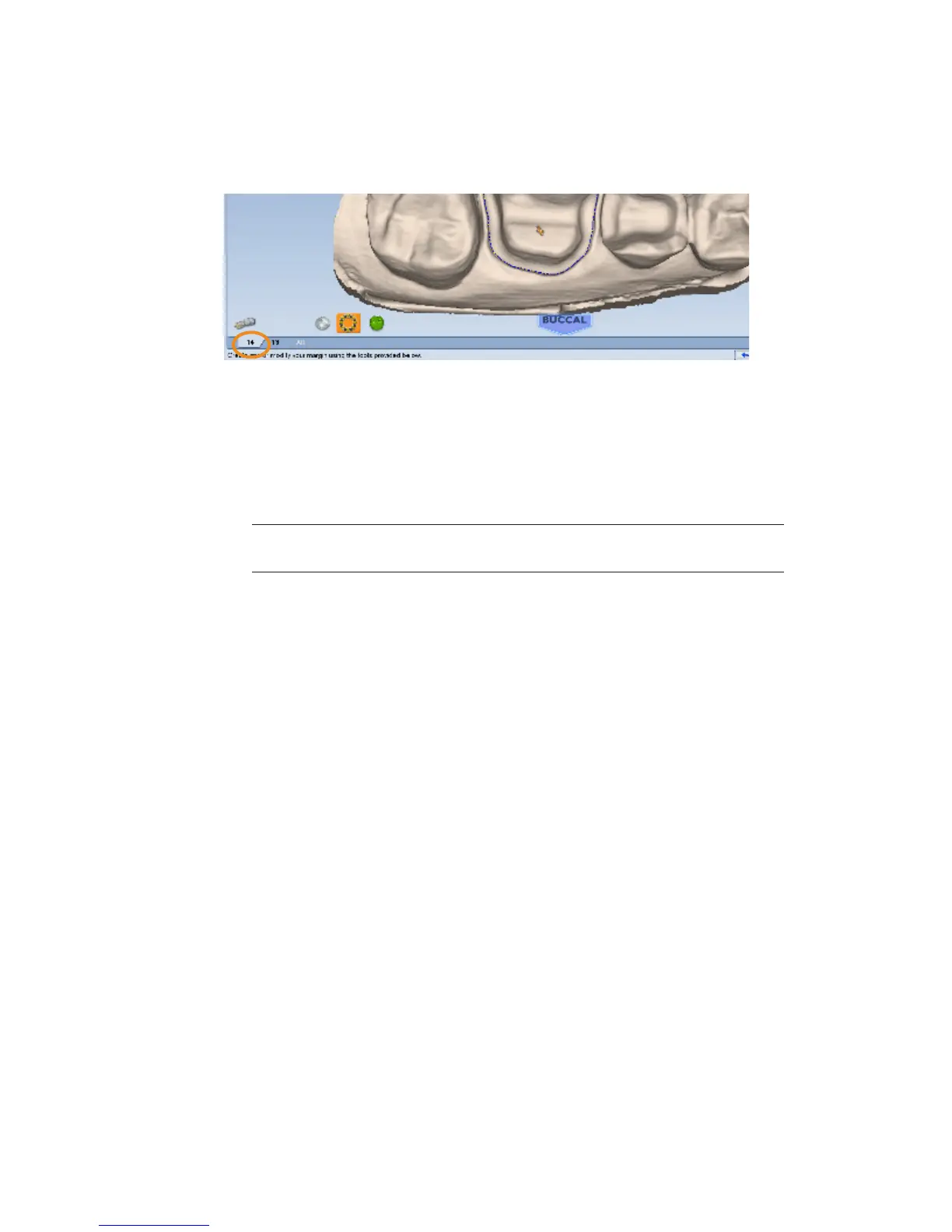
Multiple Restorations
On multiple restoration cases, the tooth number is assigned to each preparation when the
margin is drawn.
1 Click the desired tooth number tab.
2 Draw and edit the margin for the selected tooth number.
3 Select the next tooth number.
4 Draw and edit the margin for the selected tooth number.
Drawing the margins is how the tooth number is designated for each preparation. If the wrong
tooth number is selected when a margin is drawn, the margin must be marked again on the
correct tooth tab.
Note: See “Drawing Pontic Margins” on page 44 for information on margins for
bridges.
Selection Area Tool
For designing systems only.
5
10828200.B Margin Tab 43














 To Next Page