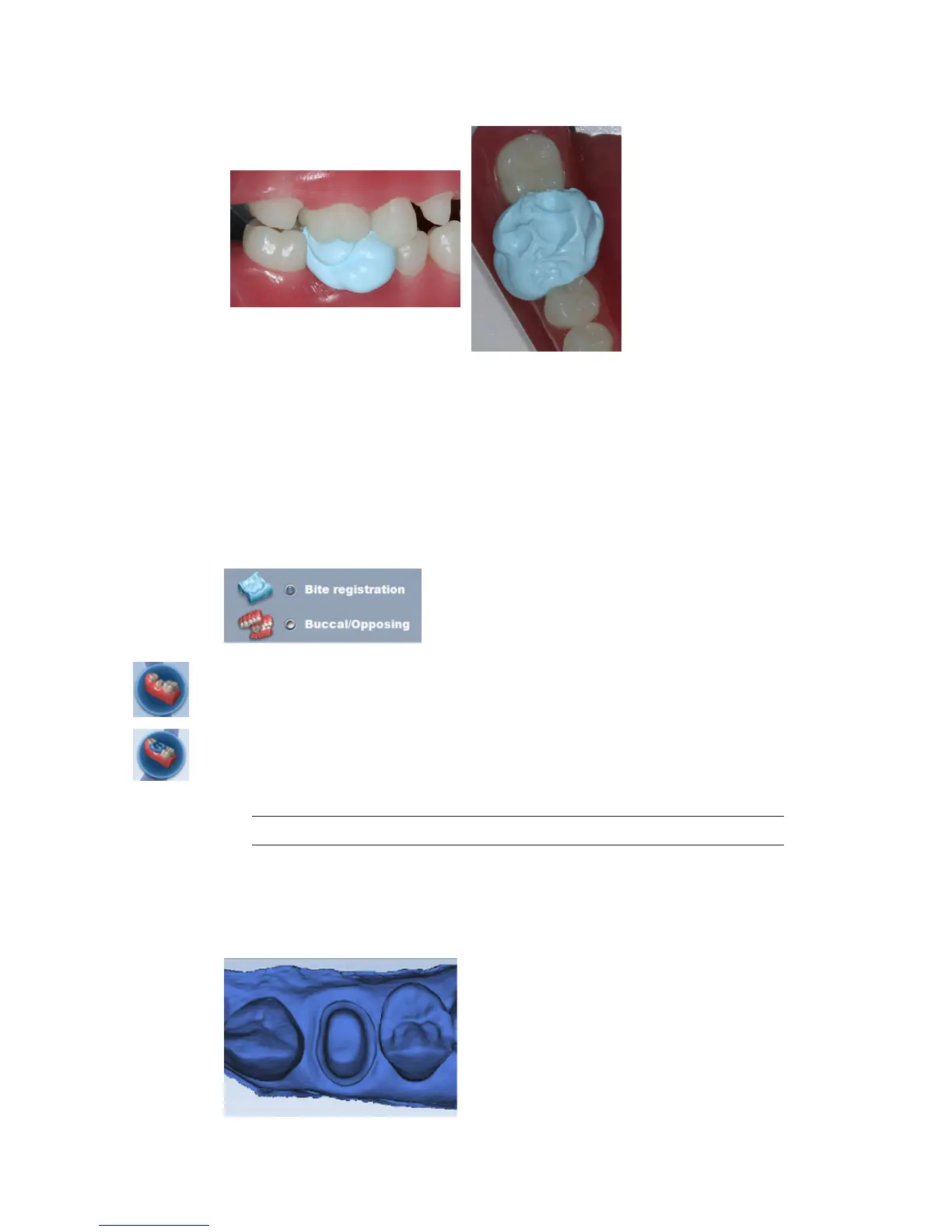
2 Have the patient bite down rmly or press the articulated model down rmly for the
impression.
3 If trimming of the bite is needed to expose more of the adjacent teeth, trim the bite in the
mouth. If you remove and replace it, the bite registration material may not seat properly.
Bite registration scanning
Goals
100% occlusal data
1 On the Setup tab, select Bite Registration.
2 On the Scan tab, click Scan Prep and scan the preparation model rst.
3 Click Scan Bite.
A Time Saver message appears. This message only appears when the preparation is scanned
rst. The Time Saver option allows you to duplicate the preparation model and use the same
data for the bite registration model.
Note: Time Saver cannot be used in conjunction with Impression Mode.
4 Click OK to use the Time Saver. If you do not wish to use the Time Saver option, the bite
registration and adjacent teeth can be scanned on their own. The following instructions assume
the use of the Time Saver option.
A copy of the preparation model is created in the bite registration model color.
10828200.B Scanning 29














 To Next Page