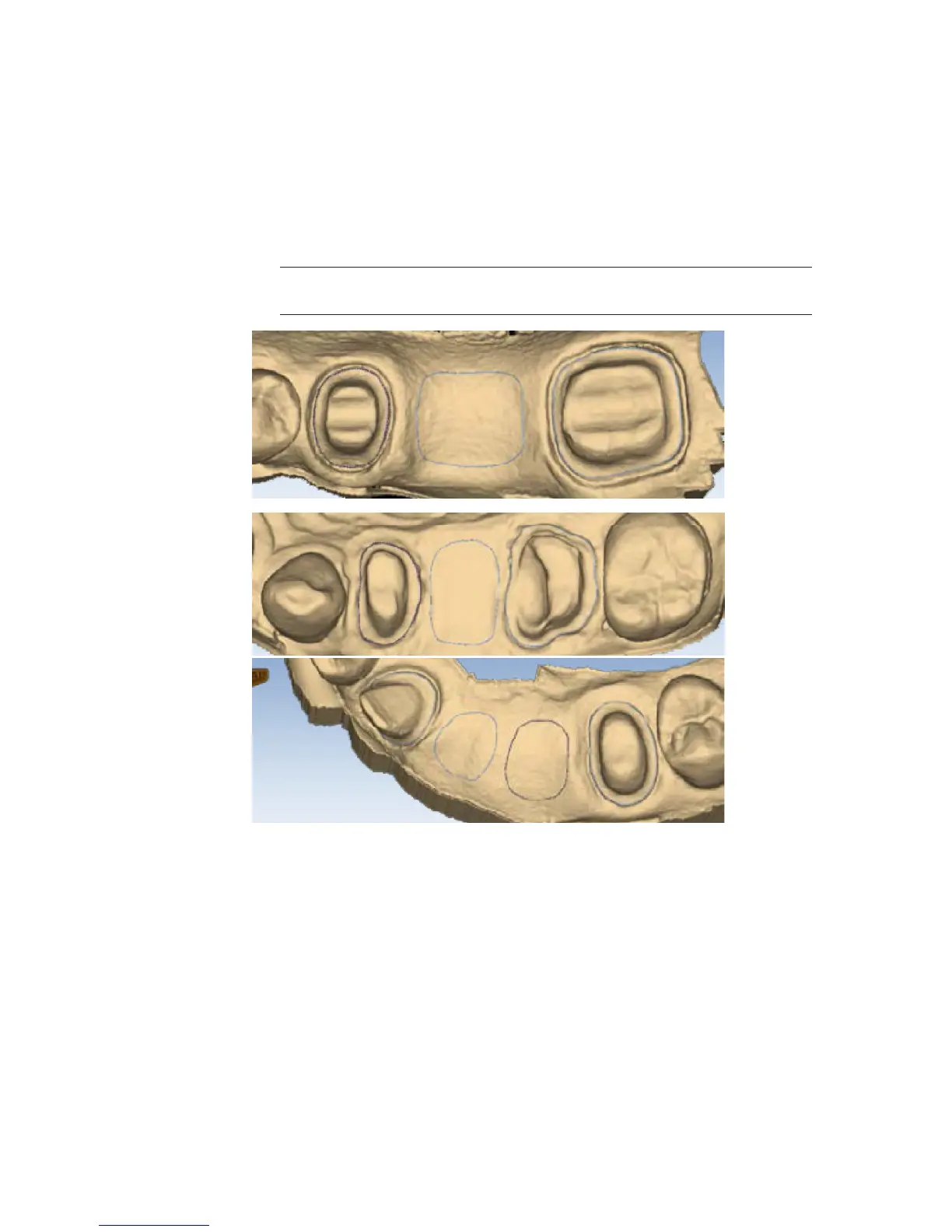
Drawing Pontic Margins
A margin is drawn for each tooth in the bridge.
1 Click the tooth number tab for each abutment and draw the margin on the selected tooth.
An edentulous space does not technically have a margin. The margin is drawn to aid the design
process.
2 Click Trace and designate the position and extension of the base of the pontic on the gingival
tissue to t the appropriate contour.
Note: Do not go too far down the curve of the gingival tissue or you may not be
able to t the bridge in the block.
44 Margin Tab Planmeca PlanScan User Manual














 To Next Page